Extend Keycloak Token Validity
Keycloack tokens are used to authenticate the services that are being developed. They have a default timeout validity and hence during development you might get several errors resulting from an expired token. To avoid these errors, you can extend the authentication token validity in your Keycloack settings. This How-To will cover the necessary steps to extend your Keycloak token validity.
Description
During development, an expired token can be a hindrance to smoothly complete your project. You want to extend Keycloak token validity rather than the default timeout validity.
To do this, you need to have administrative rights in the realm that is used to authenticate services being developed or contact your administrator to follow the steps.
Steps
-
Open your Keycloak account and click on Administration Console.
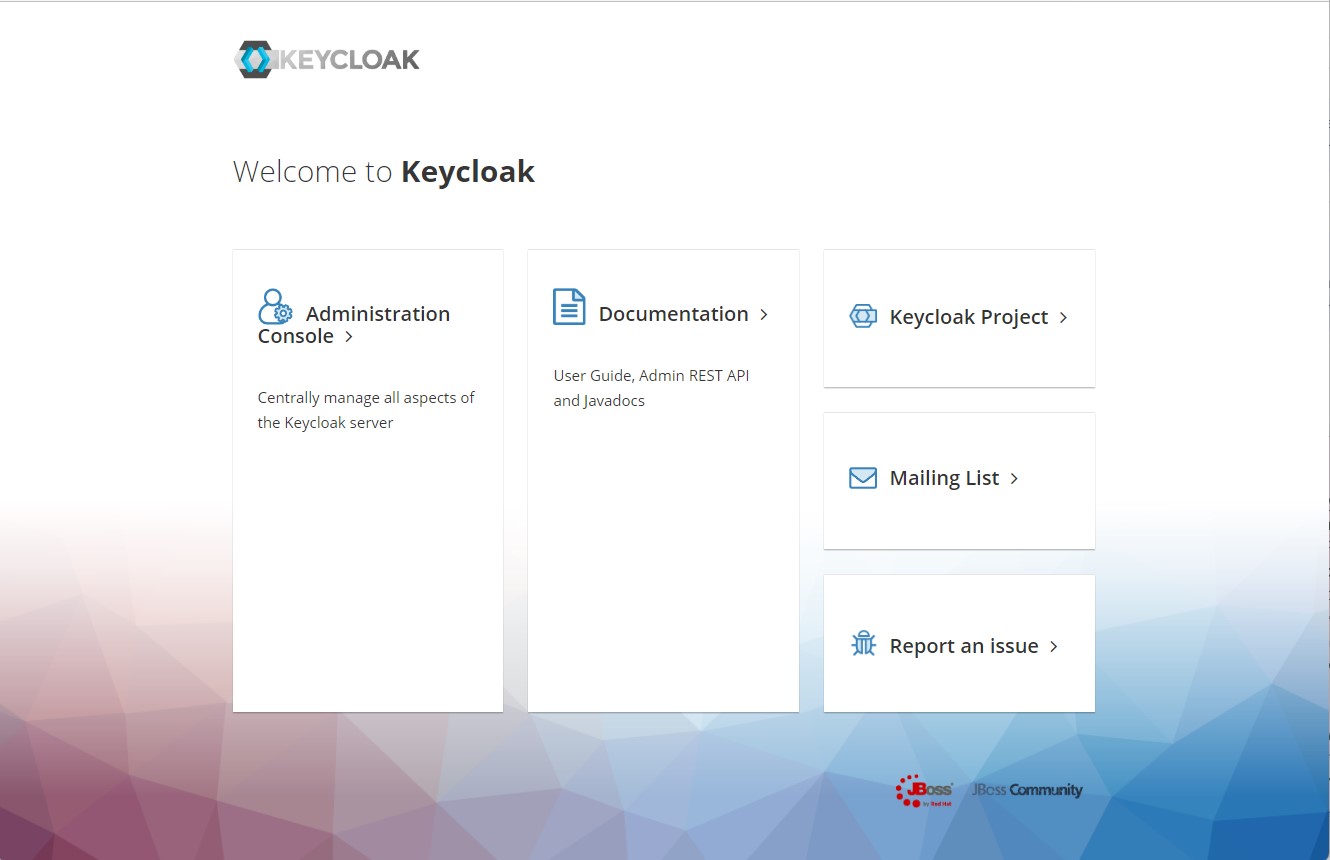
-
Select your Realm, you will then see it at the top left side bar.
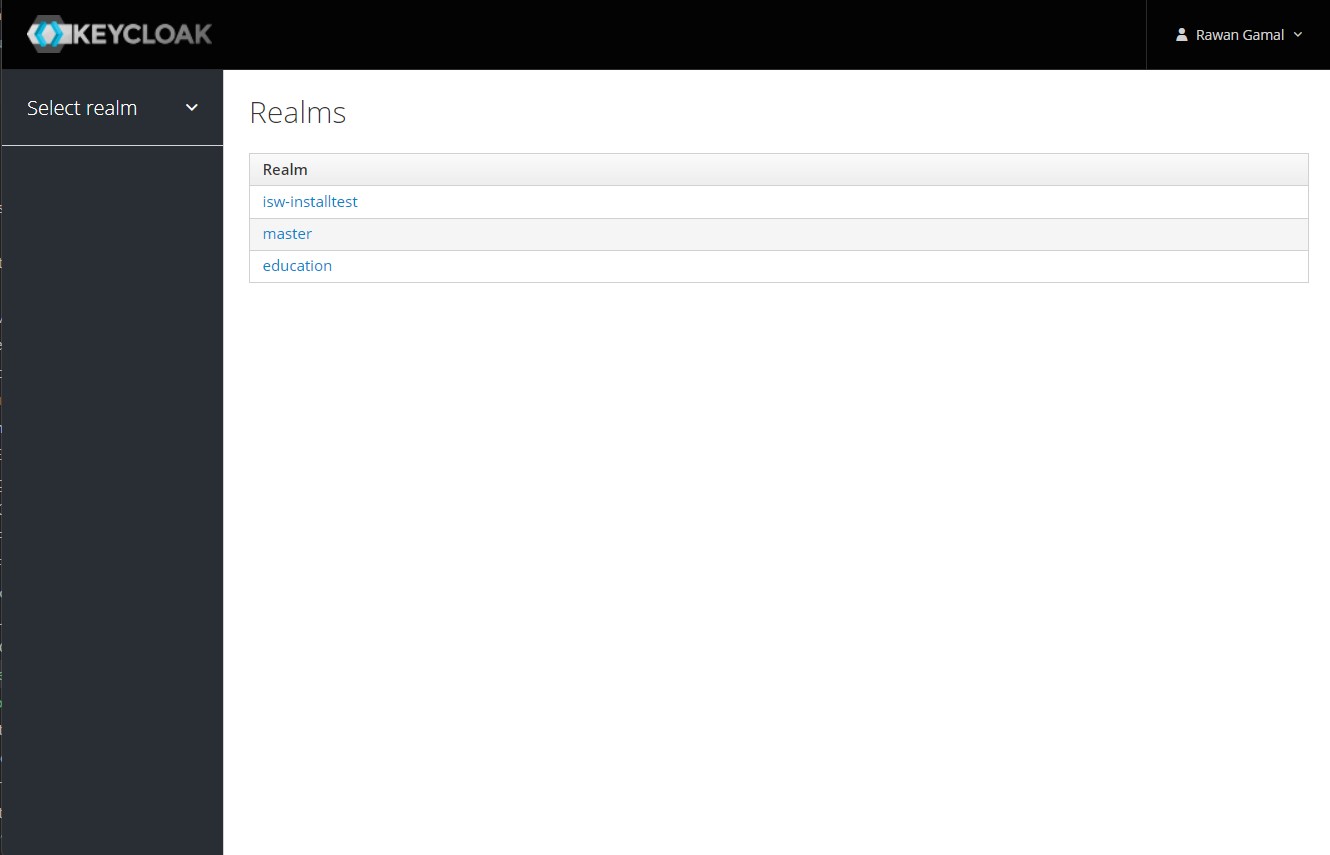
Case 1 : Increase the token validity for a specific client
-
From the left side bar, click on "Clients" to view all the configured clients.
-
Identify the client you want to increase the token validity for and click on Edit.
-
Scroll down to "Advanced Settings" section.
-
Change the input in "Access Token Lifespan" and click Save.
Case 2 : Increase the token validity across the Realm
-
From the left side bar, click on "Realm Settings".
-
Navigate to "Tokens" tab.
-
Scroll down to "Access Token Lifespan" field.
-
Change the input and click Save.
Increasing token validity timelines negatively impacts security and should never be done in a production environment.
You have successfully extended the validity of your access token.