Introduce Breaking Changes safely to an Existing API
You have built an API with IBM DevOps Solution Workbench and published it so that it can be consumed by other services. Due to new requirements you want to introduce a breaking change without breaching the API contract. To introduce breaking changes it is recommended to create a new version of your API.
Description
This how-to will teach you how to create a new version of the API by creating a new API namespace based on the existing one. This will help you that you do not have to re-model all parts of the API from scratch.
Please note that the links to the workbench tools in this tutorial only apply to the IBM Education Environment we provide. If you are using a different environment, e.g. your own installation, you will need to navigate directly to the required tools.
Preconditions
- You already have a version of your API published.
Sample Project MYSRVC
You can find the existing API "My Service API," which includes a path and a schema.This API was built and published and is used by other services.
Steps
Get an API Specification from the existing API
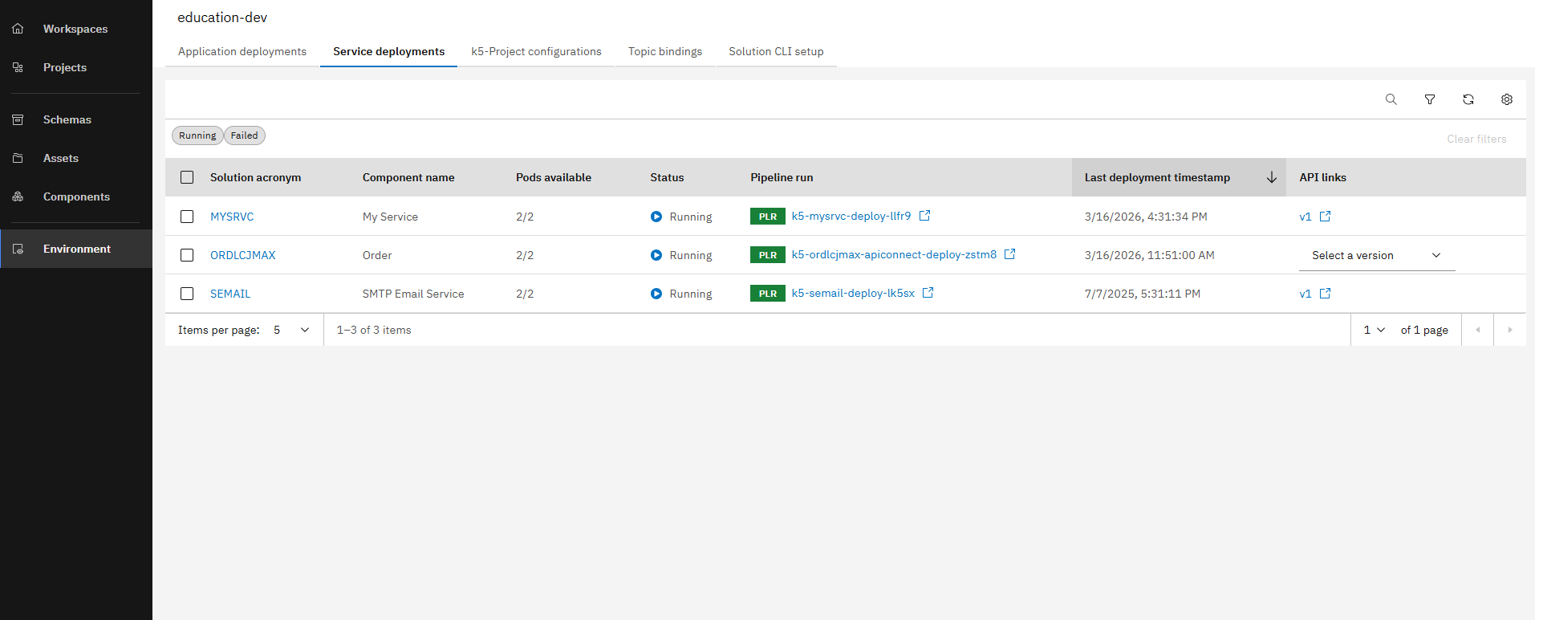
Open the Environment page and then click on API link for your service
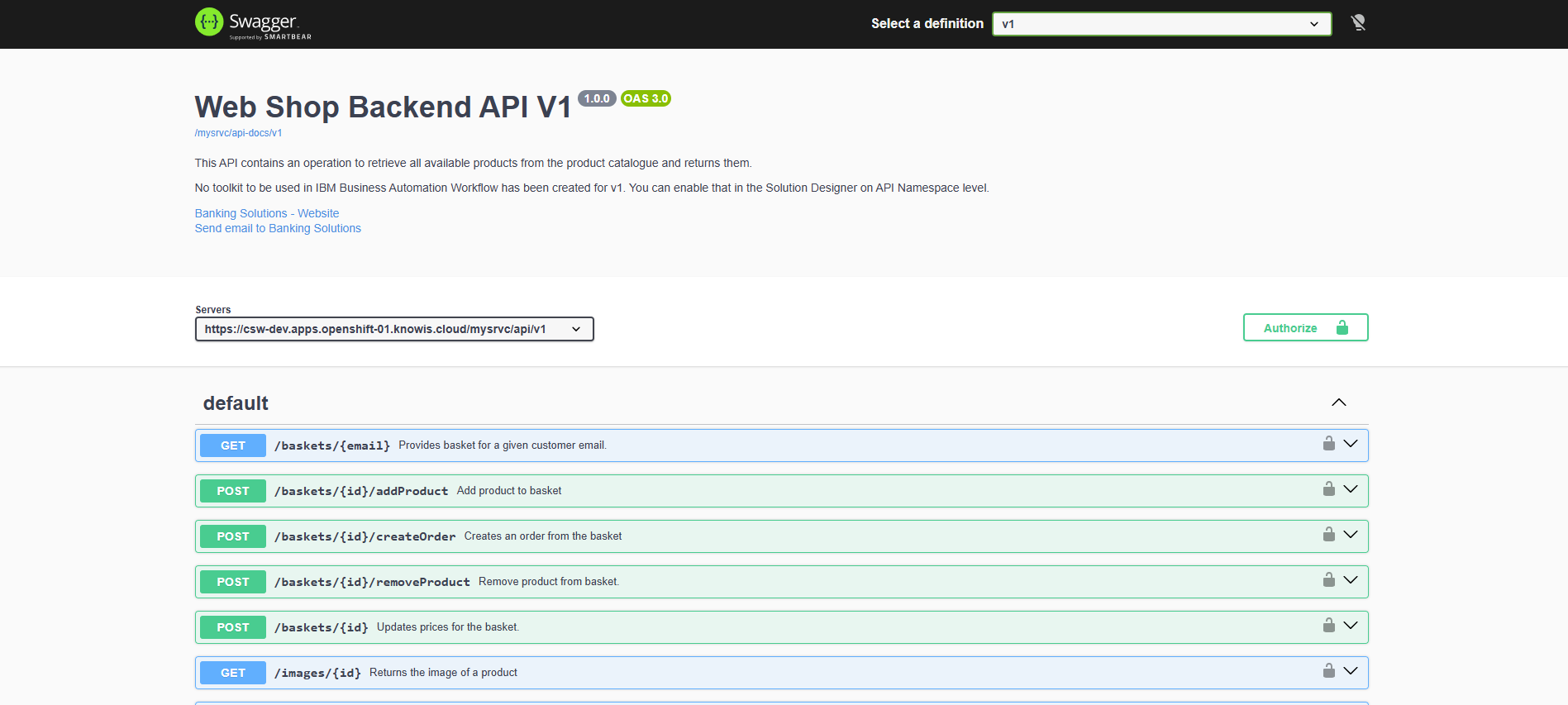
Click on the link below the title to open the API specification
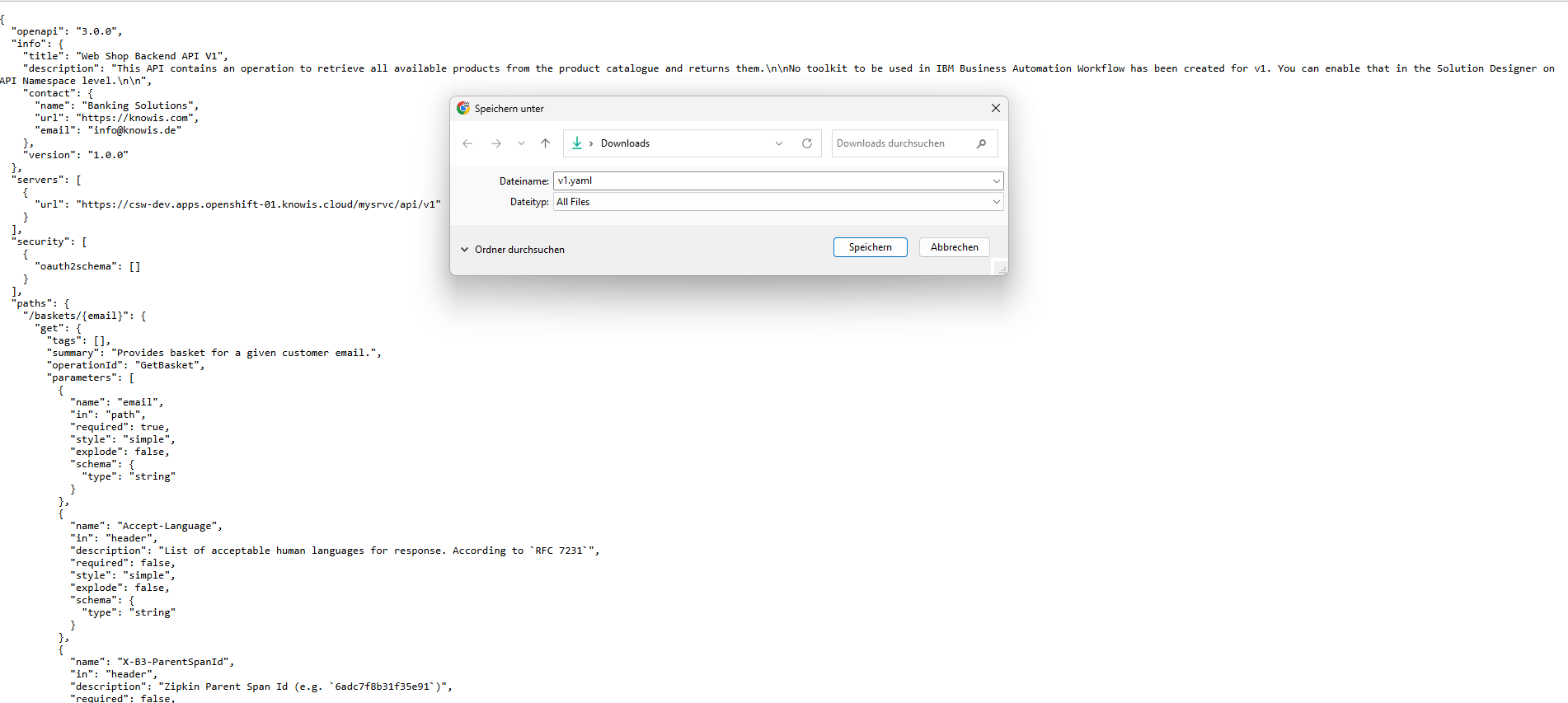
Download API specification
Create a new API Namespace
To create a new API namespace you will re-use the downloaded API specification so that you can reuse the modeled parts.
- Create a new API Namespace.
- Upload the specification of the existing API.
Model Breaking Change
Now you can look inside the newly created API namespace to find the automatically created model.
Re-adjust new API Namespace to contain the breaking change
- You can now adjust the content of the API namespace so that it contains your breaking change. Example- add a new parameter in one of your paths.
- Commit and push.
Implement new API
When creating the v2 API namespace you have automatically received the API model from you v1 API, but not the implementation.Therefore, you will have to re-implement the existing operations.
Please perform the following steps
-
Pull your changes via
k5 pull -
You can find the newly created API folder structure under
src-impl/api/v2. It contains automatically generated stubs for your operations. -
Re-implement existing operations by copying them from the existing namespace.
-
Implement your breaking change.
-
Run the following command:
k5 push -m "Implementation Added"
-
Trigger the Pipeline in the Solution Designer.
-
See the new API in the Environment page.
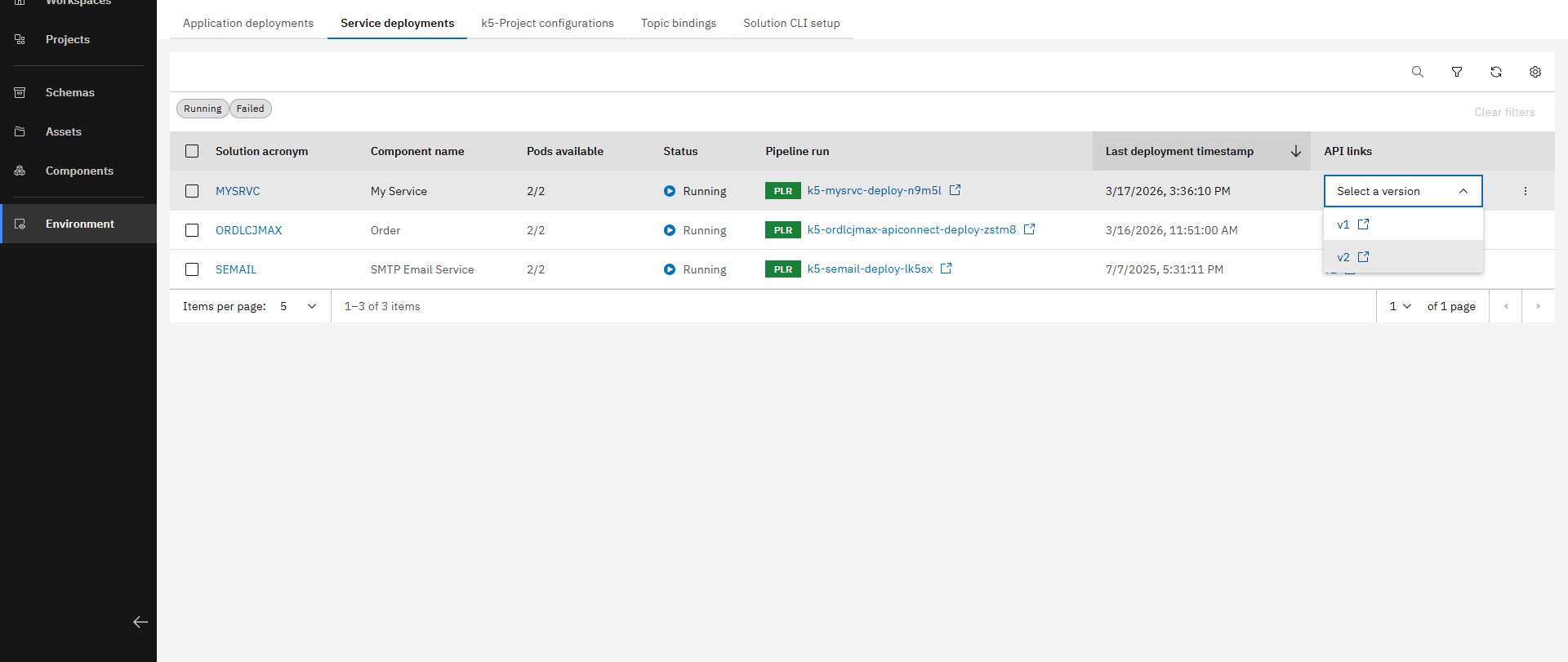
Open the Environment page and then select v2 link for your service
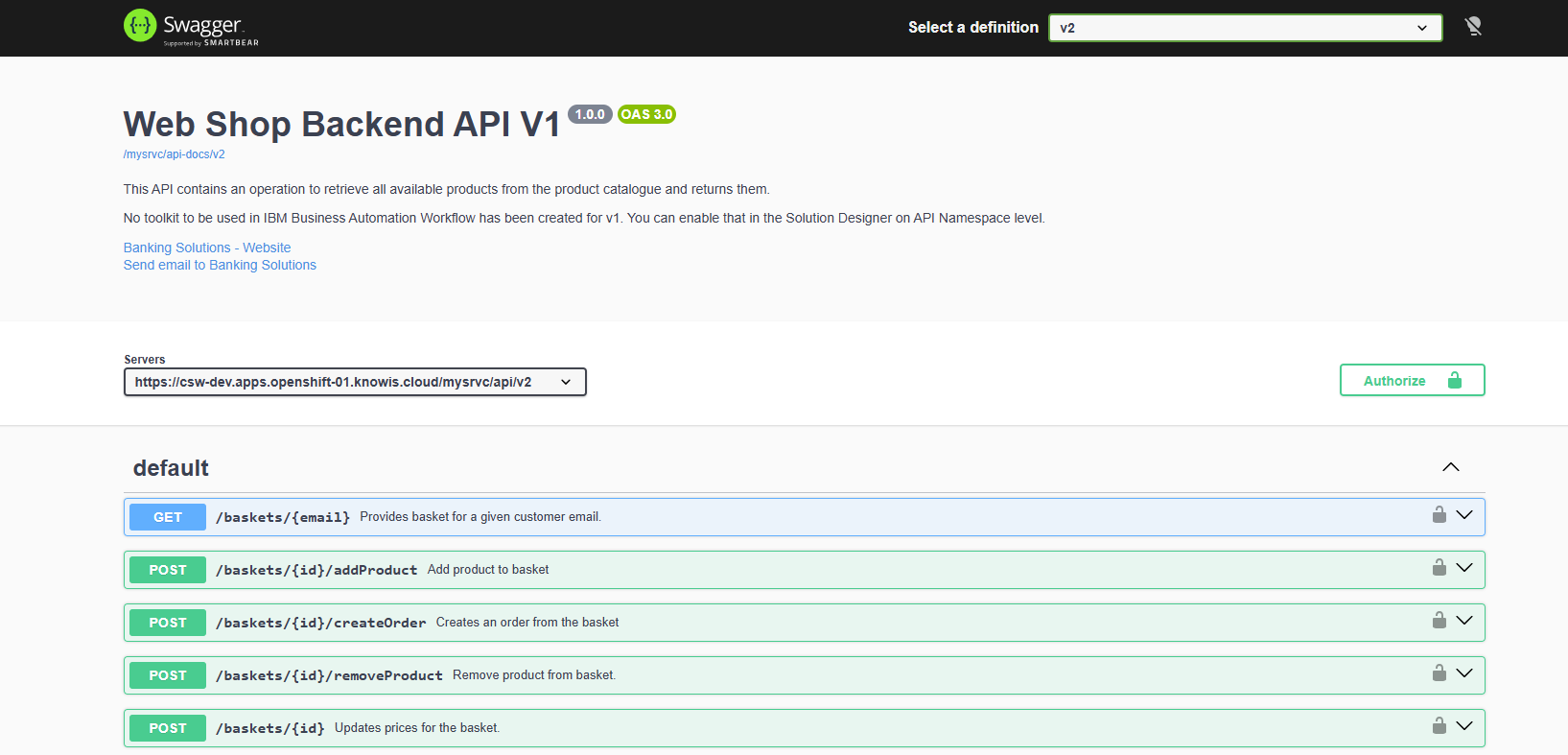
Click on the link below the title to open the API specification
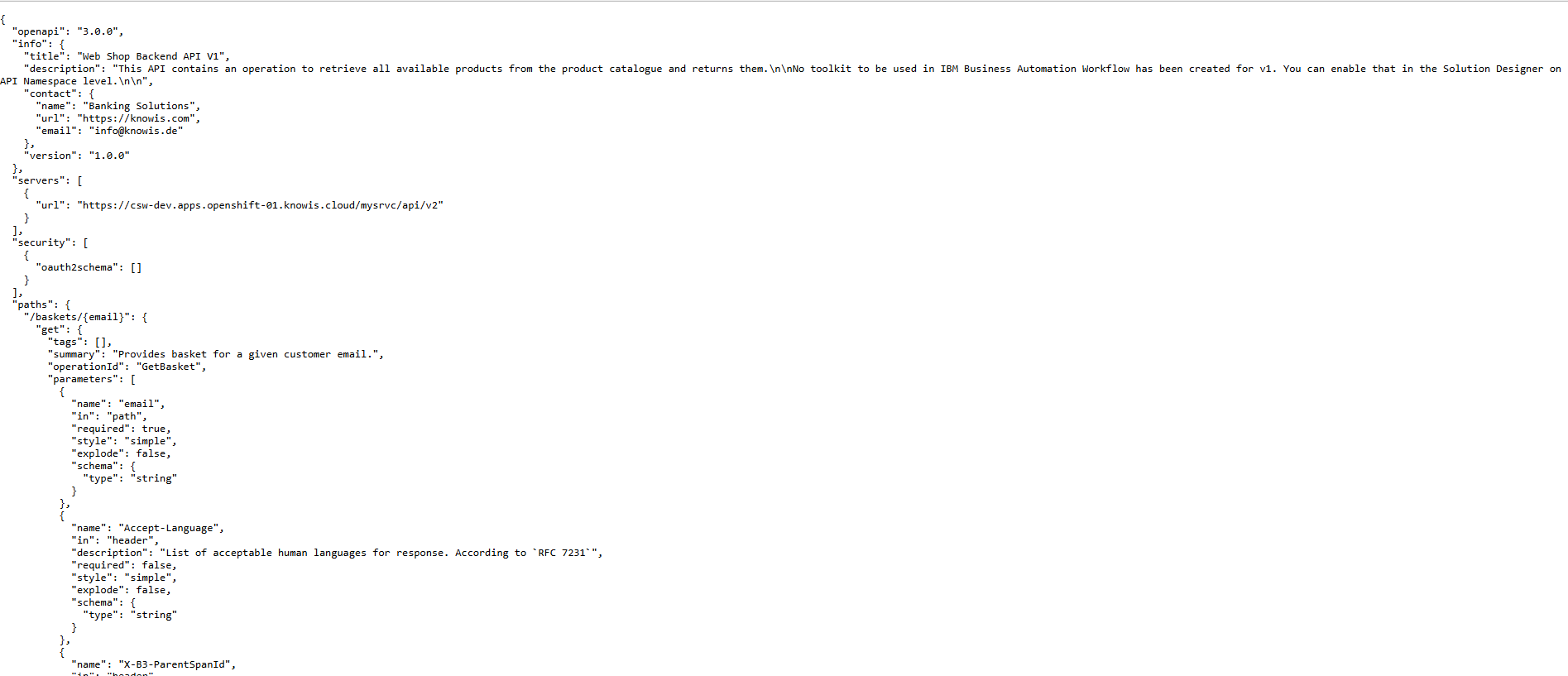
V2 API specification
Congrats! You have now a version2 of your API running while version1 is still available for use for other services.