Workbench Tools
In this course, you'll discover the different Toolsets of the IBM DevOps Solution Workbench and see their functionalities.
Outline
The Solution Designer is the central workspace for creating and refining solutions within the IBM DevOps Solution Workbench ecosystem. It provides standardized modeling tools based on Domain Driven Design principles, enabling domain experts and developers to collaboratively define business domains and generate corresponding service projects. The Designer automatically keeps generated code in sync with changes to the domain model, reducing implementation errors and ensuring specifications remain up to date. In addition, it offers access to shared assets, such as internal expertise, reusable domain specifications, and prebuilt components, which accelerate the creation of new solutions.
The Solution CLI provides a command-line interface for direct interaction with the development and runtime environments. It supports tasks such as pushing and pulling code from Git repositories, running and debugging services locally while connected to an OpenShift cluster, and managing SDK updates. This allows developers to efficiently bridge the gap between local development workflows and cloud-based deployments.
Exercise
Estimated time: 5 minutes
Exercise goal: You will become familiar with all functionalities of the different IBM DevOps Solution Workbench Toolsets
-solutionDesigner
In this part of the exercise, we will explore the Solution Designer, the primary environment for modeling business domains, creating service projects, and managing shared solution assets. It enables collaborative design between domain experts and developers while keeping generated code automatically aligned with the domain model.
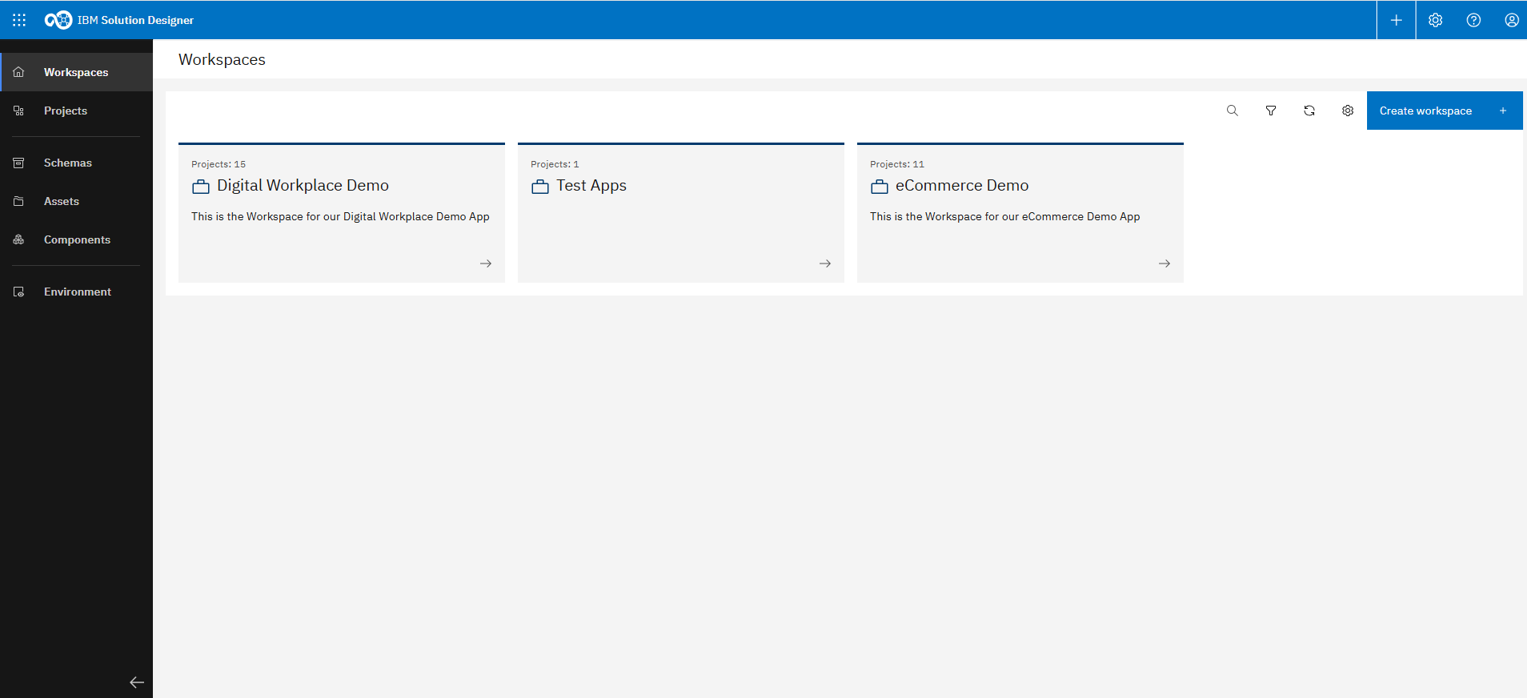
The Designer landing page provides quick access to all main features
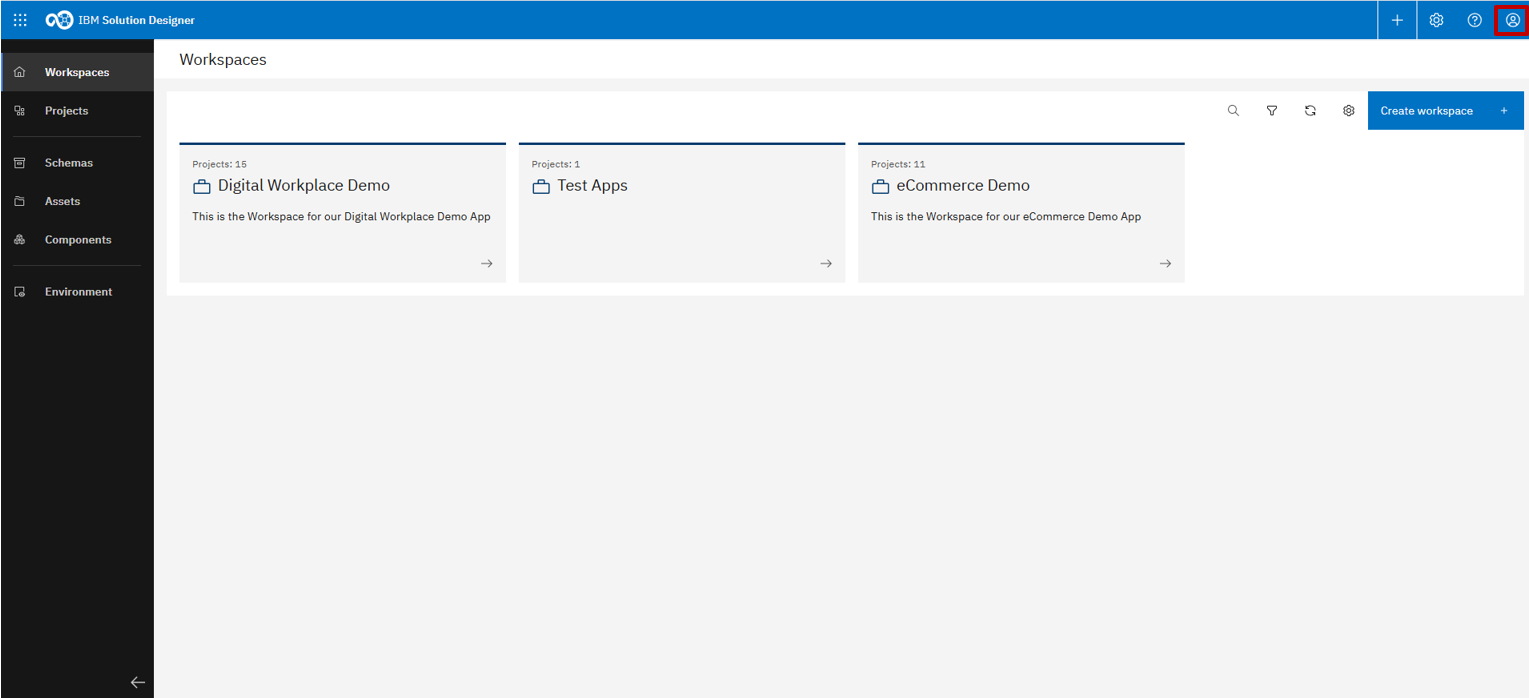
Account settings are located in the top-right corner
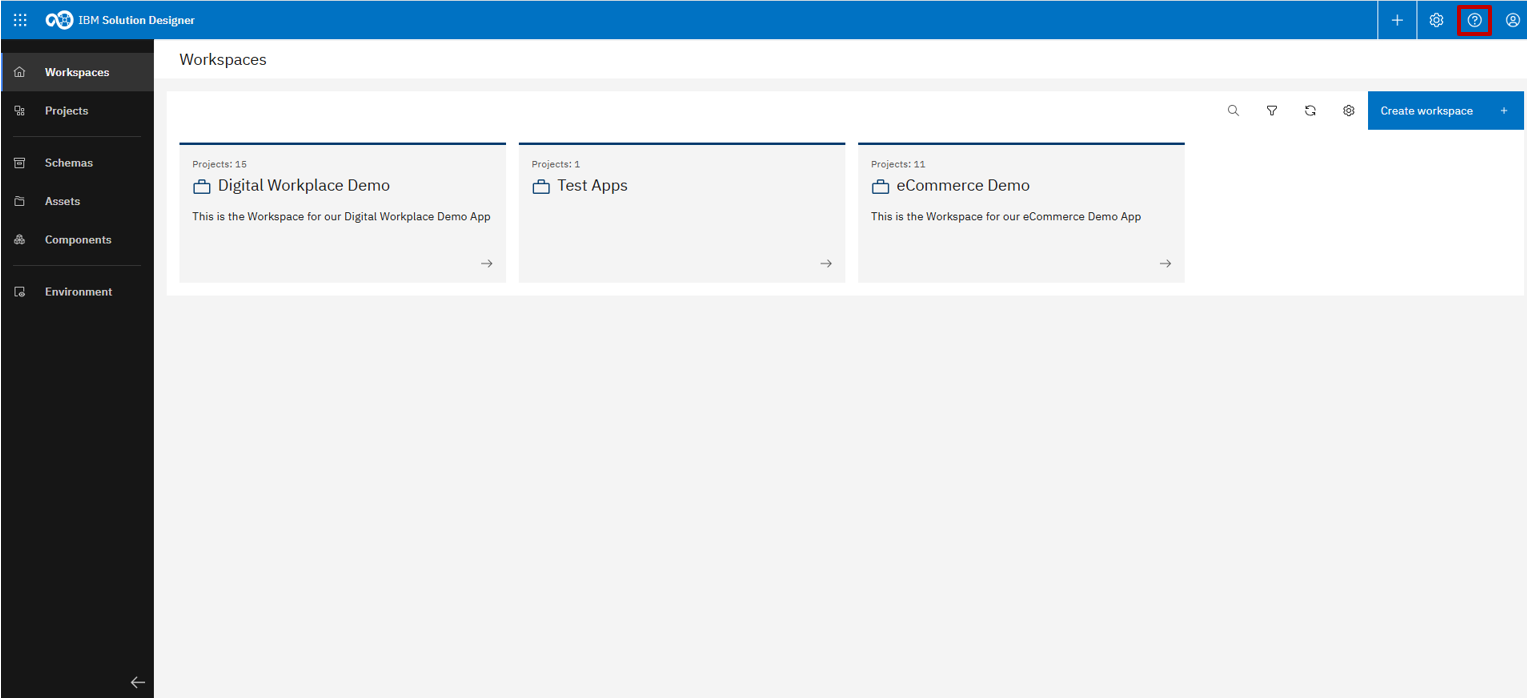
The Help section is available on the left, offering guidance and documentation
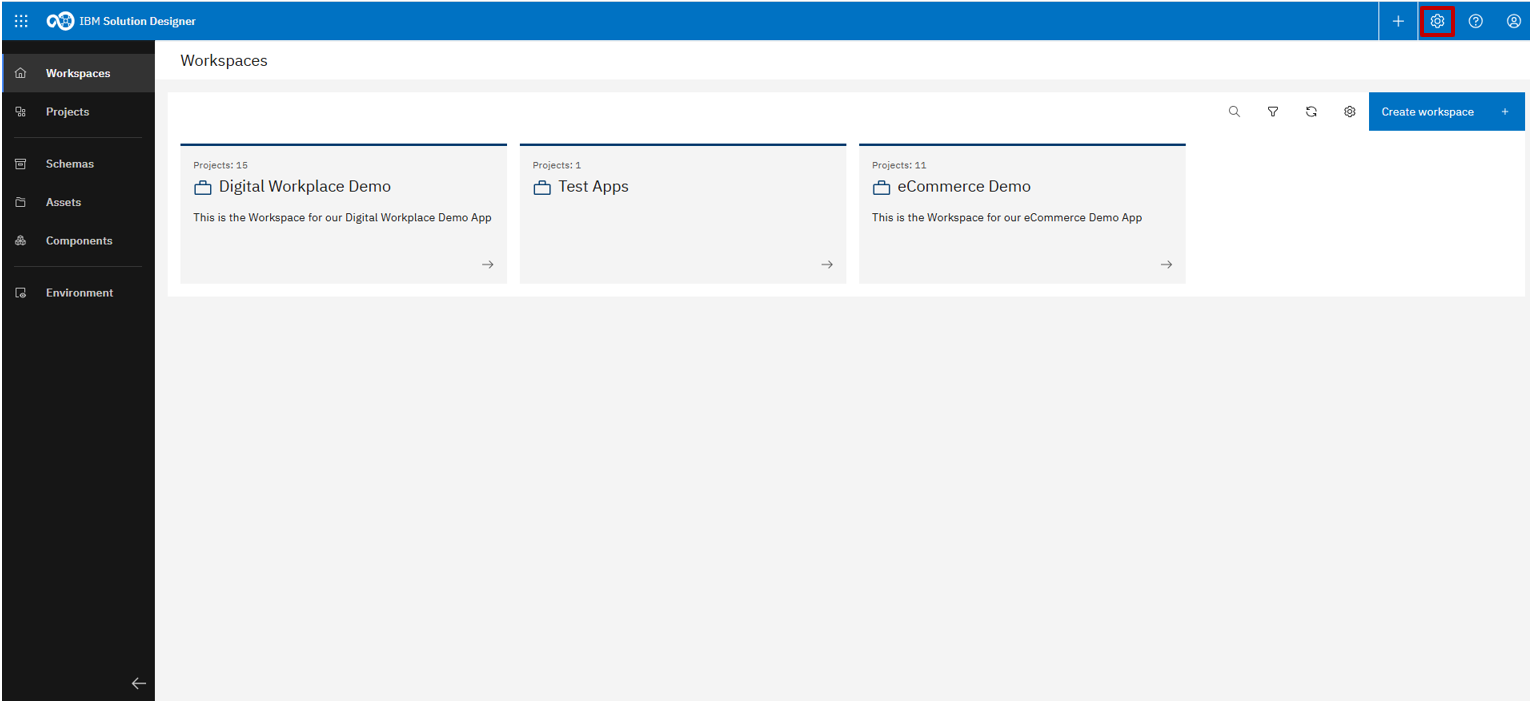
To the left of the Help section, you'll find the main settings
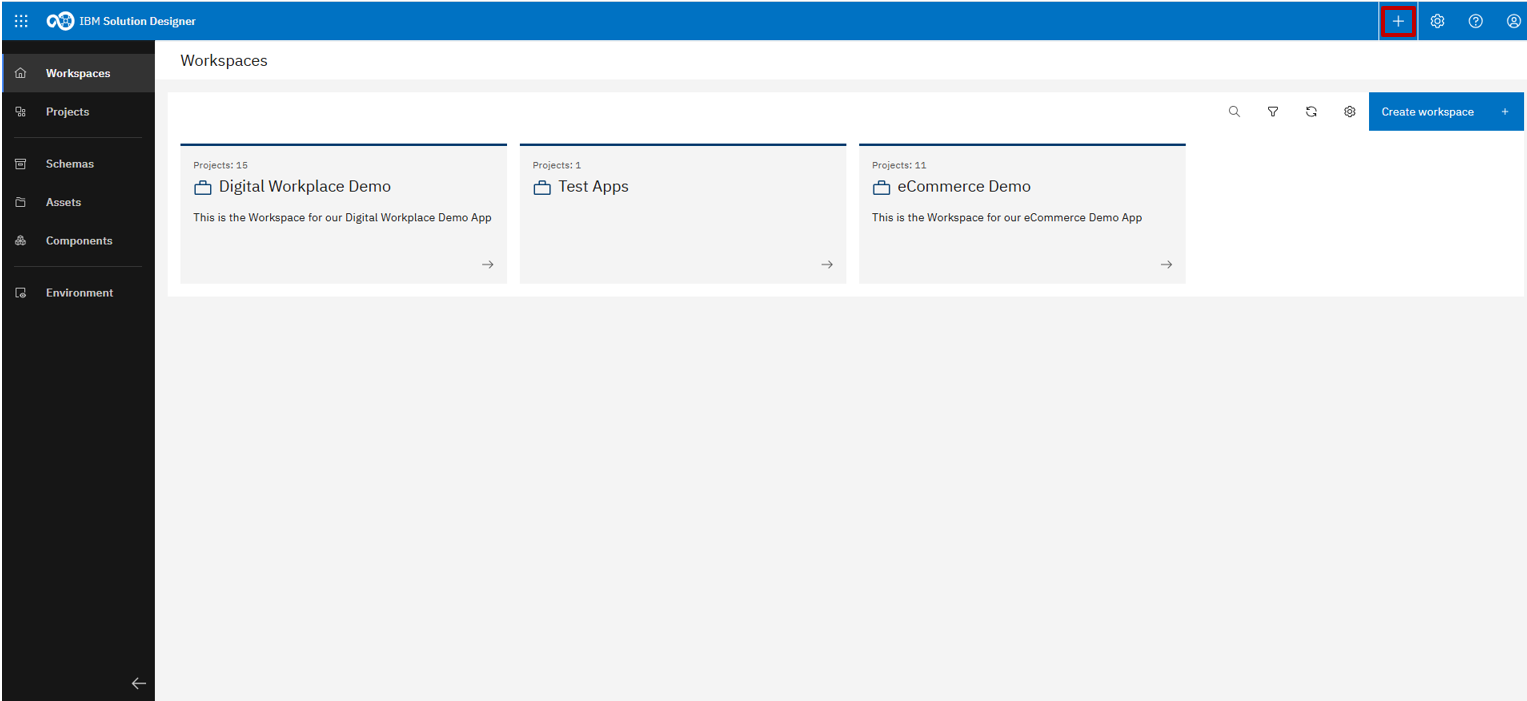
The last icon at the top opens a quick action menu to create new workspaces, projects, or schemas
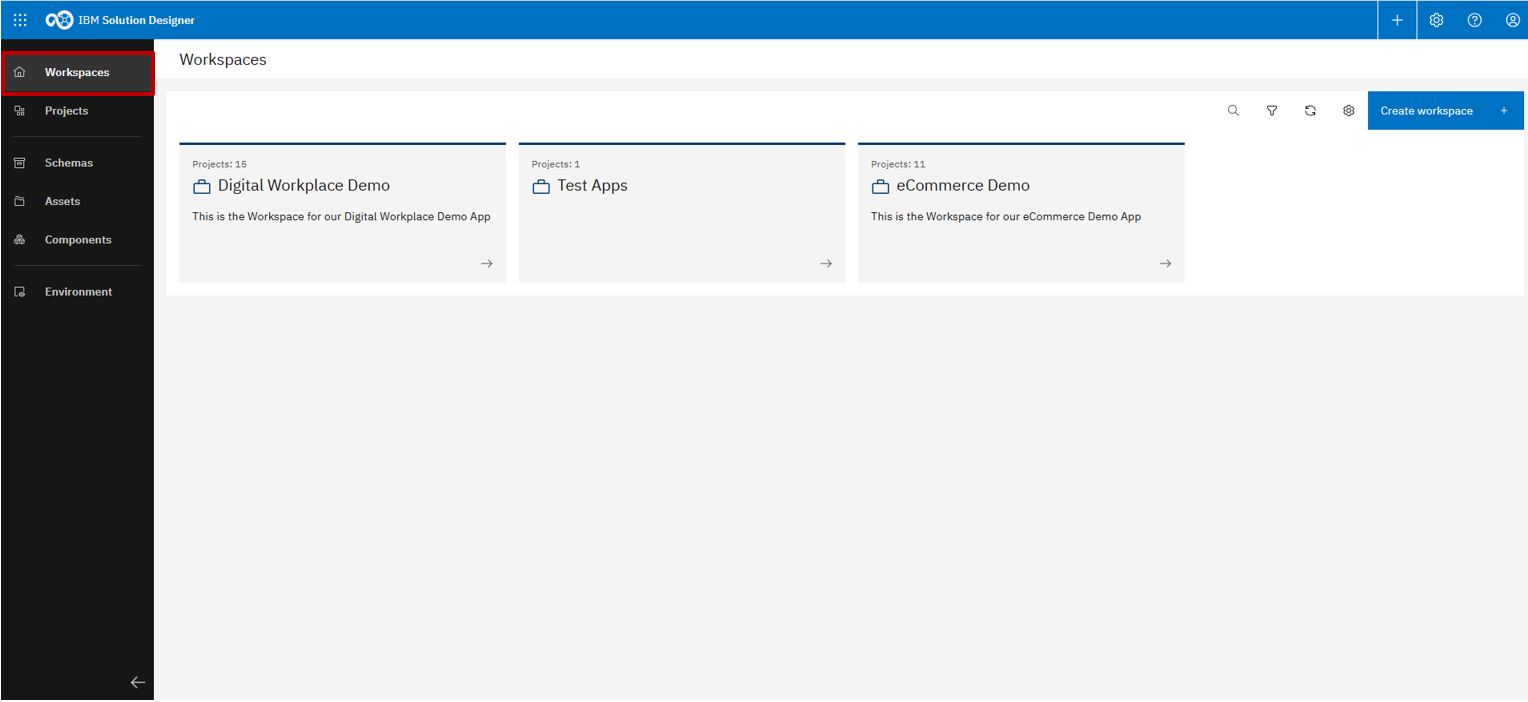
The top-left element navigates to your workspaces
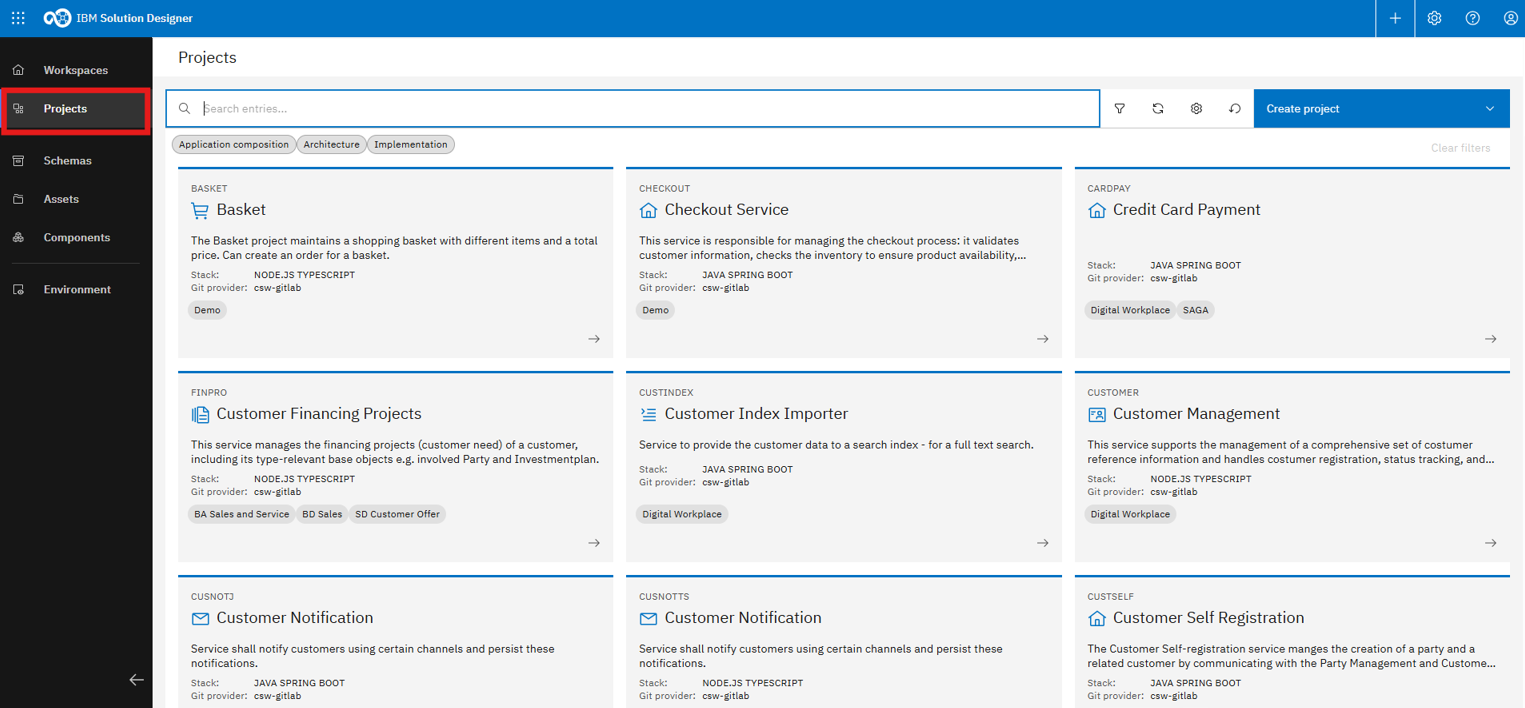
Below that, you'll find a list of all existing projects
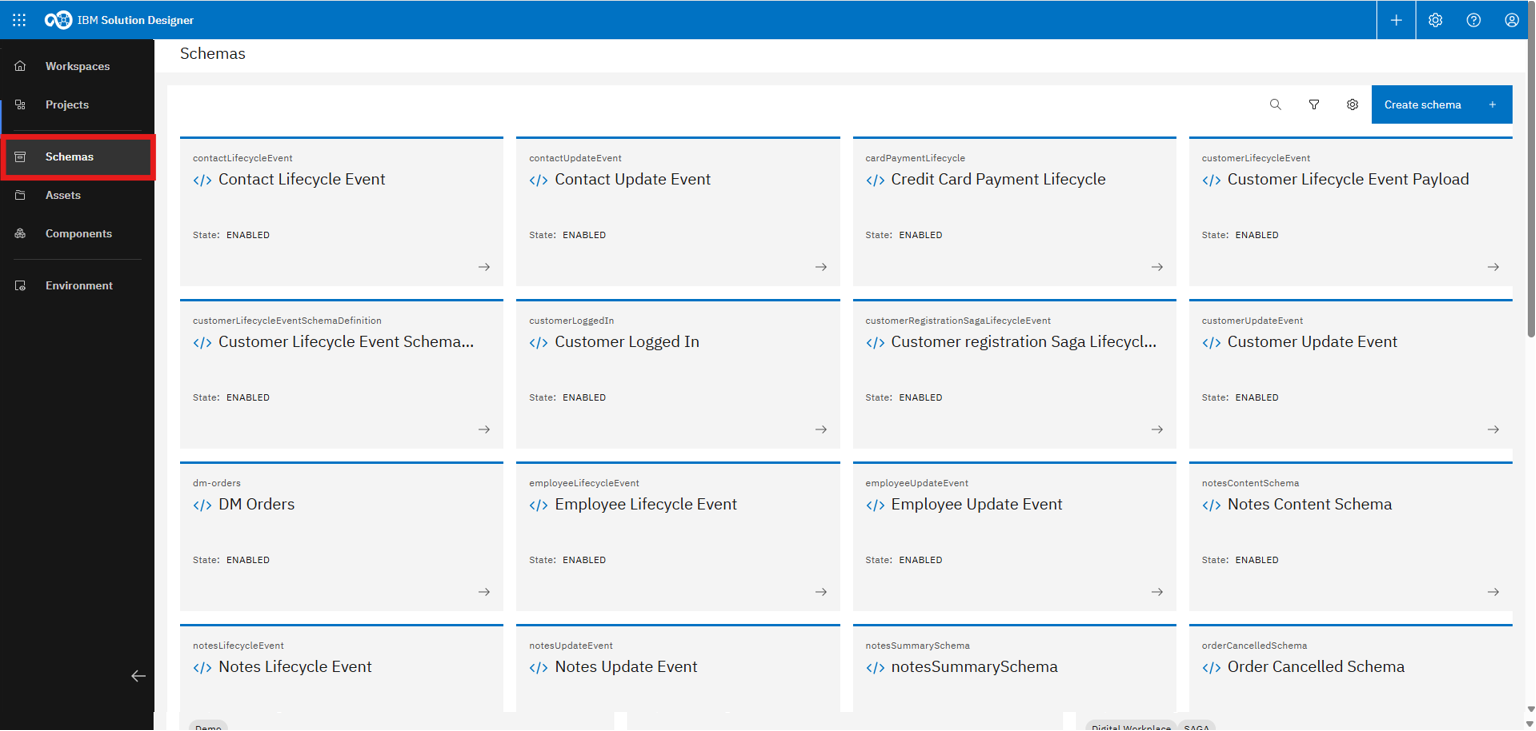
The center area displays an overview of all schemas
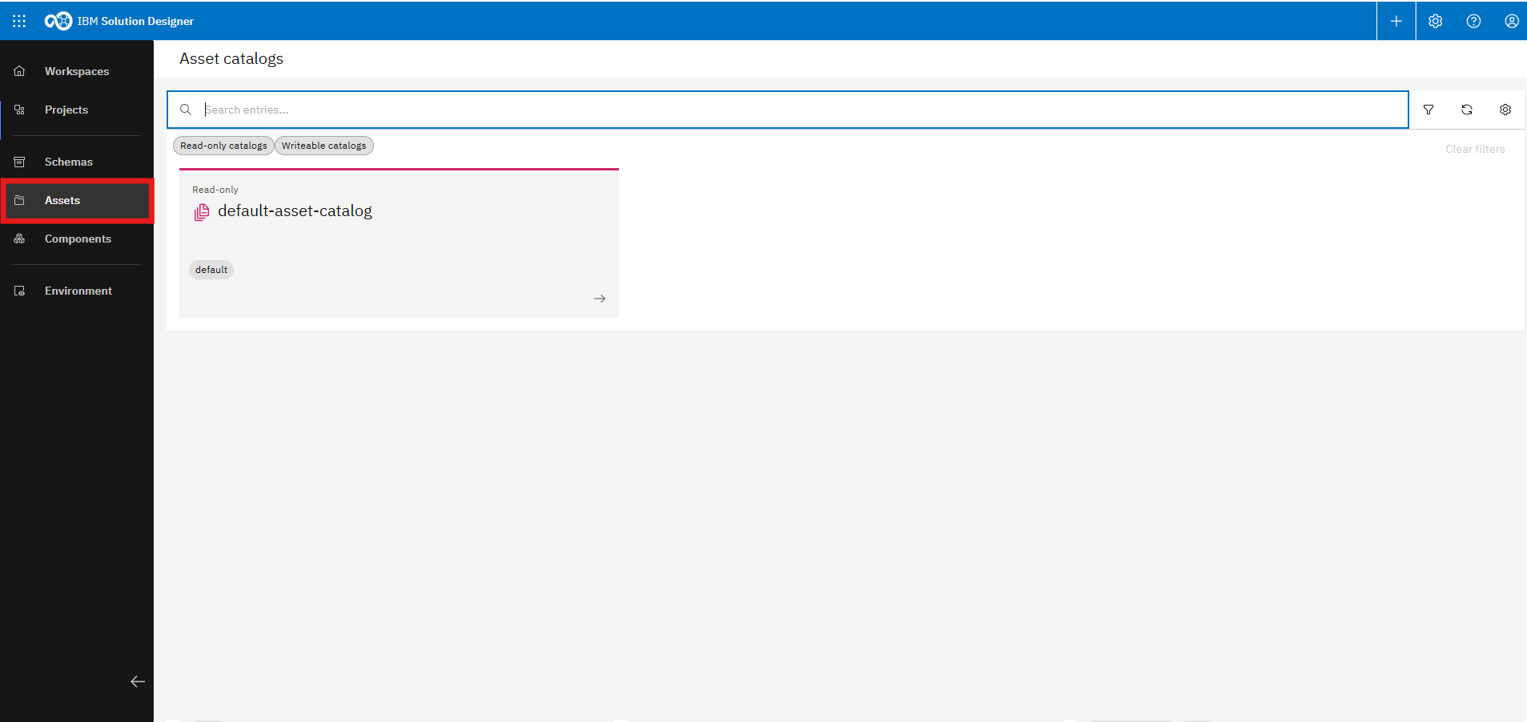
Asset catalogs are shown below the schema section
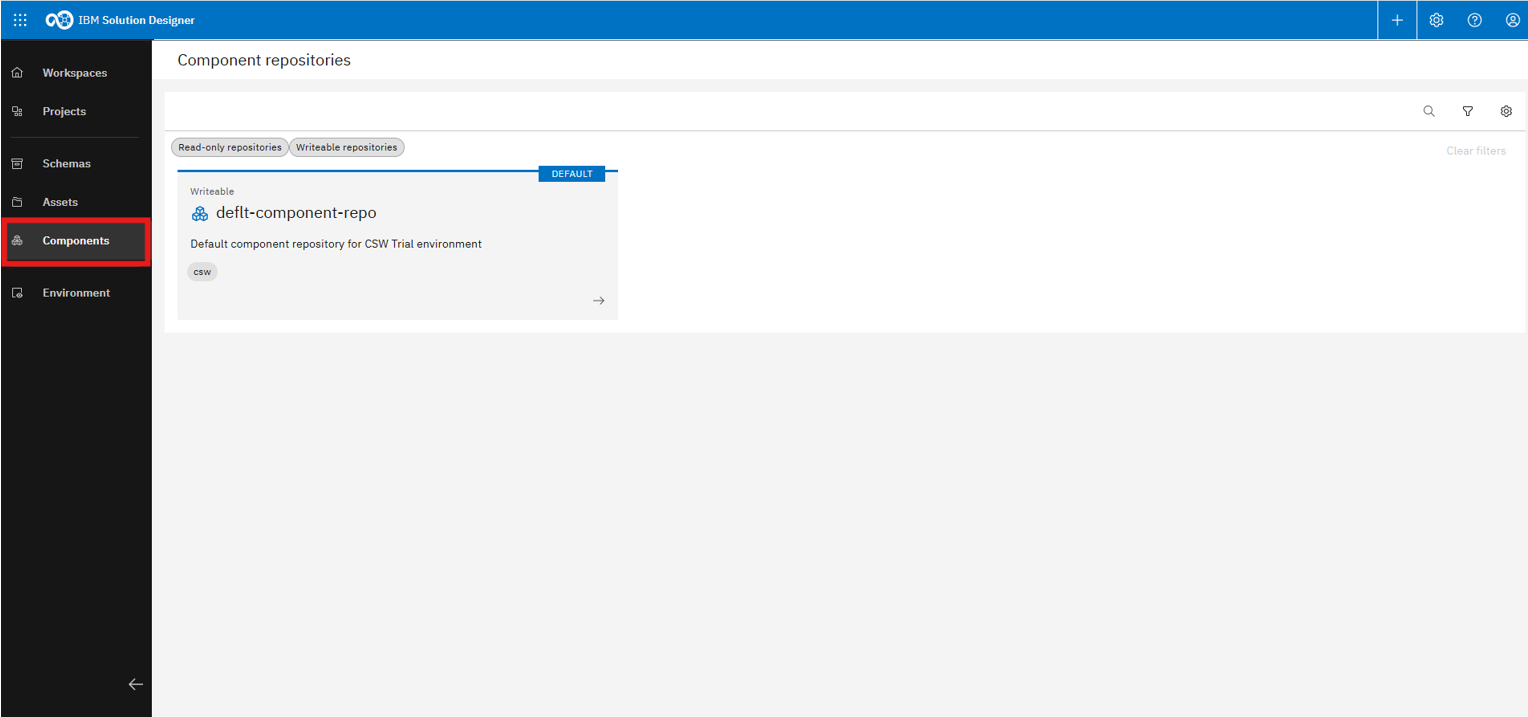
The last item in the middle is “Components,” which includes all component repositories
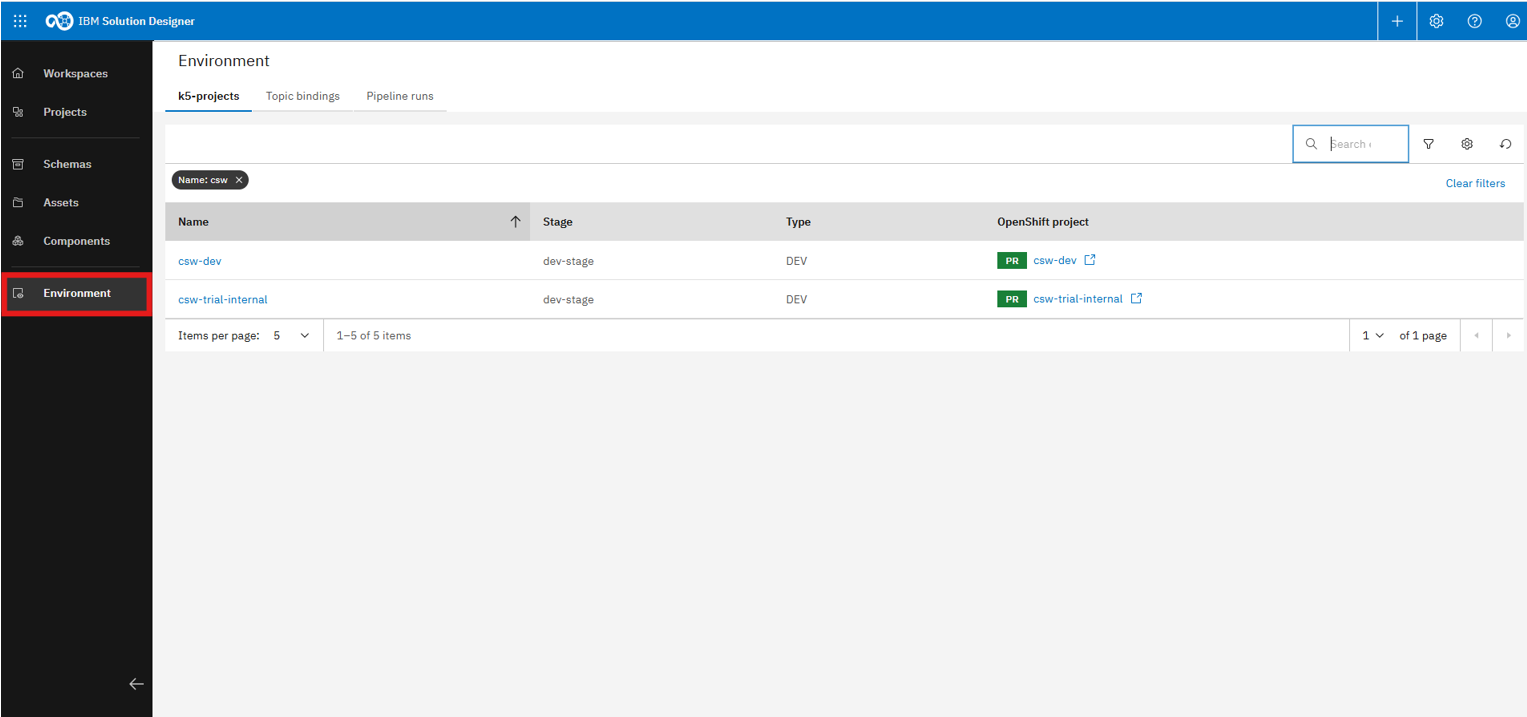
At the bottom left, you'll find Environment page, which provides access to all k5-projects
Environment page
Here, we will take a closer look at the operational interface for managing OpenShift k5-projects. It provides visibility into deployments, pipelines, topic bindings, and resource usage, enabling smooth monitoring and configuration of running solutions.
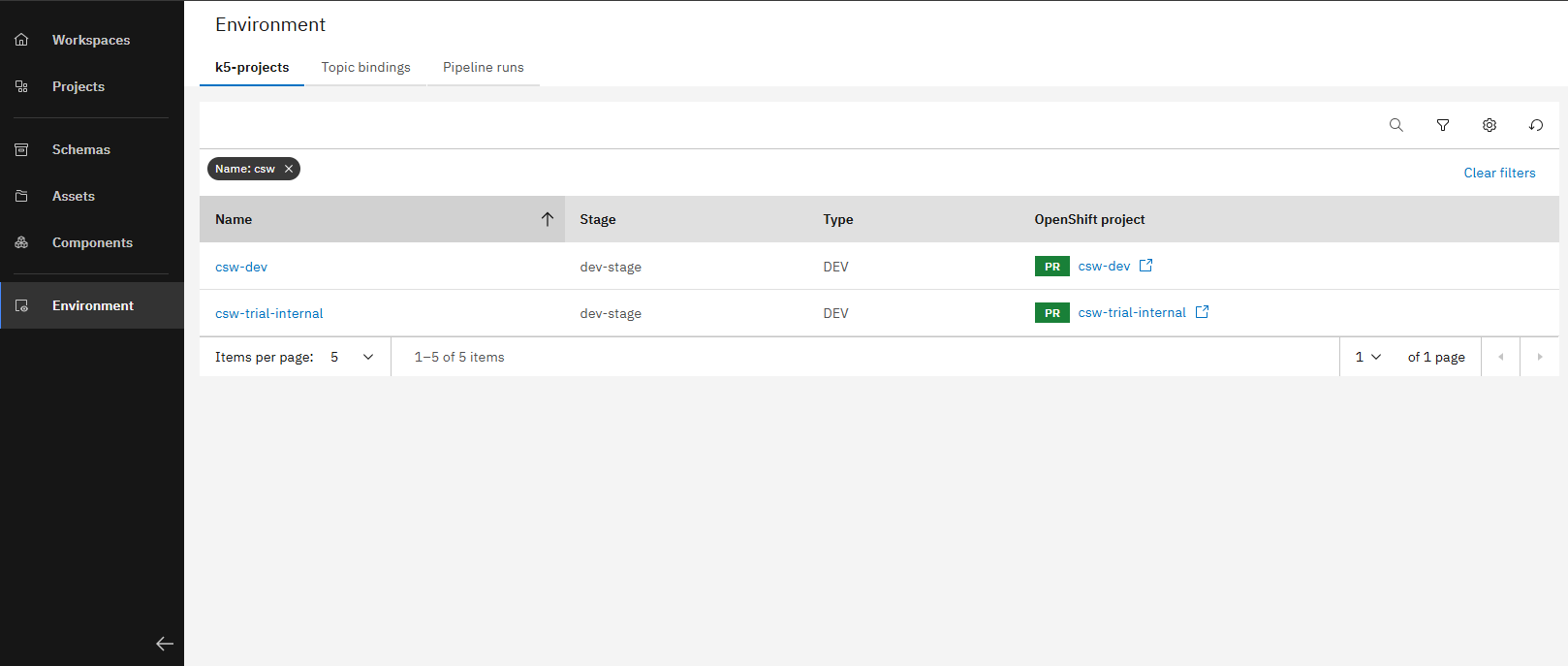
The landing page lists all k5-projects in your environment
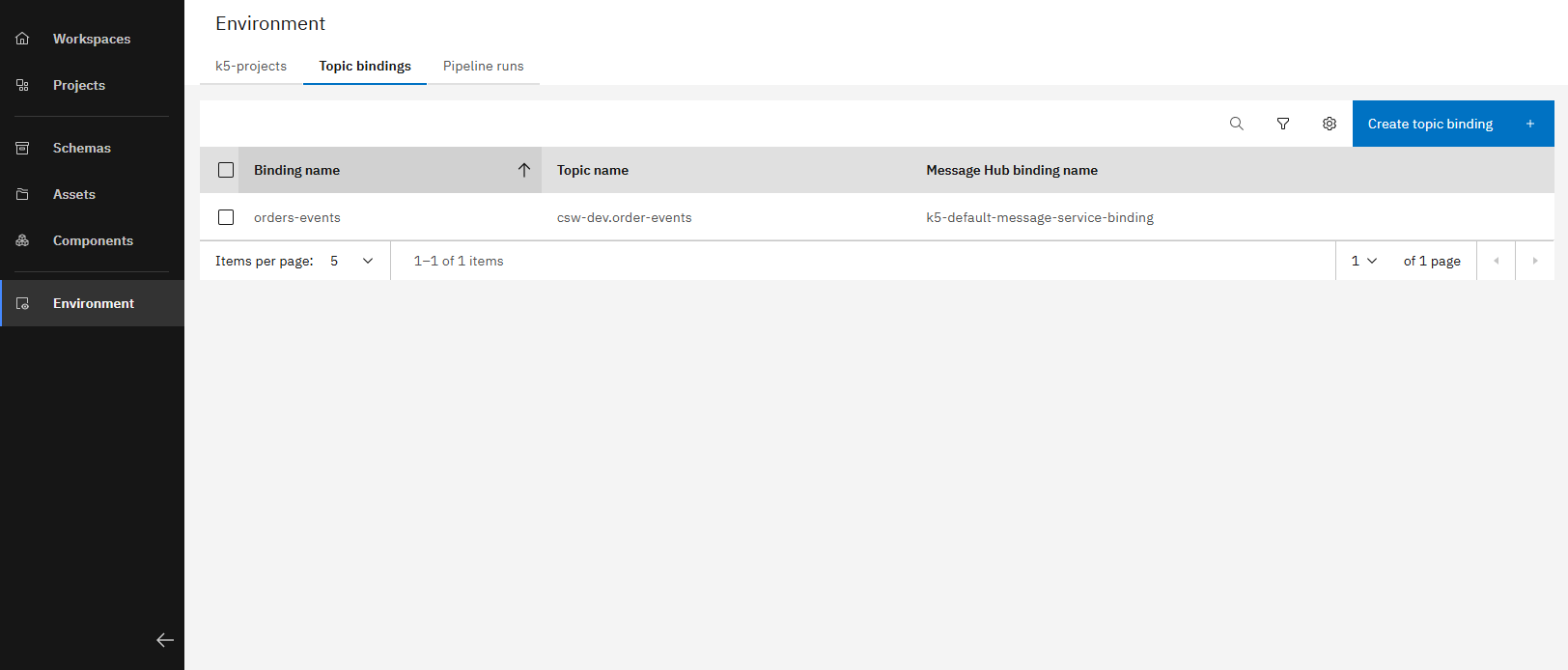
The Topic Binding overview allows you to create, edit, and delete topic bindings
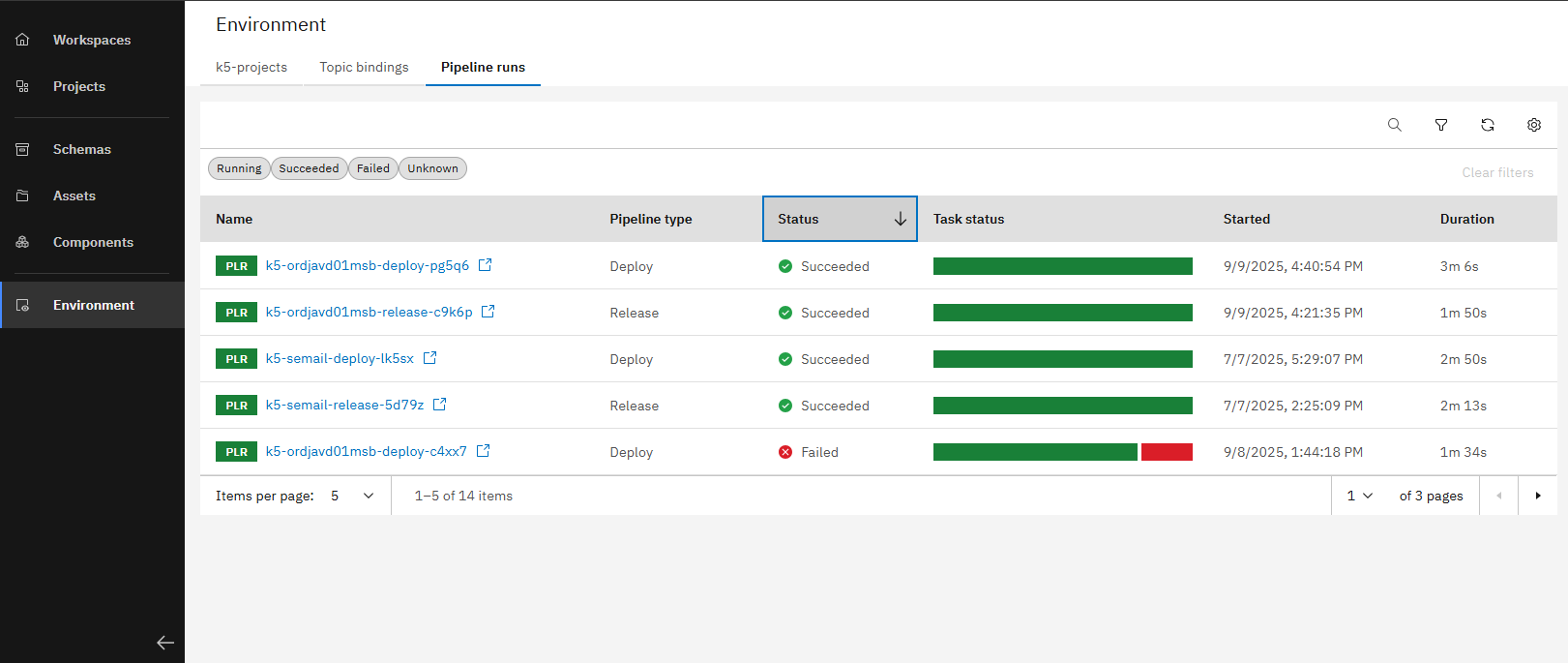
The "Pipeline Runs" tab shows all current and past pipeline runs in your environment
After reviewing the environment view, we will now explore an individual application to see how its deployments and components can be managed and monitored.
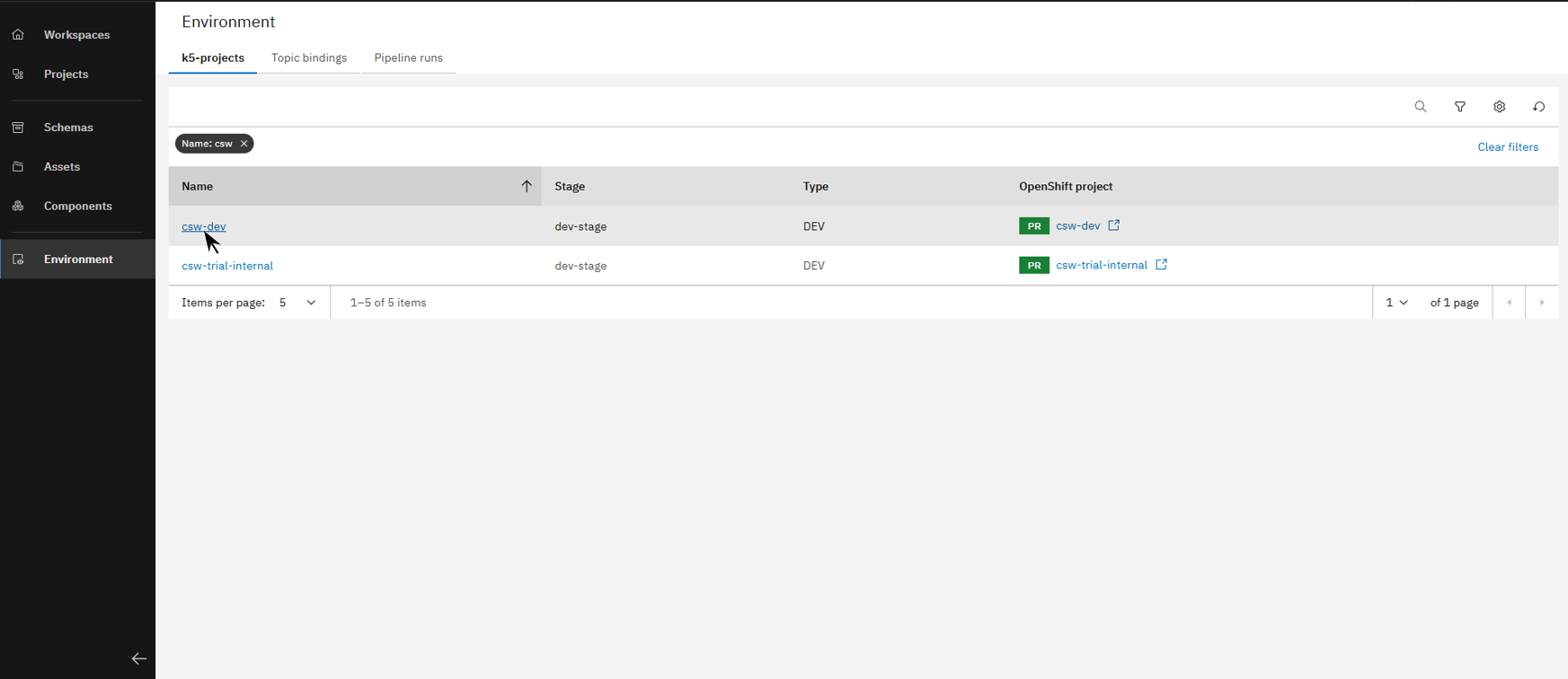
Open a project to access the application overview
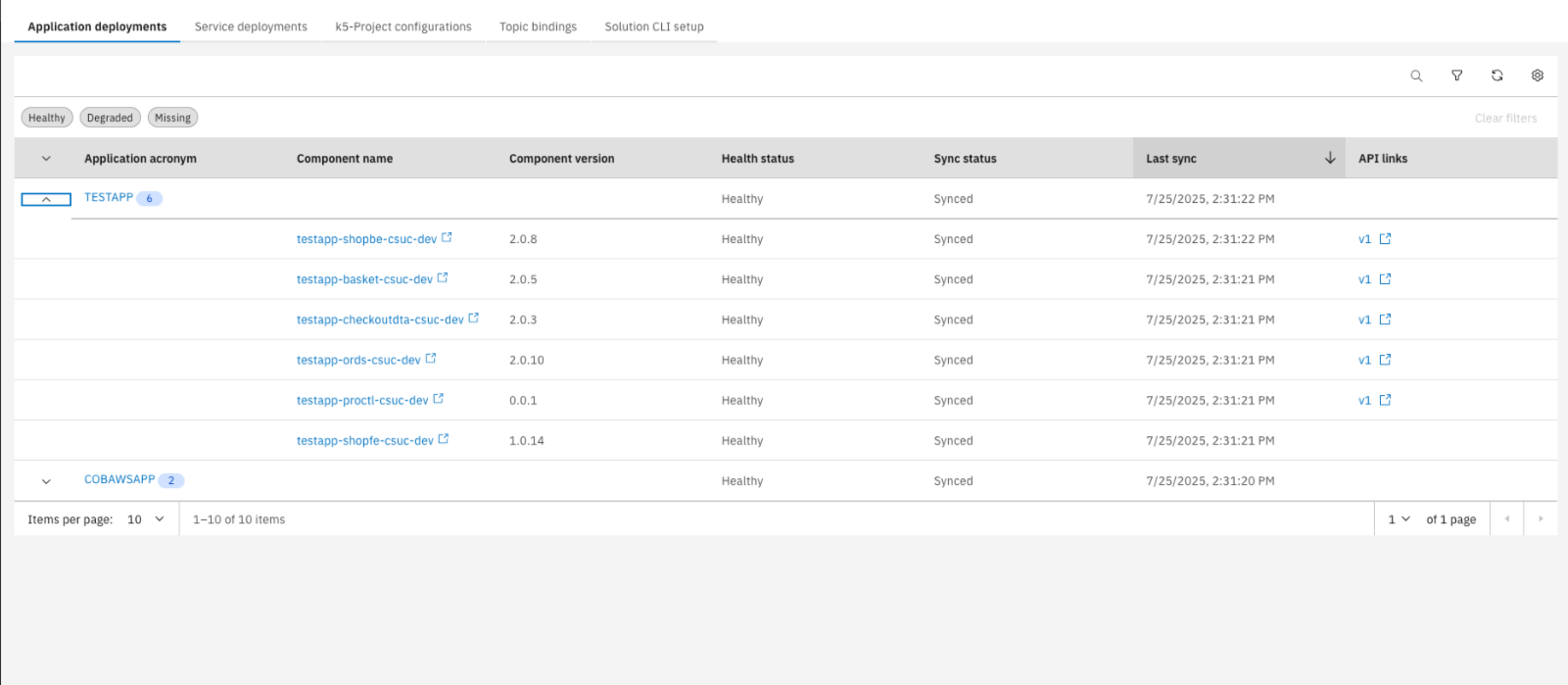
Here you'll see all current application deployments, and when expanded, their components and details
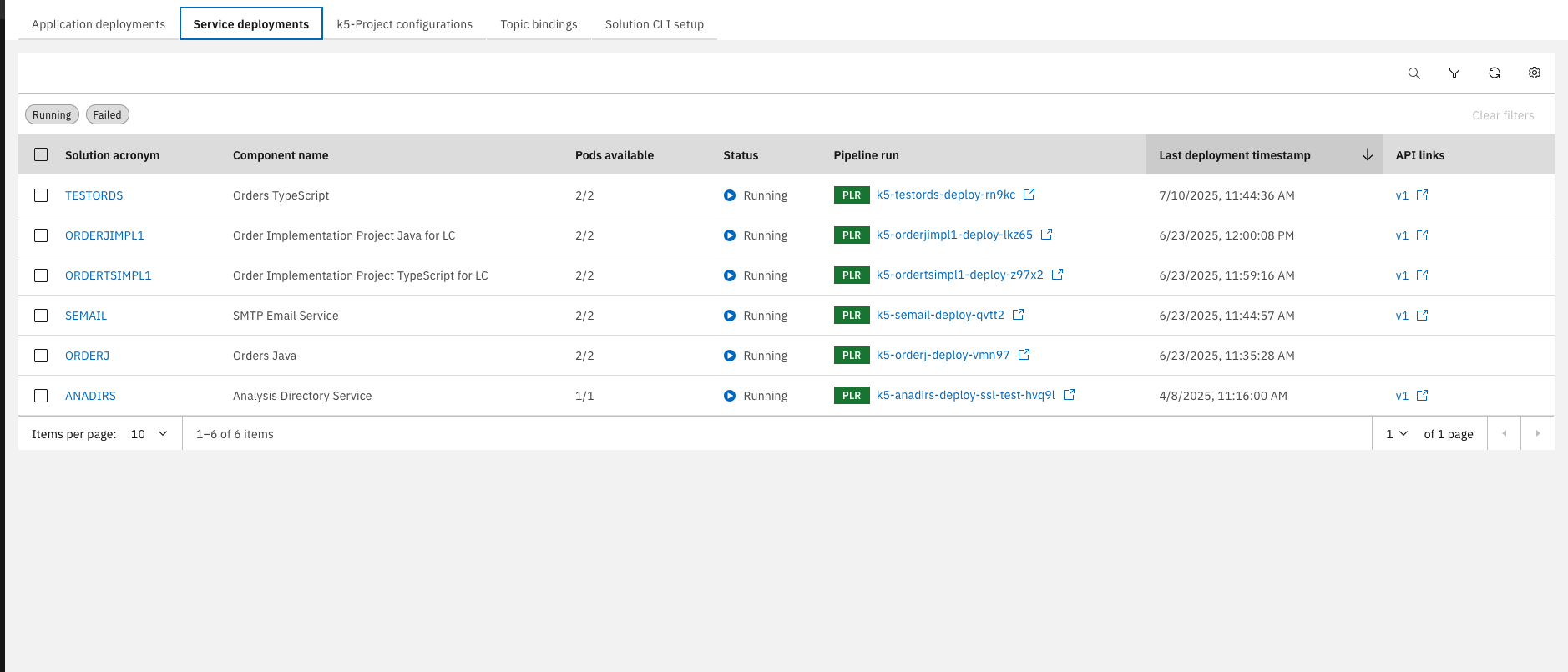
In the "Service Deployments" tab, you can view all services and details. API links open directly in Swagger UI
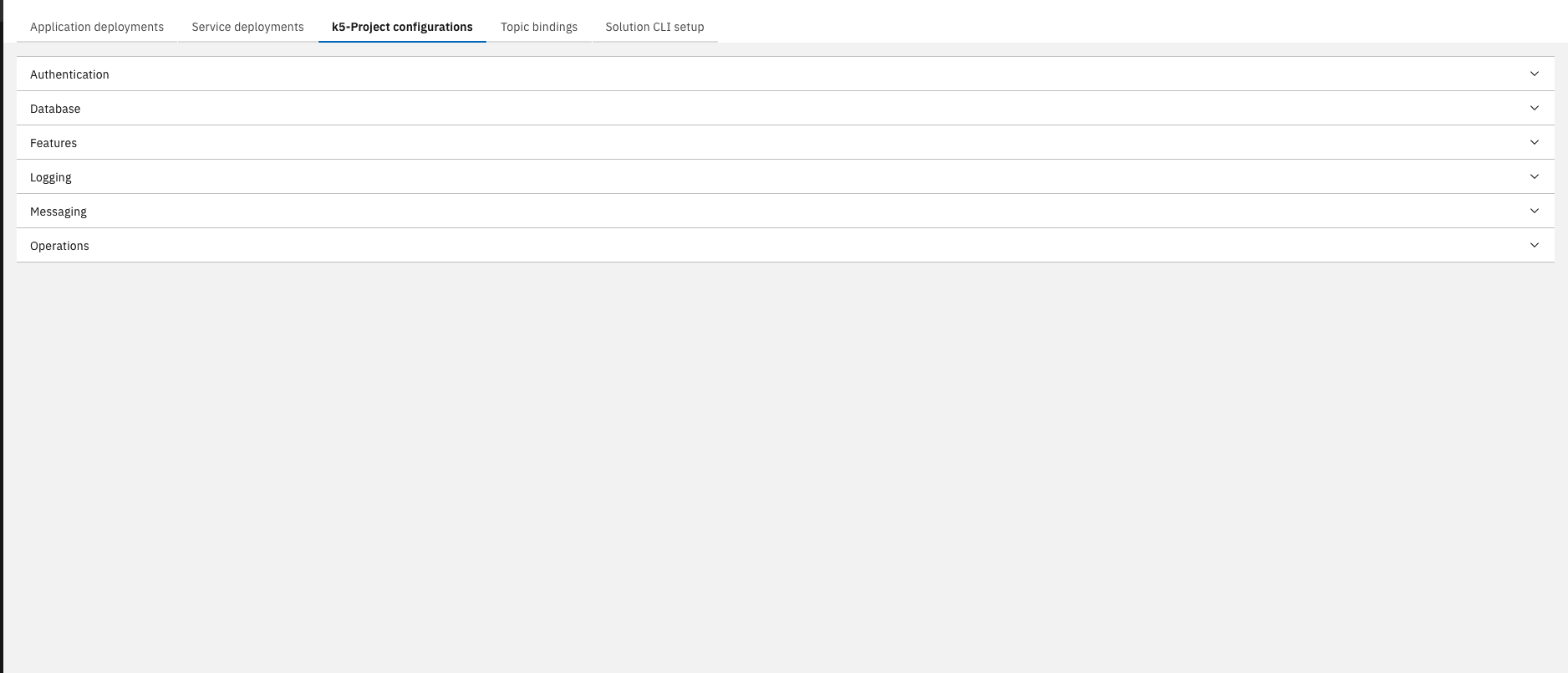
The k5-project configuration area lets you customize applications, databases, features, logging, messaging, and operations
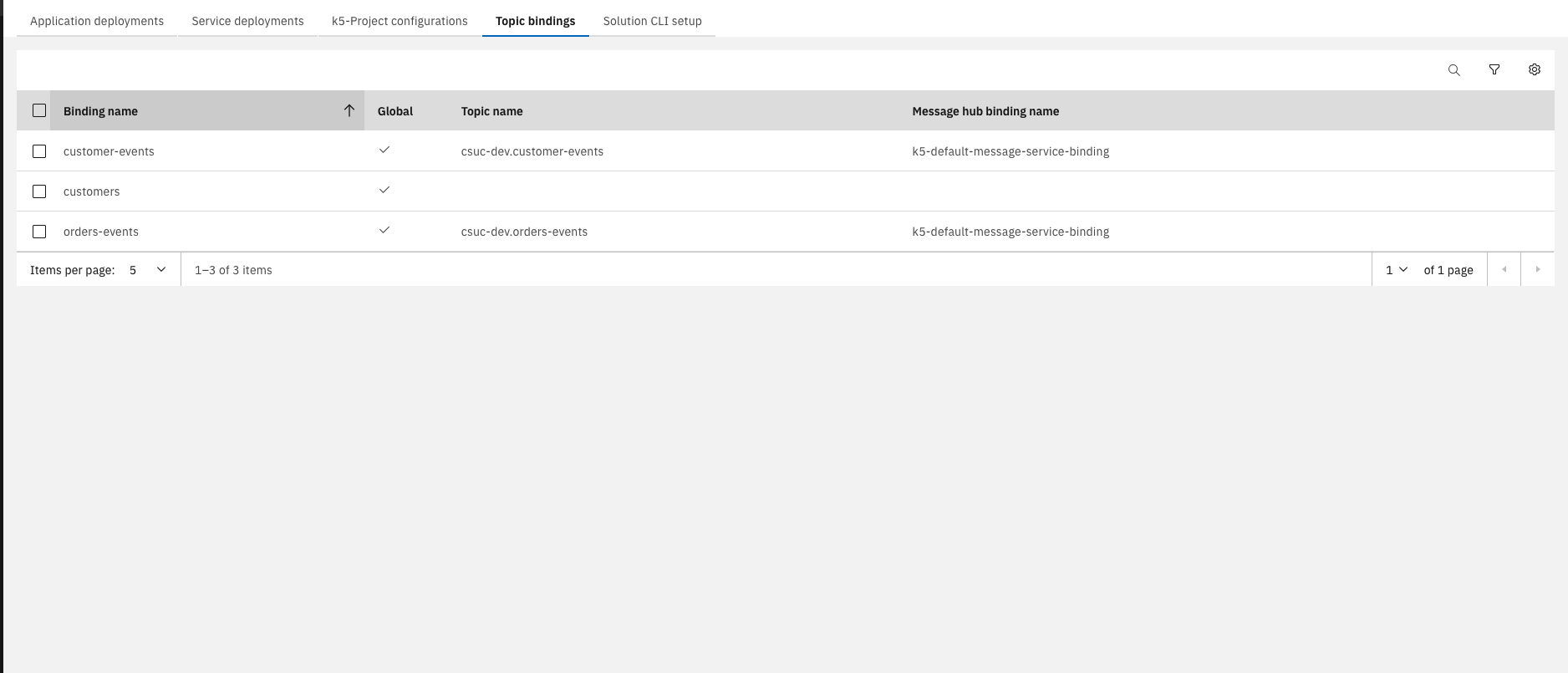
This section also includes a Topic Binding overview, showing only bindings for the current k5-project
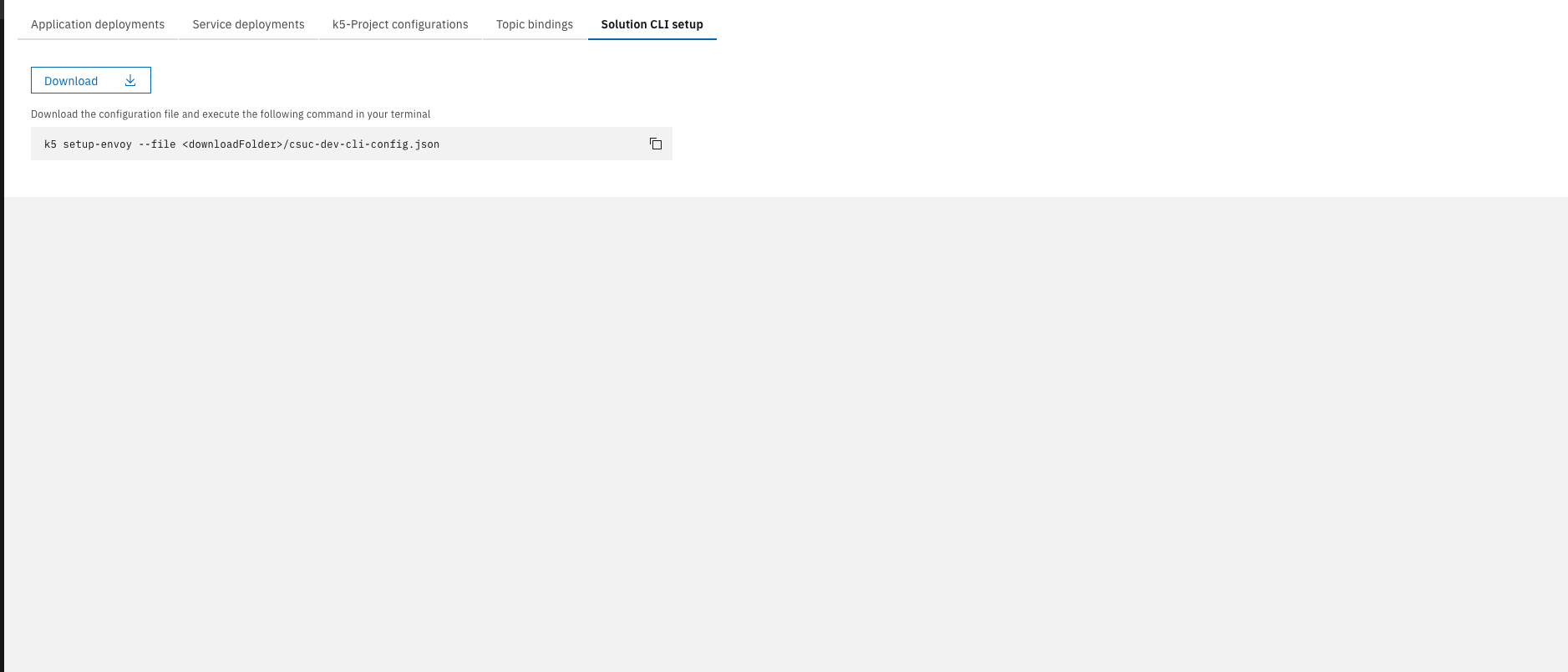
Lastly, you'll find a brief guide on setting up the Solution CLI
Solution CLI
The Solution CLI is a command-line tool for integrating local development with cloud environments. It supports code synchronization, local debugging connected to OpenShift, and SDK management to keep development environments up to date.
For setting up your local development environment follow these steps.
You now understand how to design solutions with the Solution Designer, manage and monitor them in the Environment page, and work efficiently with the Solution CLI for local development and operational tasks.