CI/CD and Deployment
In this course, you will learn how Continuous Integration and Continuous Delivery (CI/CD) work within IBM DevOps Solution Workbench. You'll see how to automate your deployments and safely ship new features using pipelines that build, deploy, and release your services.
Outline
This course introduces the concept of CI/CD in IBM DevOps Solution Workbench and shows how pipelines help automate development workflows.
CI/CD is a powerful feature that enables teams to automatically build, test, and deploy code changes. In this course, you'll learn how to configure pipelines that simplify and secure the release of your services, ensuring that updates reach your environments reliably.
Exercise
Estimated time: 30 minutes
Exercise goal: You will be able to create, run deploy and release pipelines for a asset-based project
Please note that the links to the workbench tools in this tutorial only apply to the IBM Education Environment we provide. If you are using a different environment, e.g. your own installation, you will need to navigate directly to the required tools.
Step 1: Import Order project asset
First we need a project to create pipeline for it. For easier creation we will create a project based on an asset of the local marketplace of the Solution Designer.
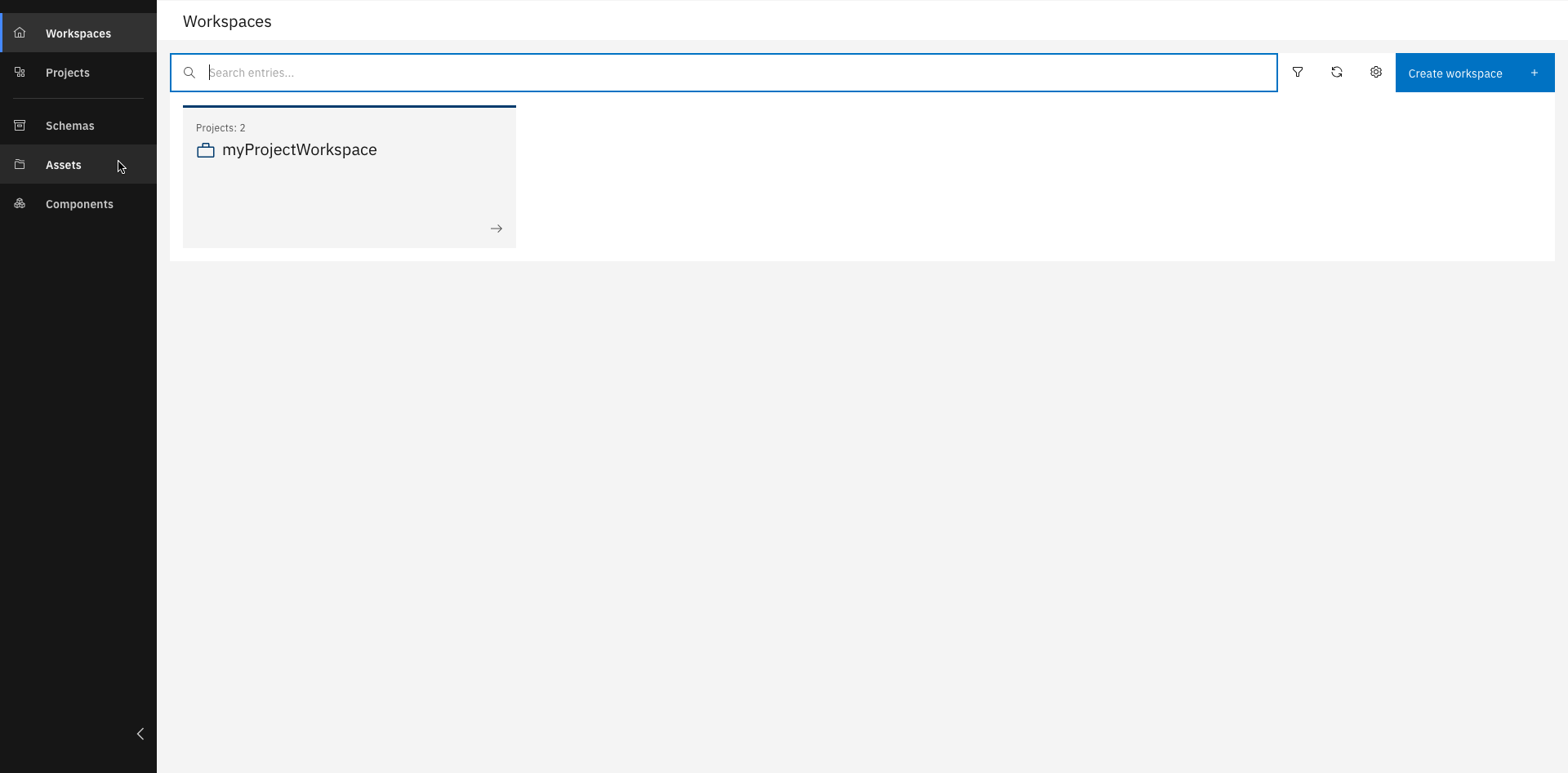
Click "Assets"
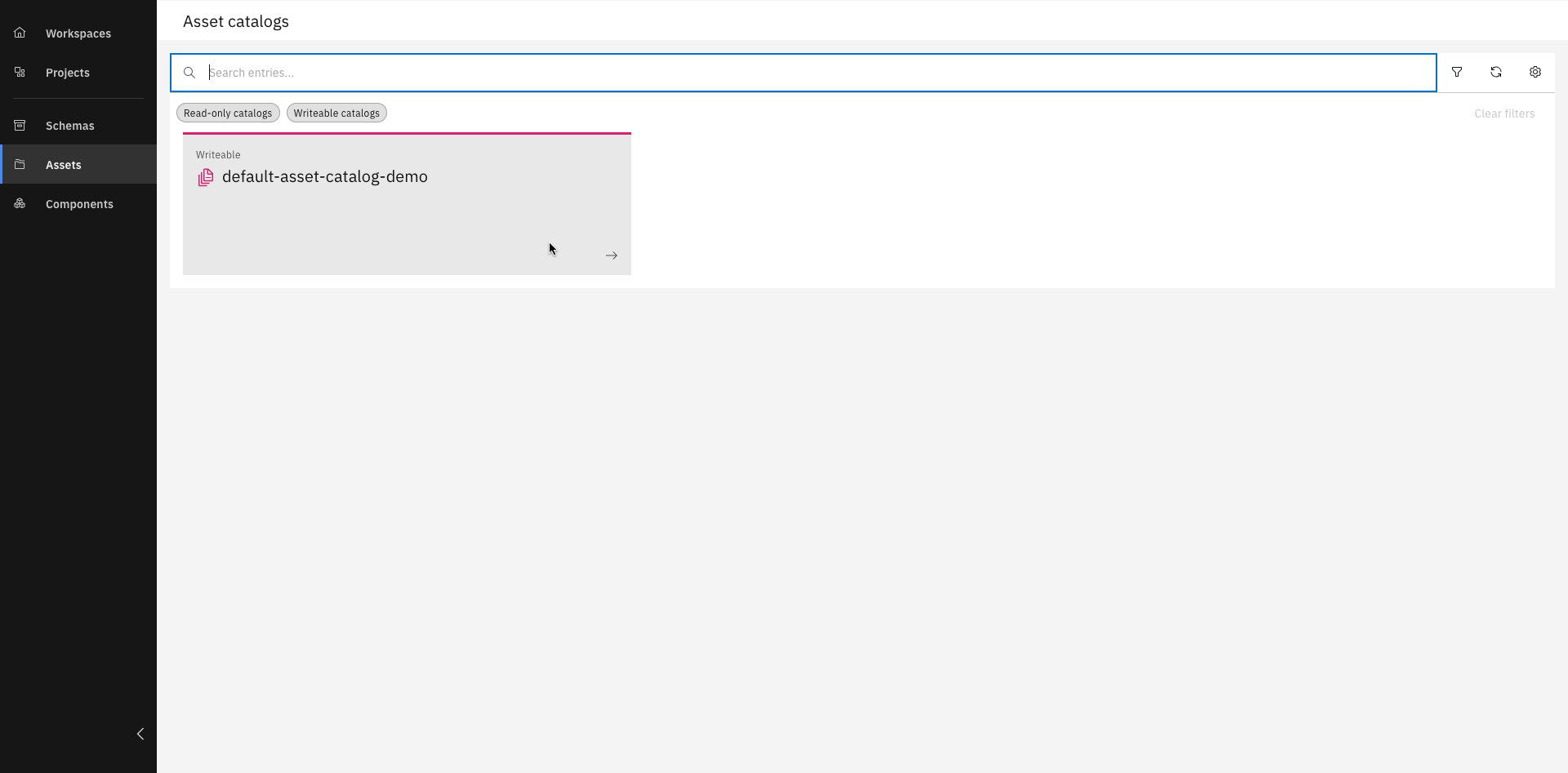
Select an asset catalog
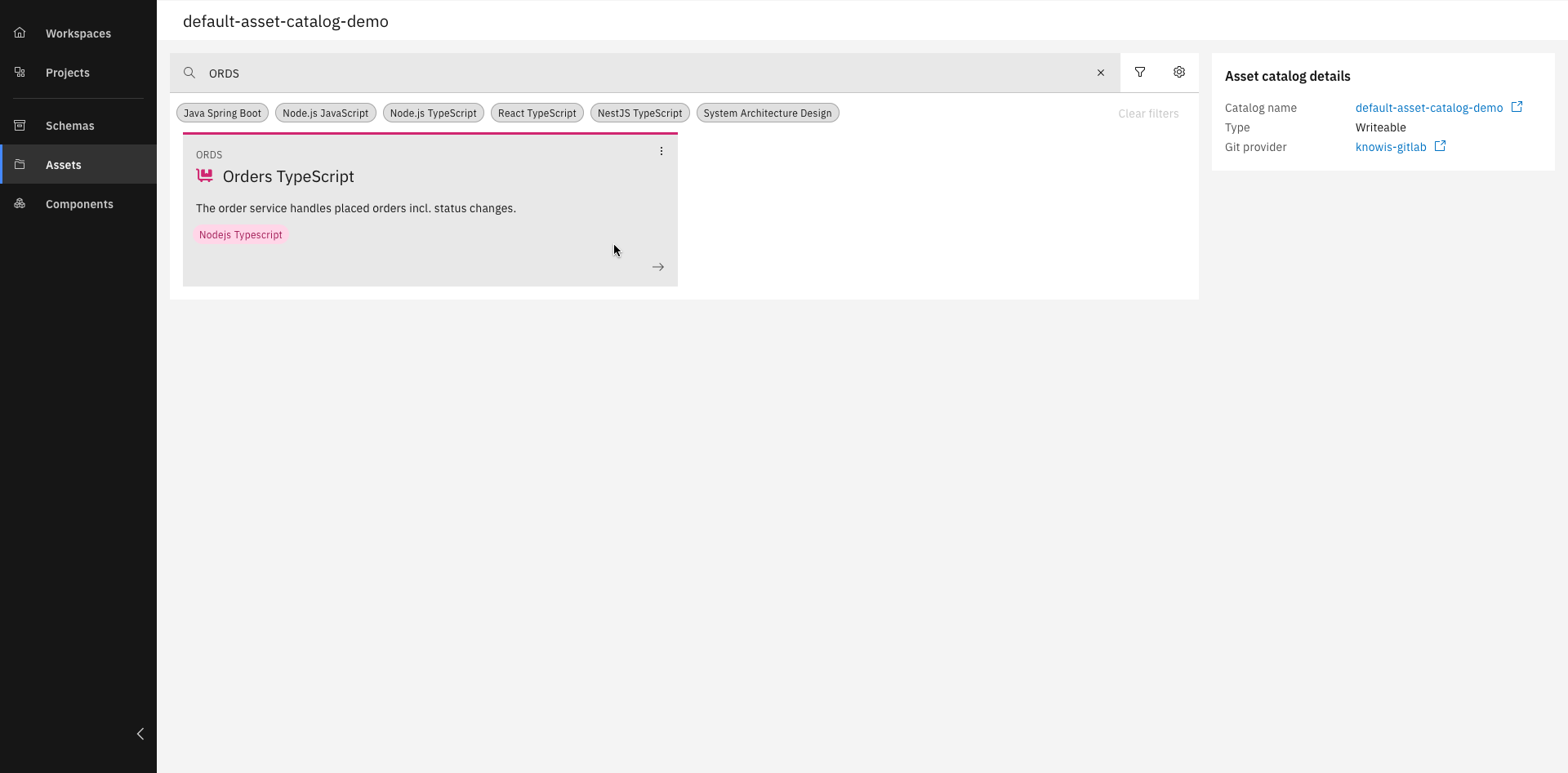
Select a prefered asset, in our case the "ORDS" asset
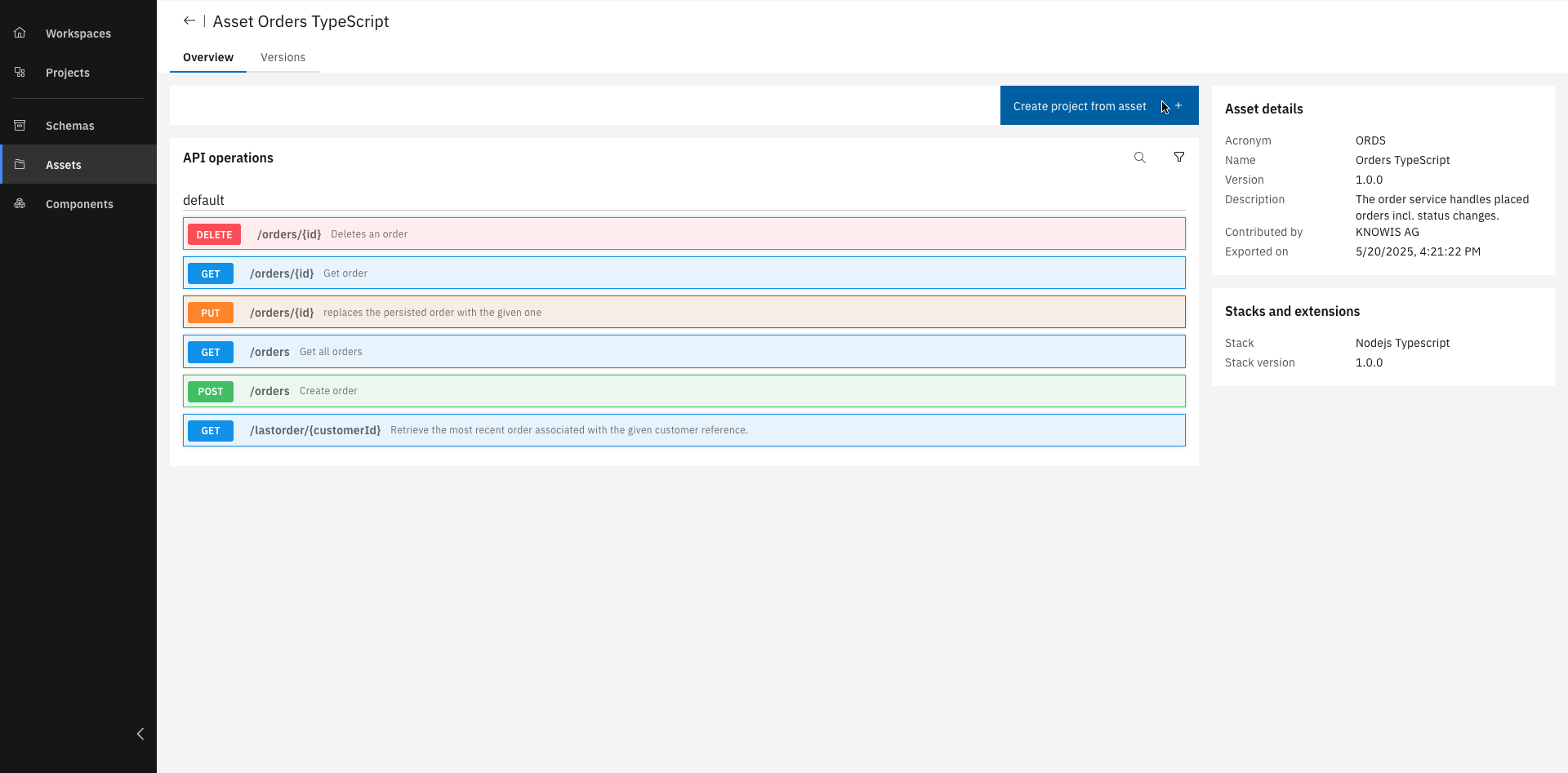
When opened, click "Create project from asset"
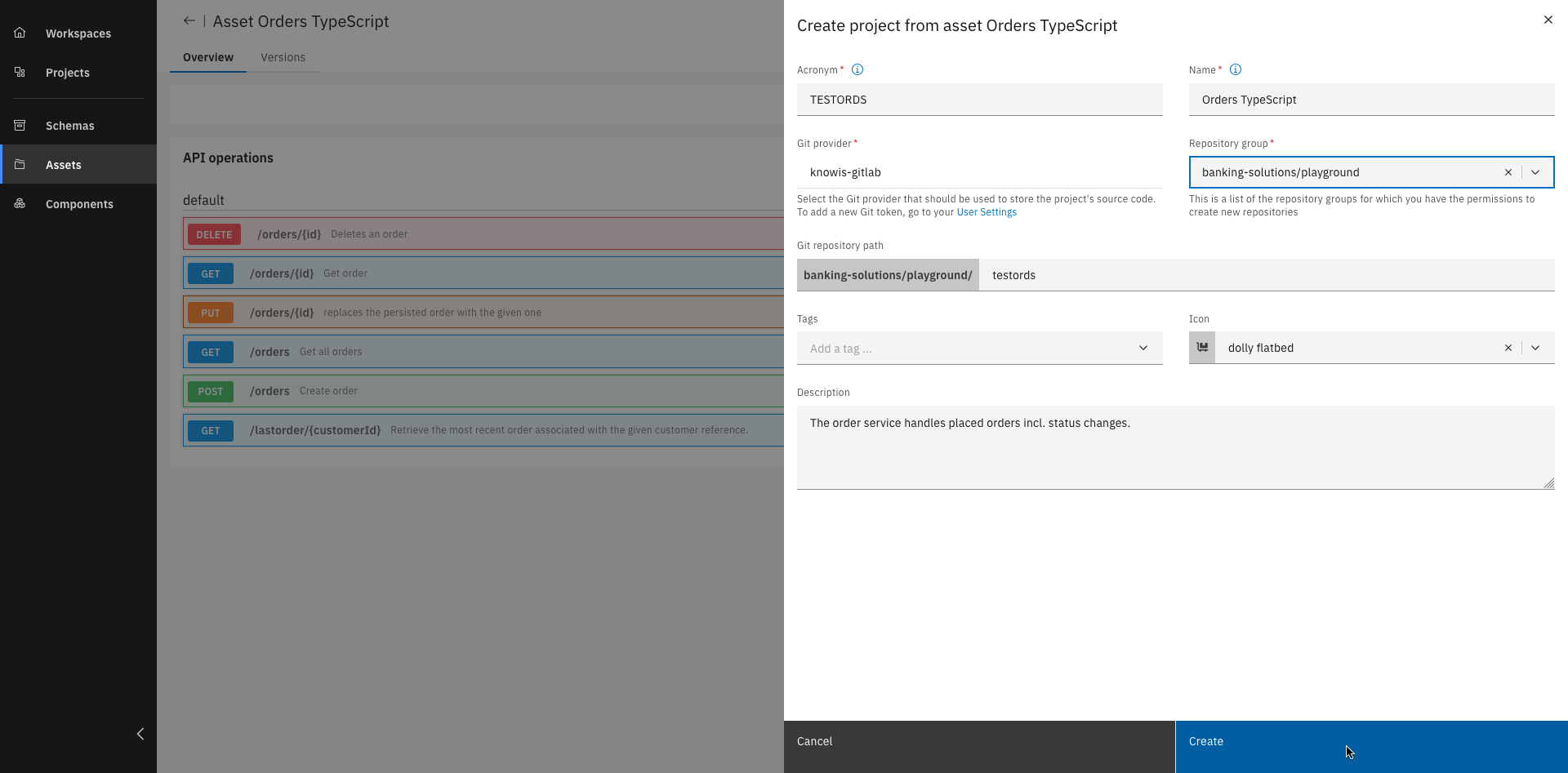
Fill out all details and click "Create"
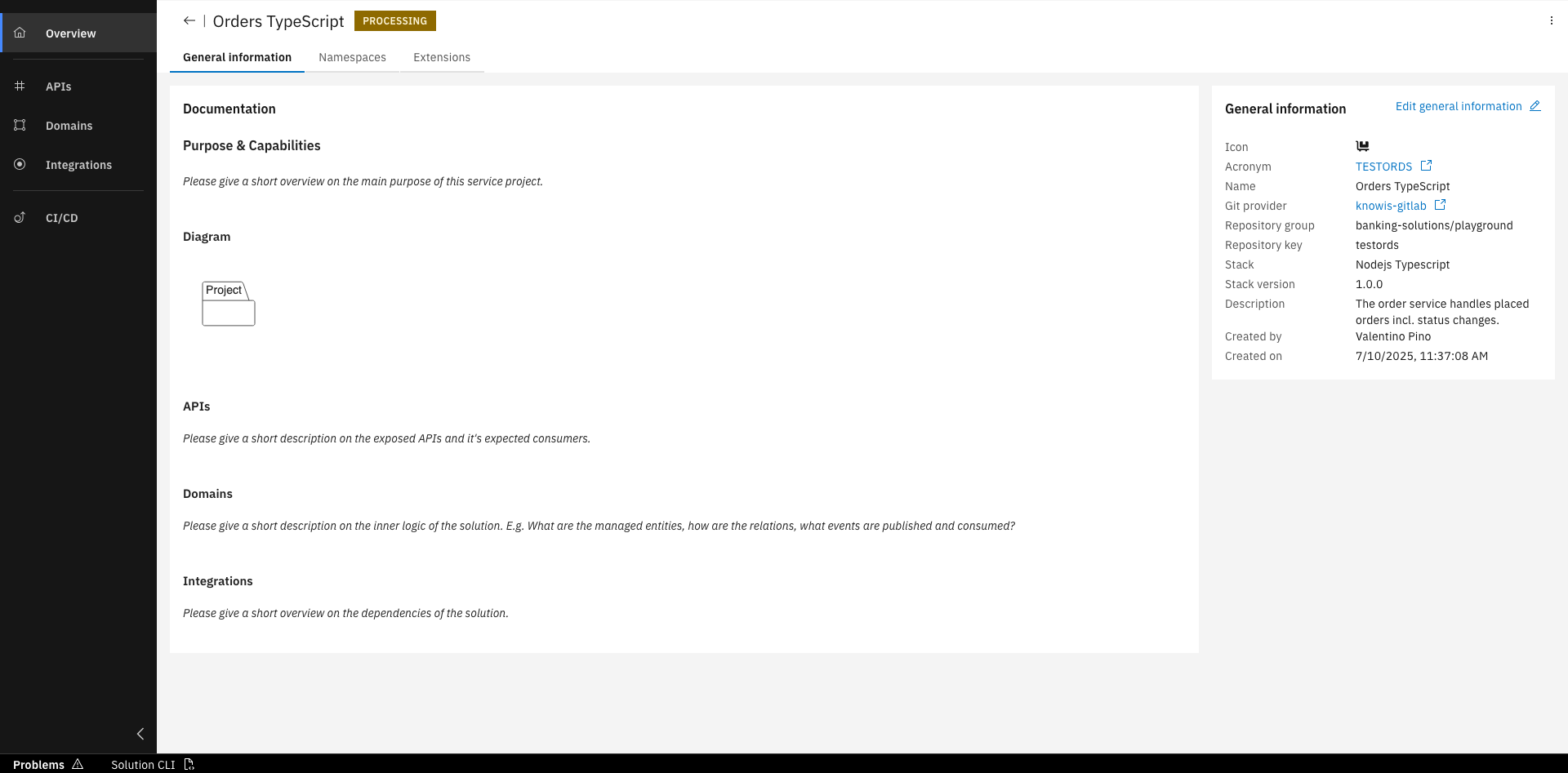
Good Job! You've created a project based on an asset
Step 2: Create and trigger a deploy pipeline
In this section, we will create and trigger a deploy pipeline for the Order project that has been imported into your workspace. This steps are done to get changes directly built and deployed to a target destination.
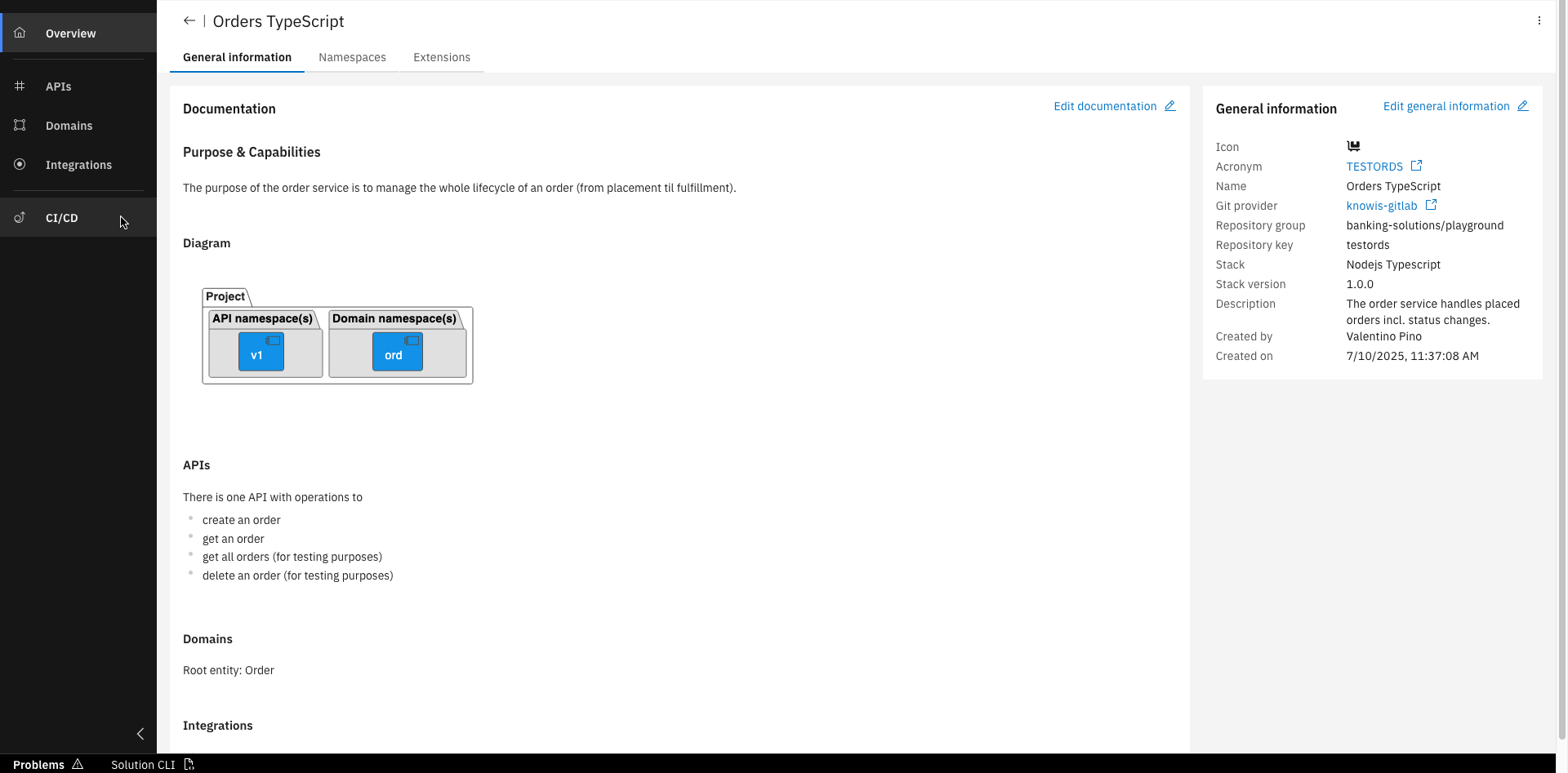
Click "CI/CD" zo get to the pipelines
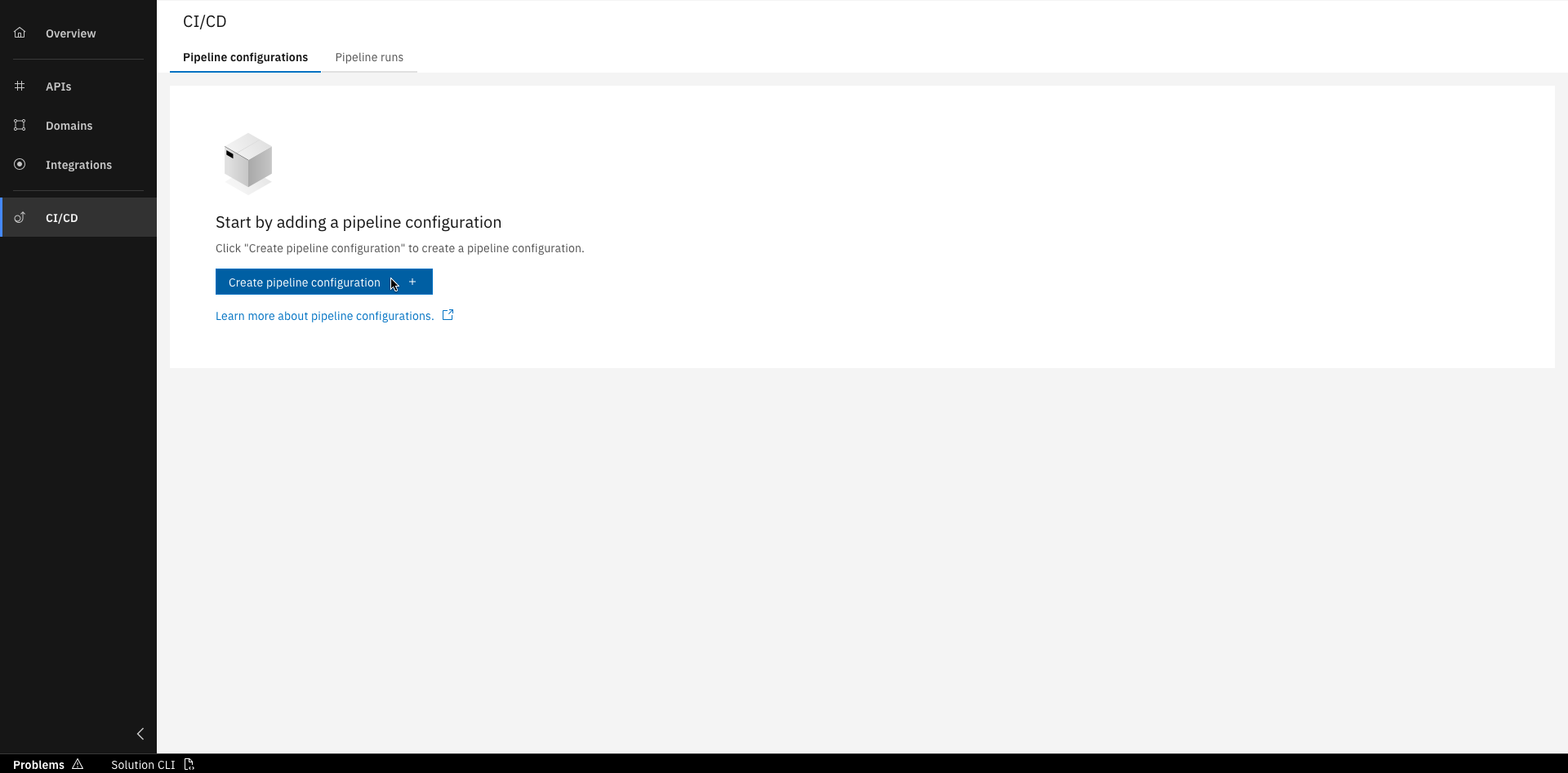
Click "Create pipeline configuration"
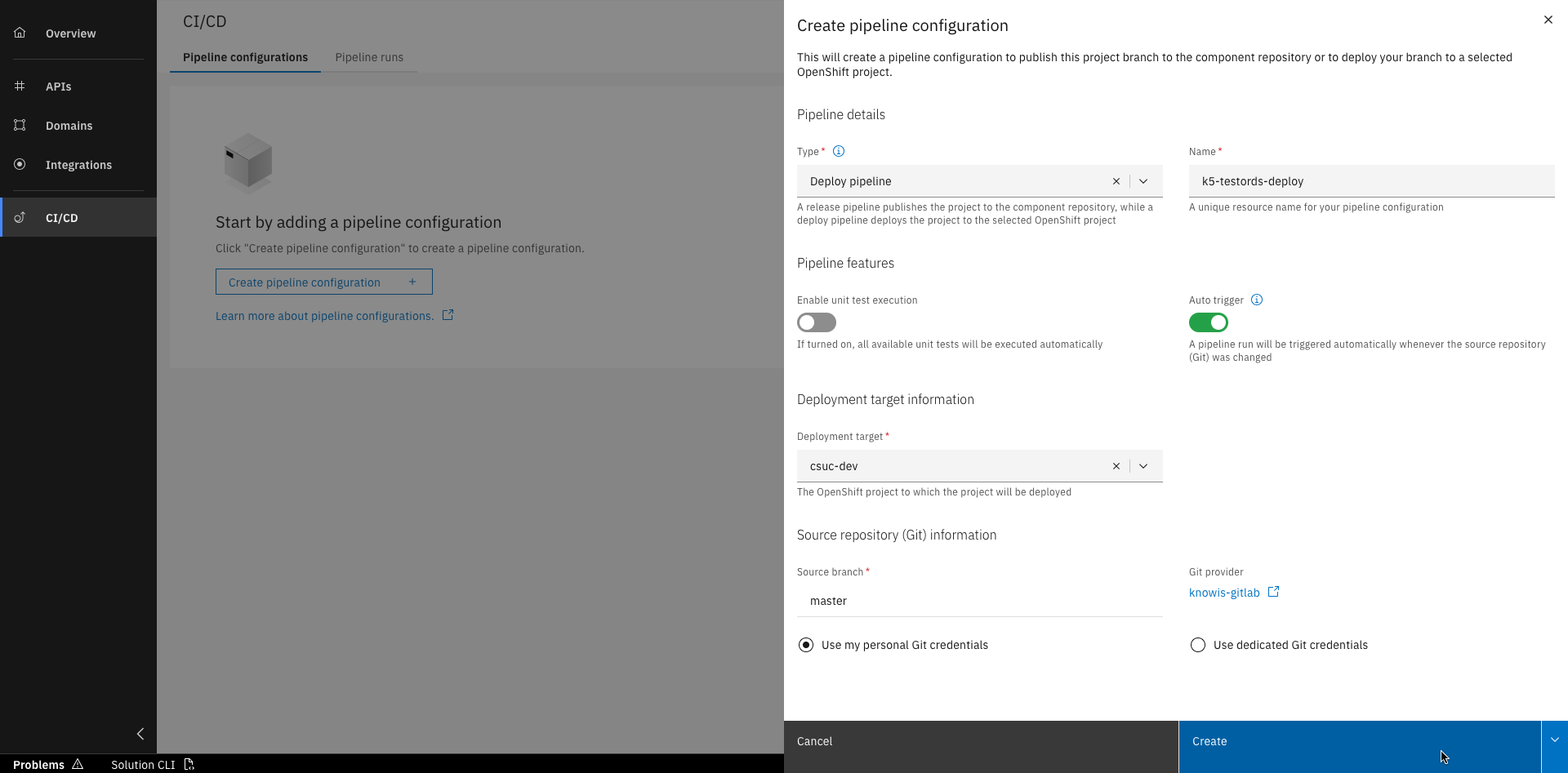
Select "Deploy pipeline", fill out all details and click "Create"
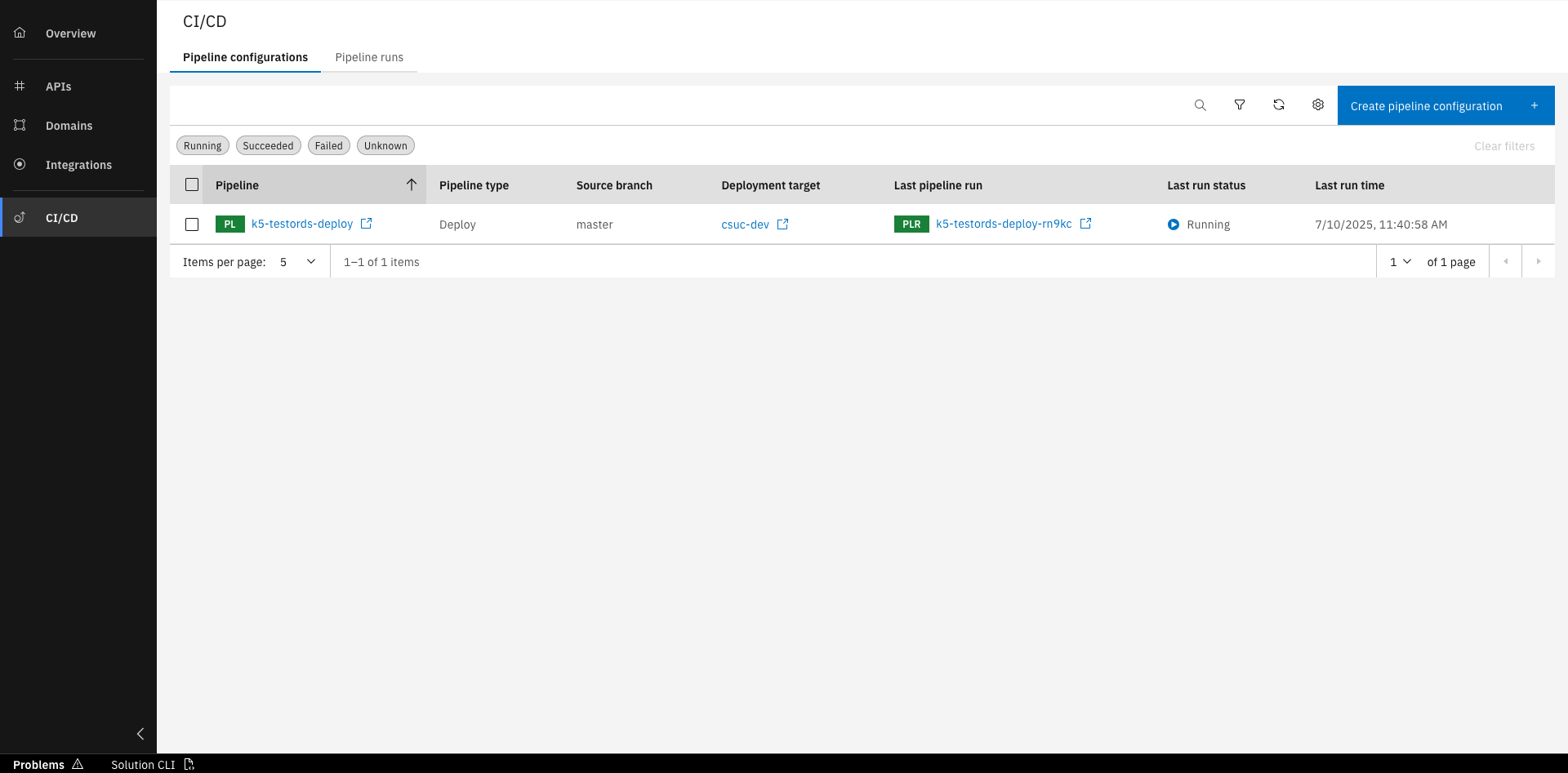
The pipeline is now created and running
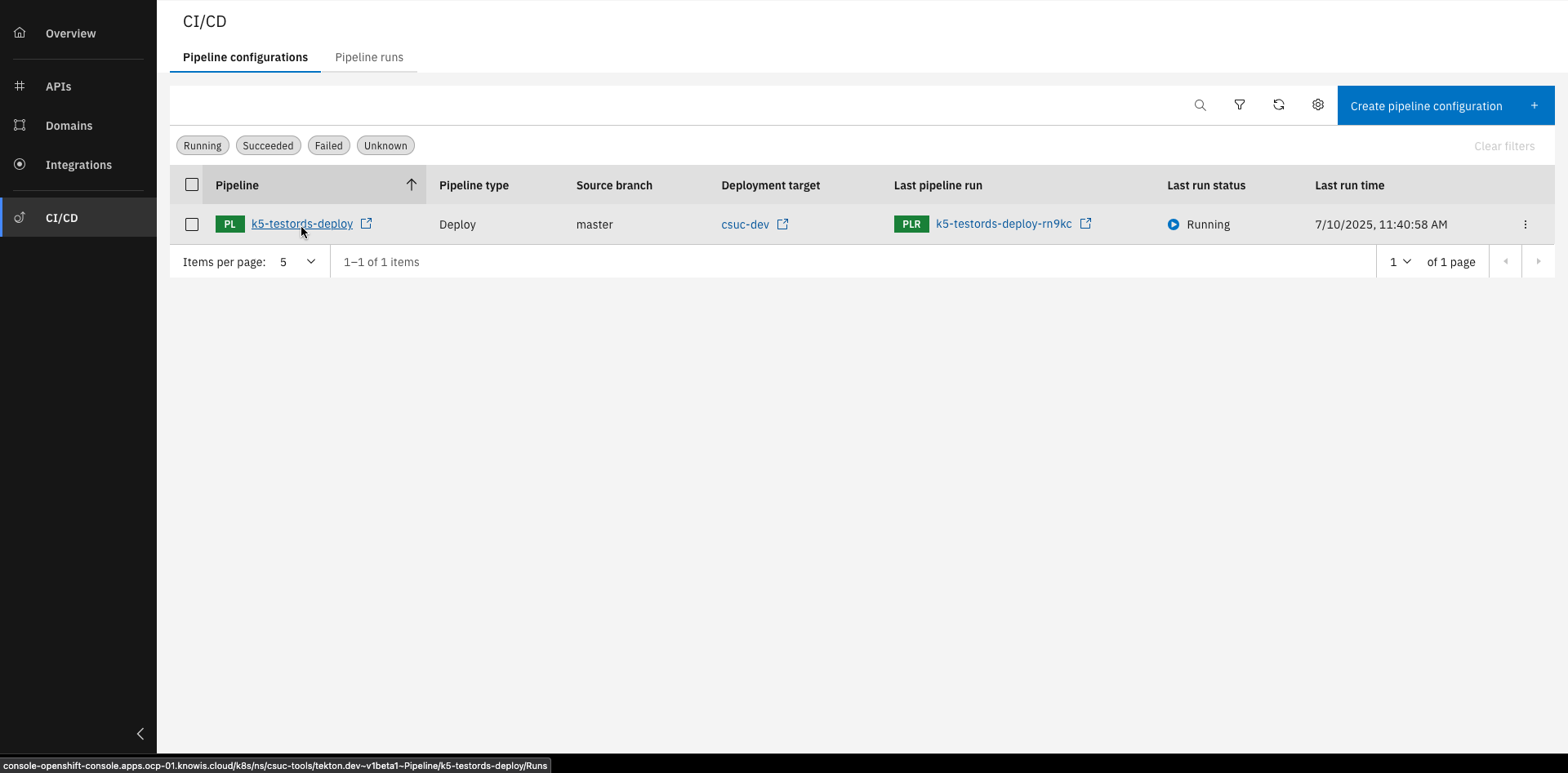
Click on the pipeline name
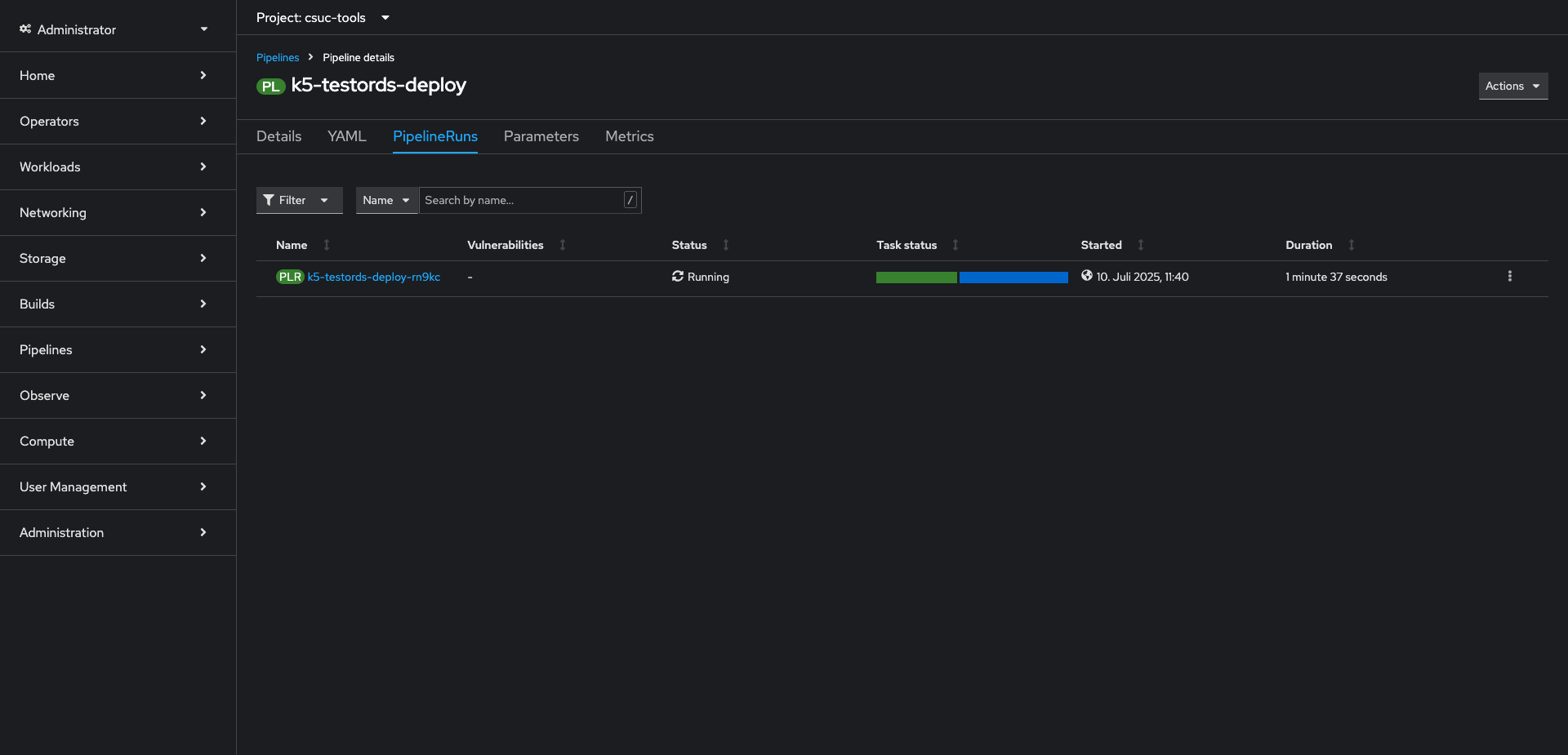
Here you can see the pipeline details in Red Hat
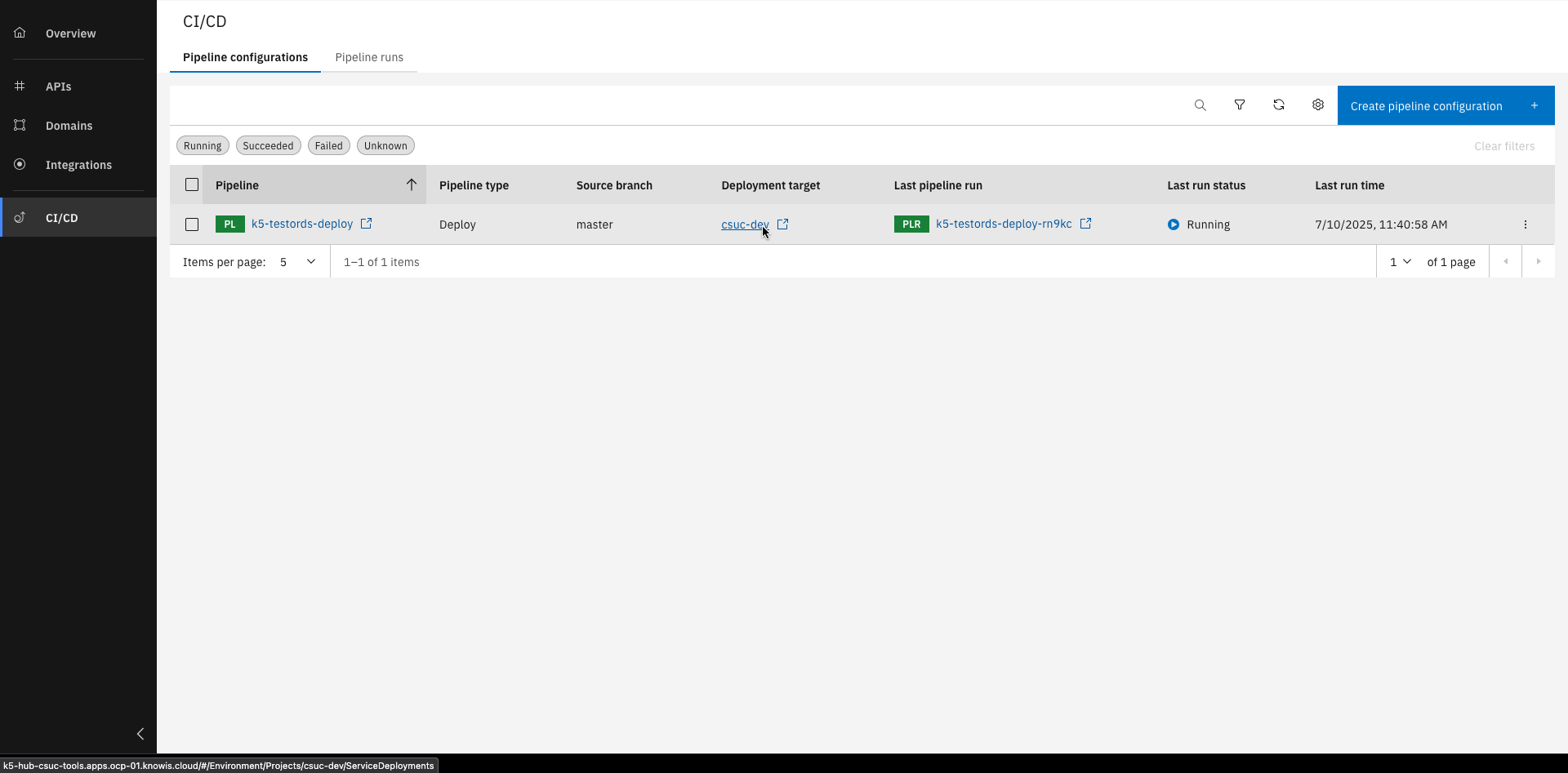
Click on the deployment target
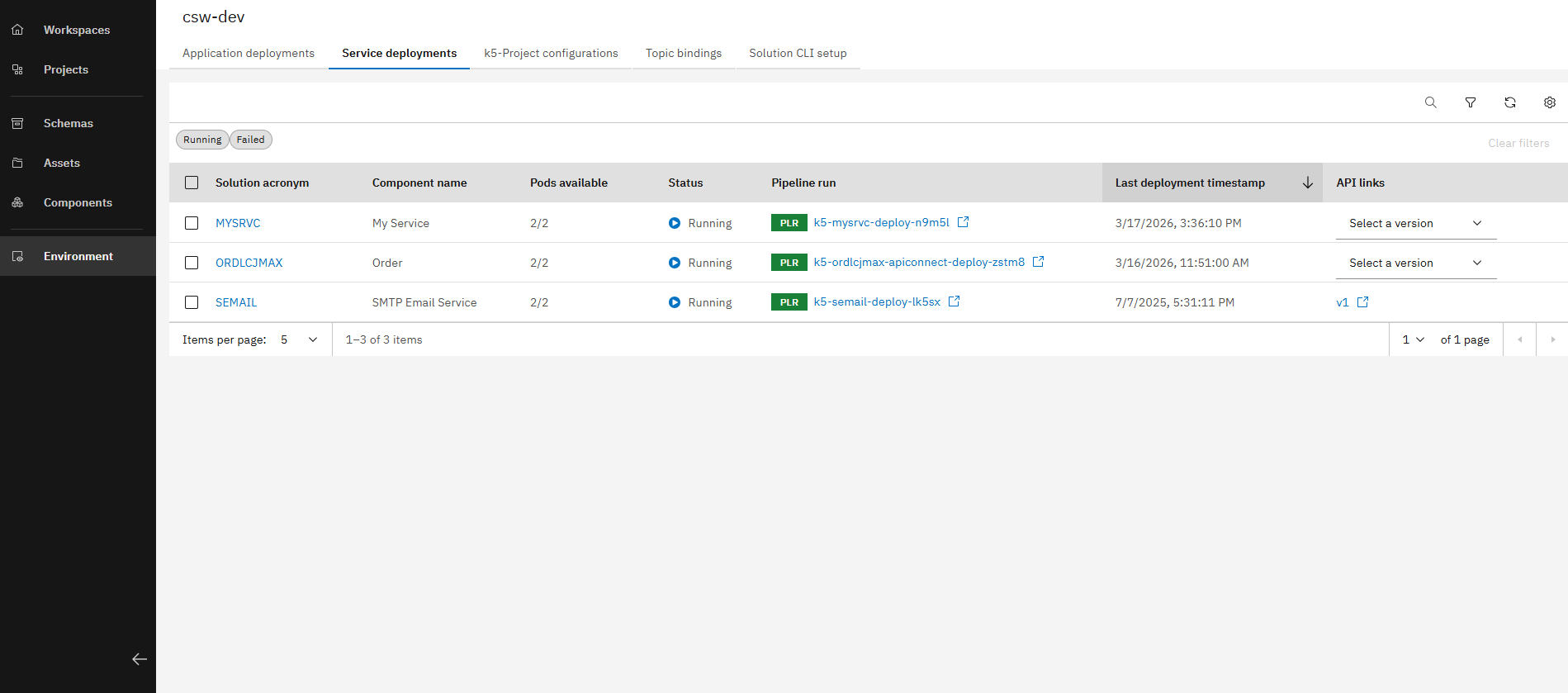
Here you can see all deployments of this deployment target
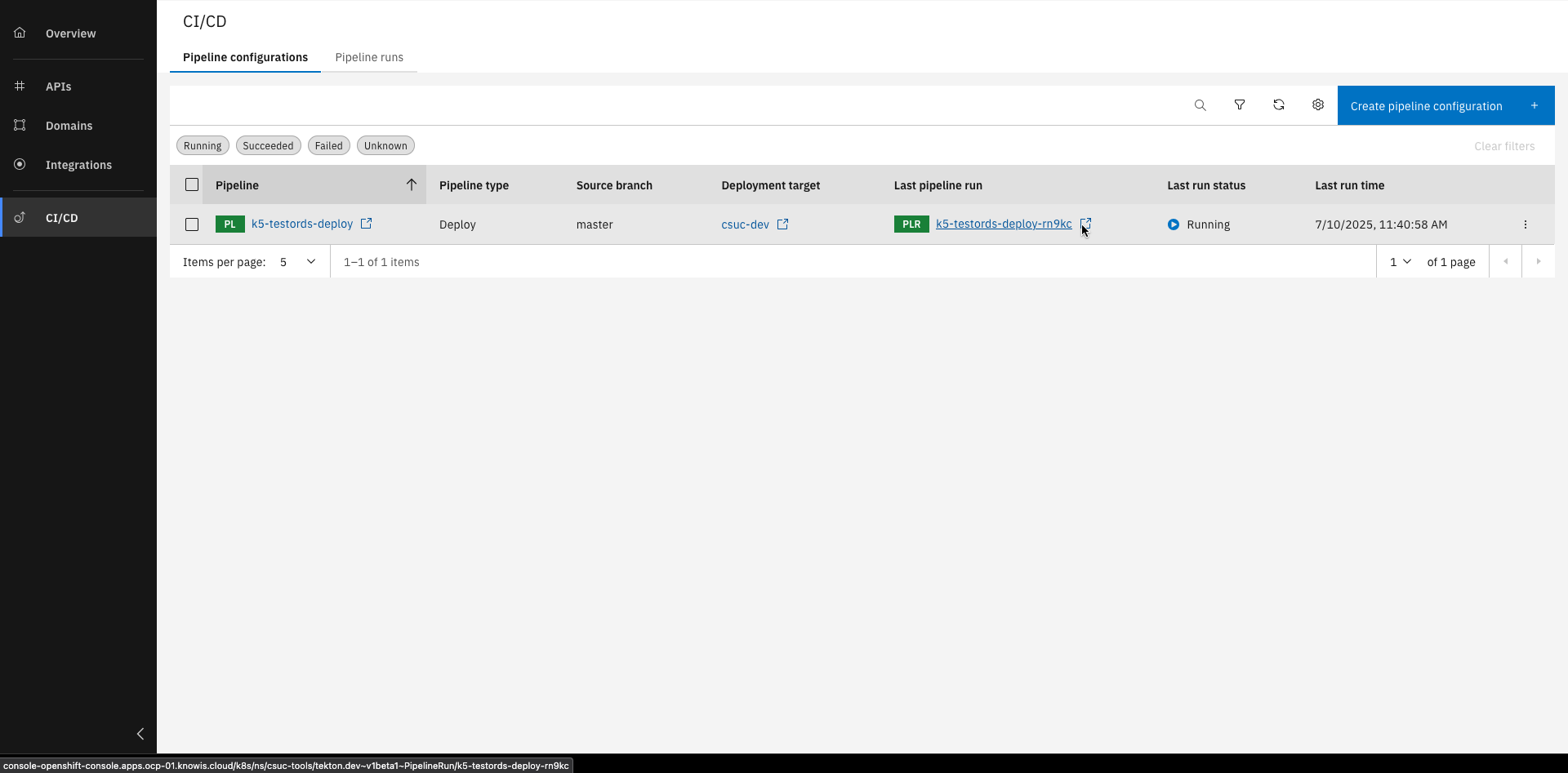
Click on the last pipeline run
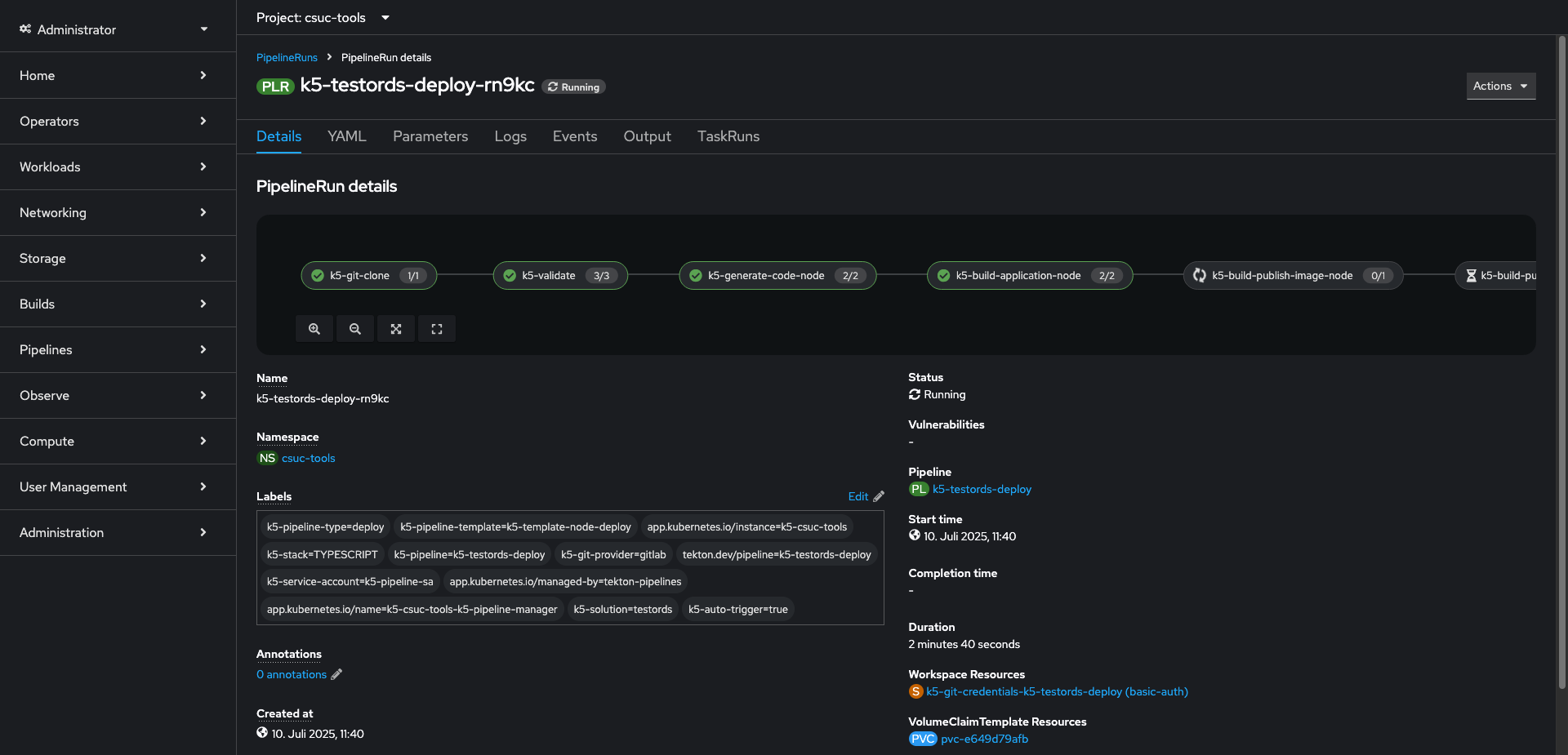
Here you can see the pipeline run details in Red Hat
Step 3: Create and trigger a release pipeline
In this section, we will create and trigger a release pipeline for the Order project that has been imported into your workspace. This steps are done to get changes directly built and deployed to a target destination.
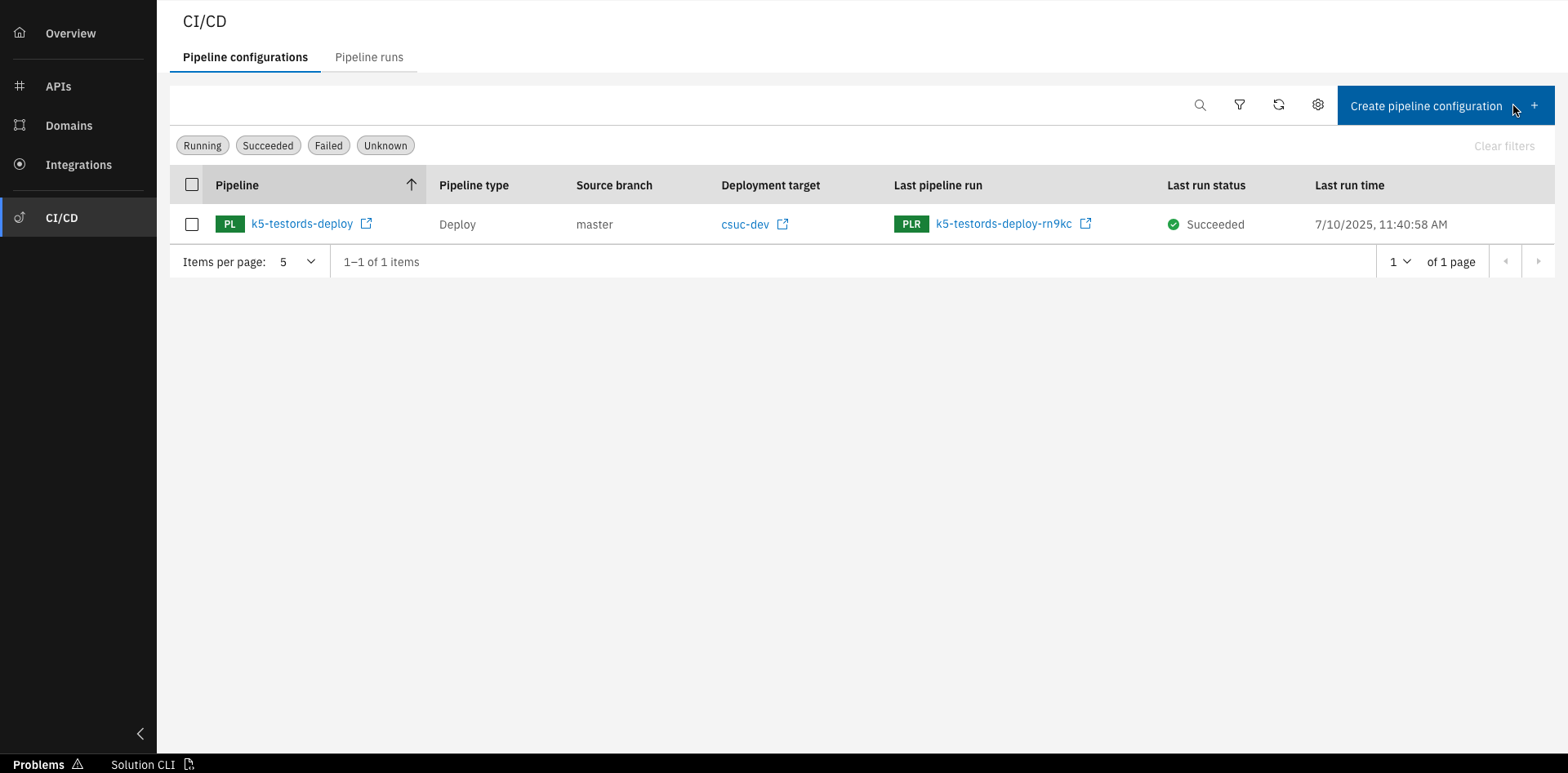
Click "Create pipeline configuration"
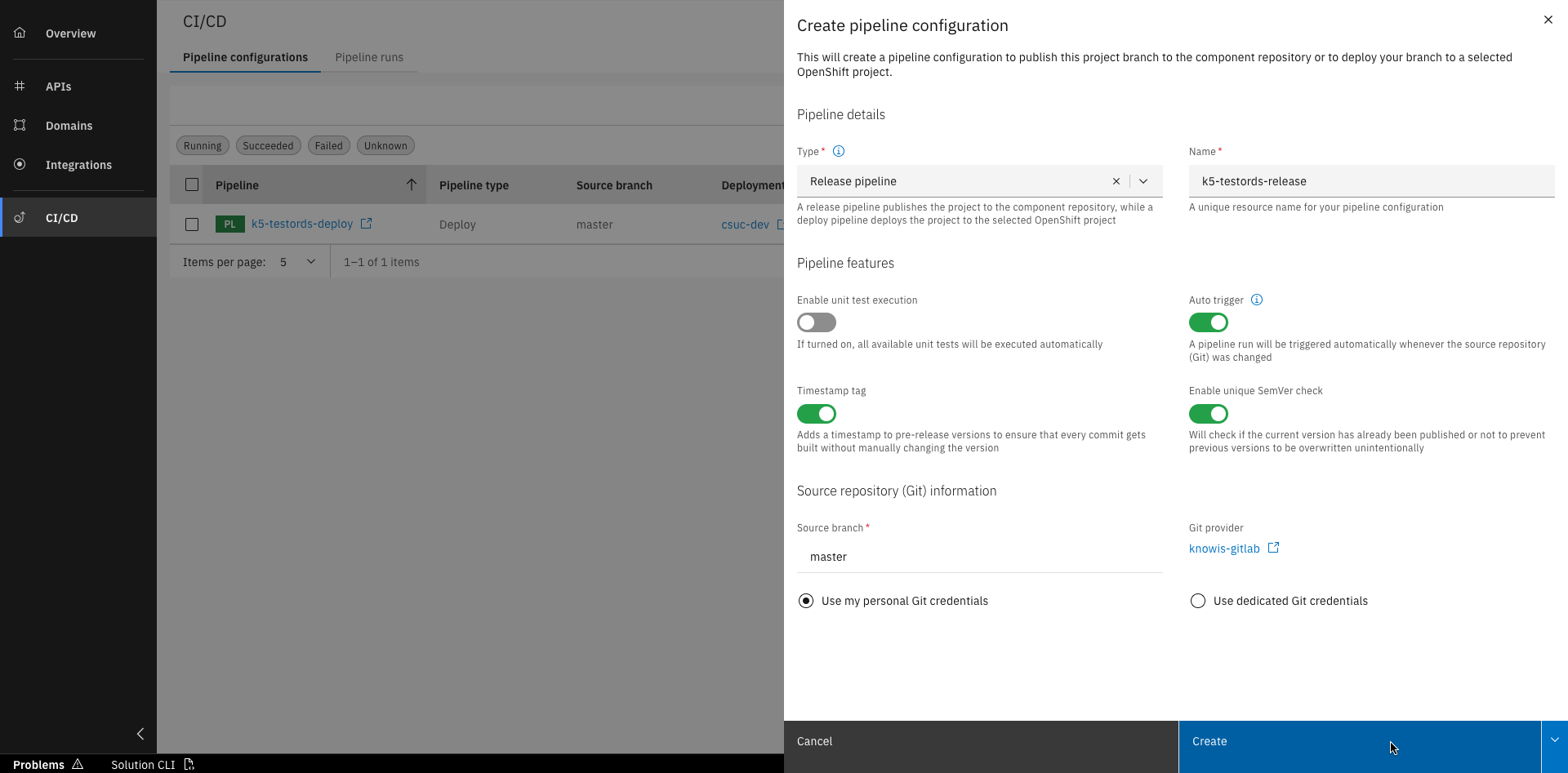
Select "Release pipeline", fill out all details and click "Create"
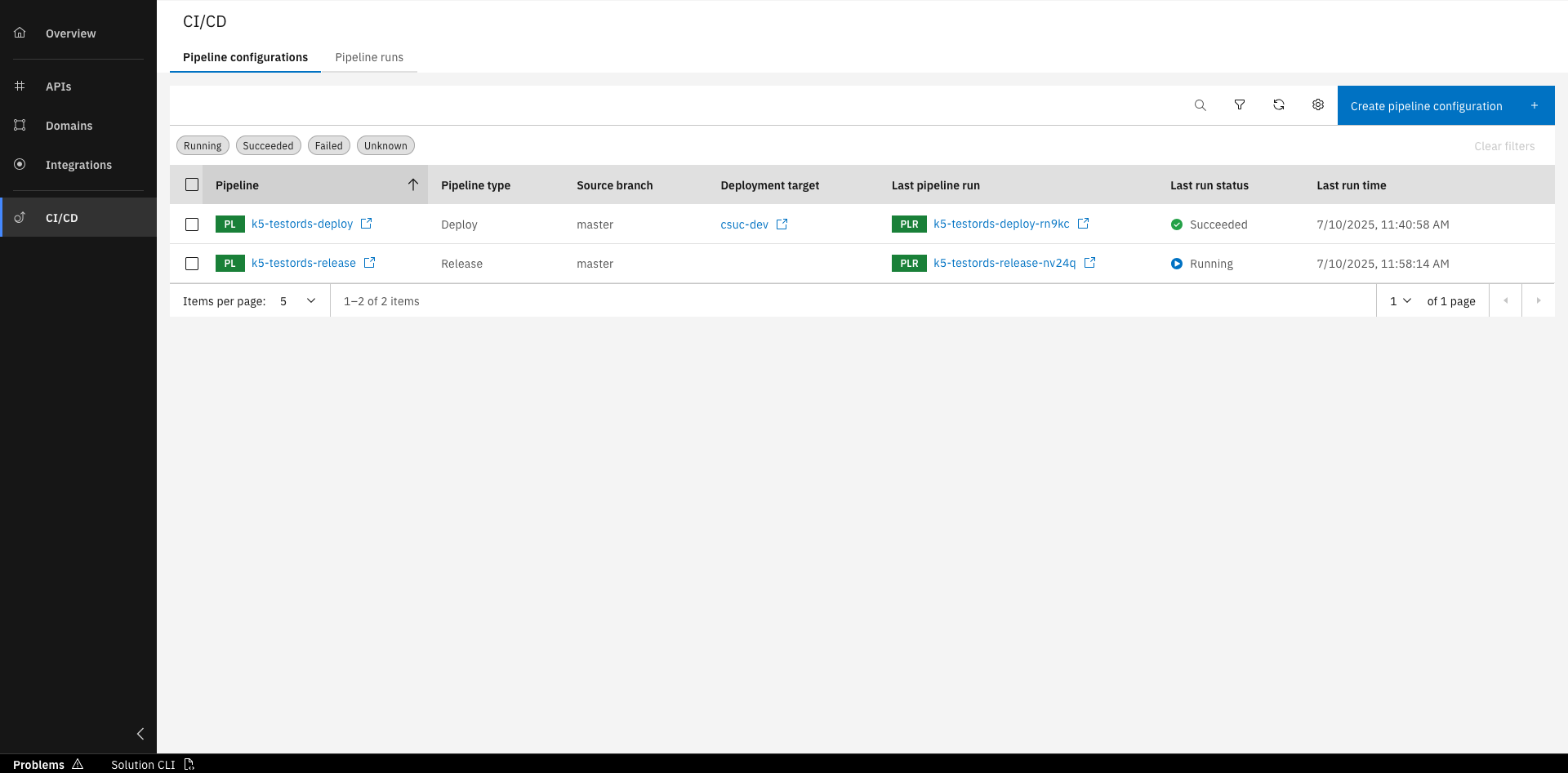
The pipeline is now created and running
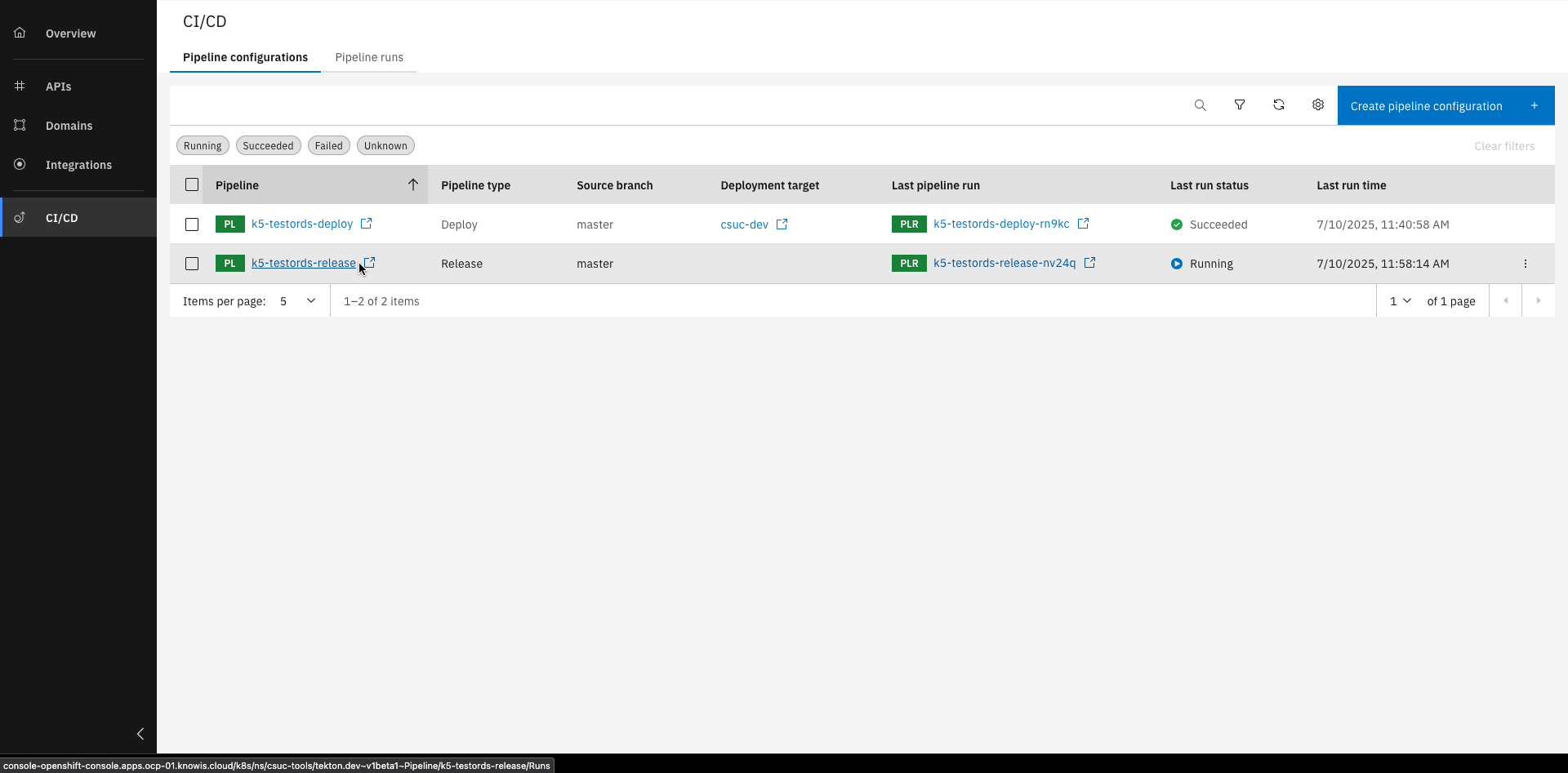
Click on the pipeline name
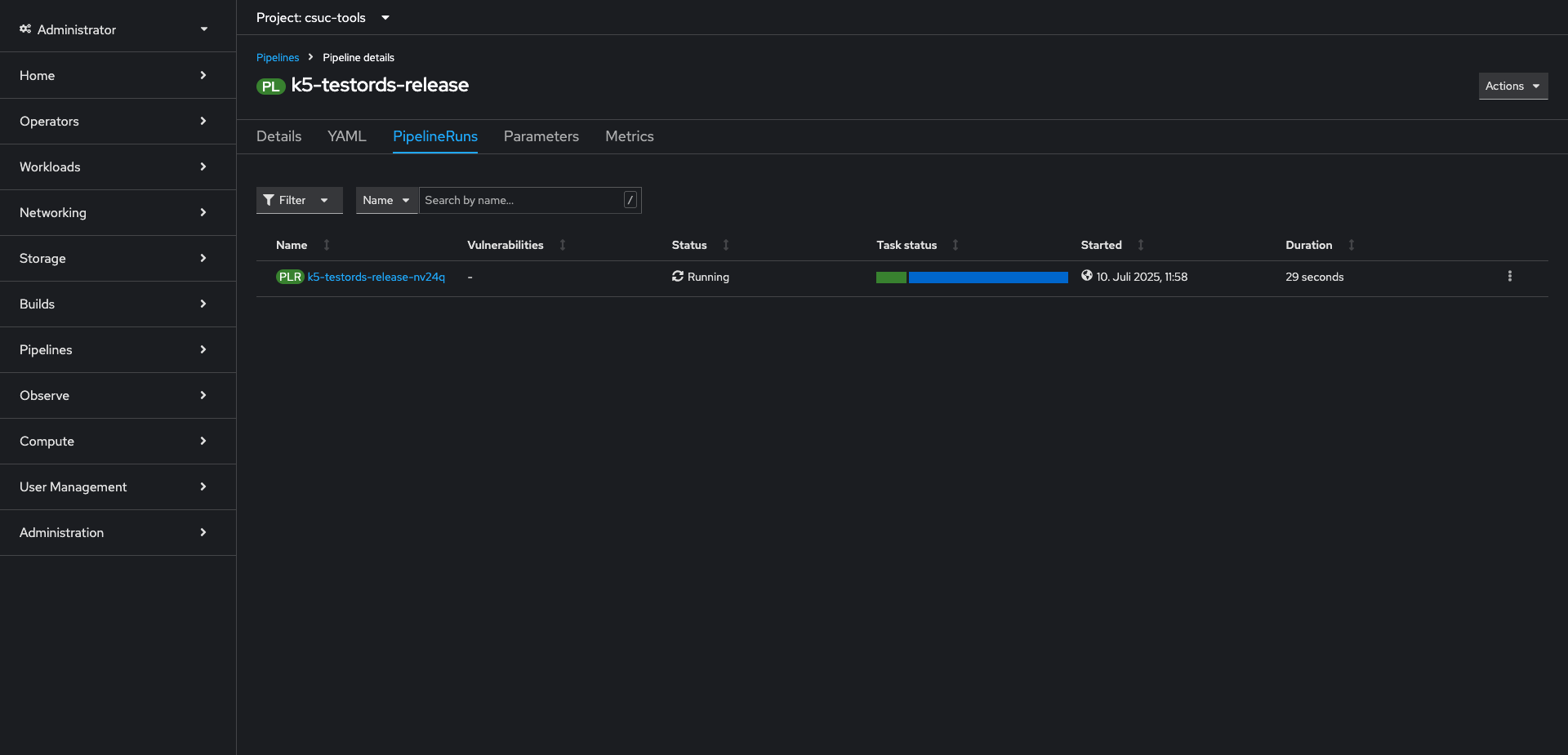
Here you can see the pipeline details in Red Hat
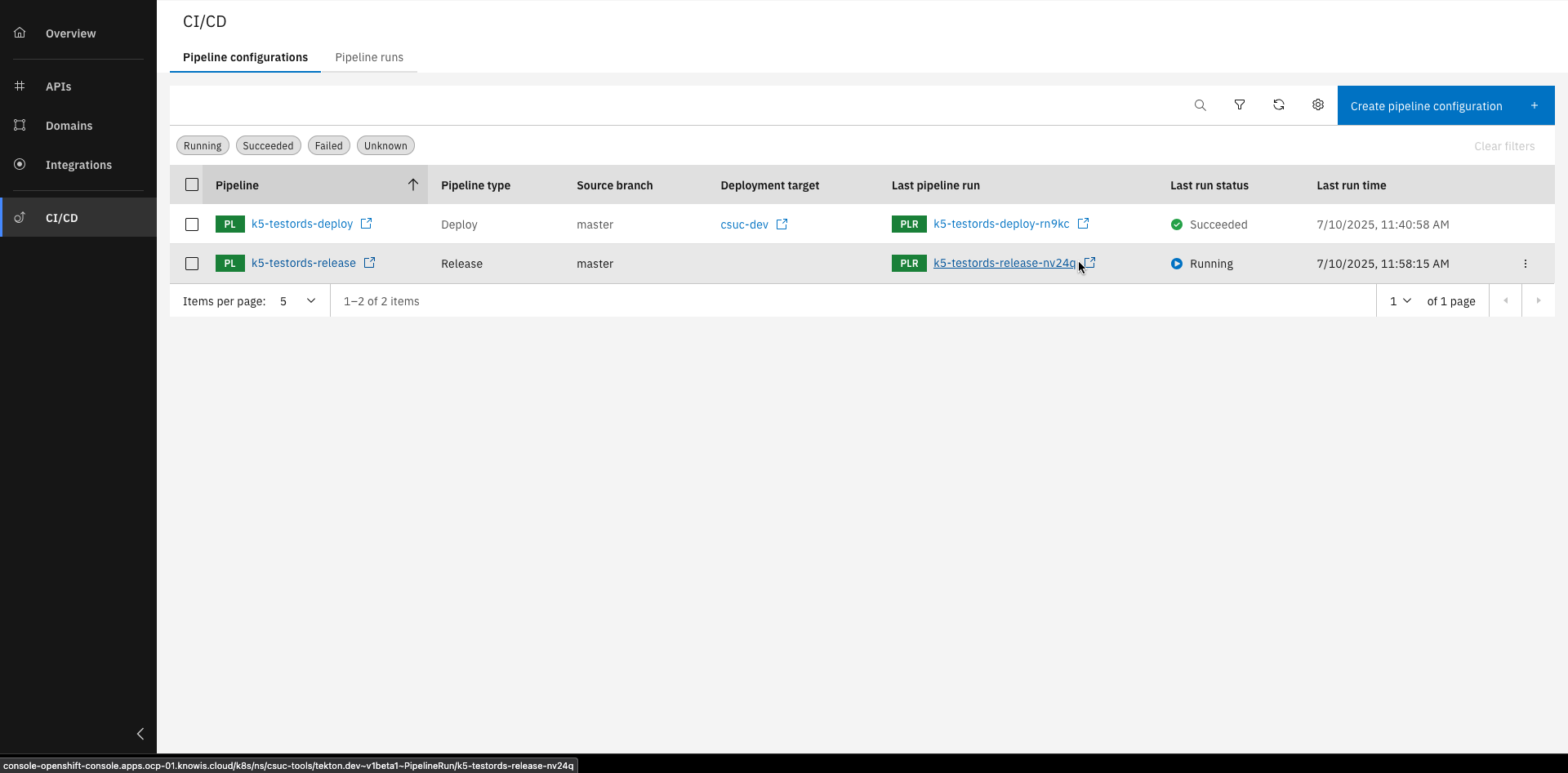
Click on the last pipeline run
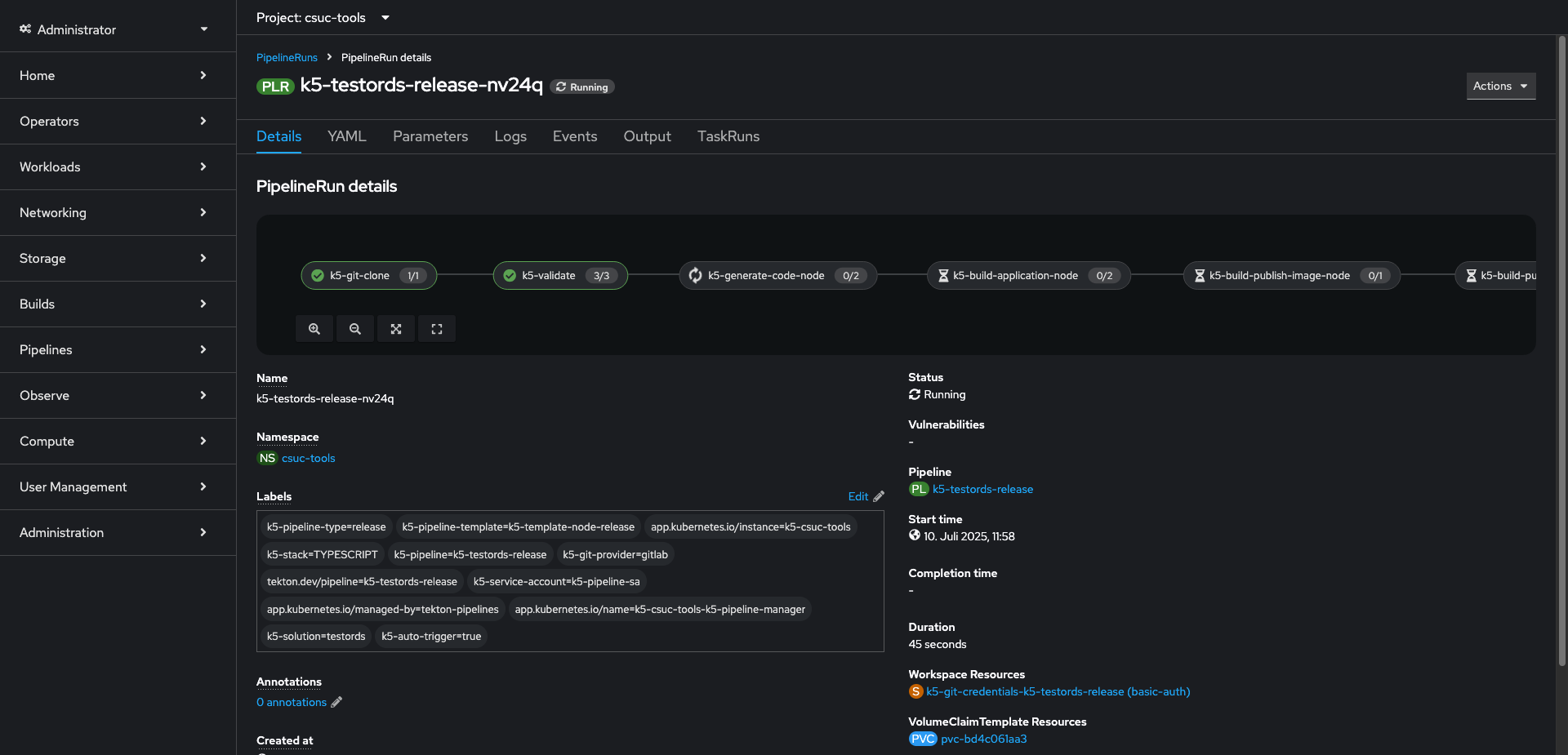
Here you can see the pipeline run details in Red Hat
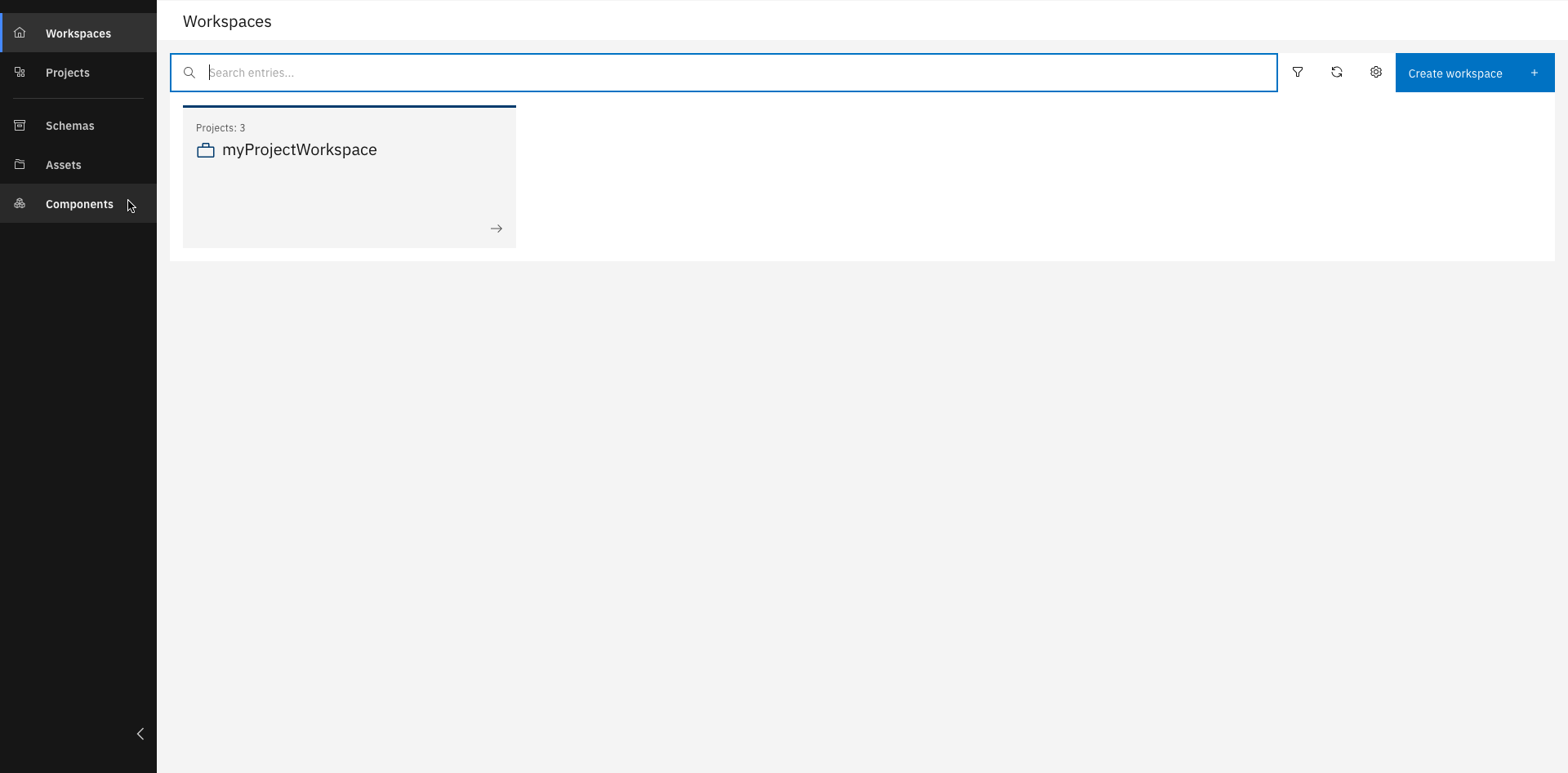
Go to the Main Page and click "Components"
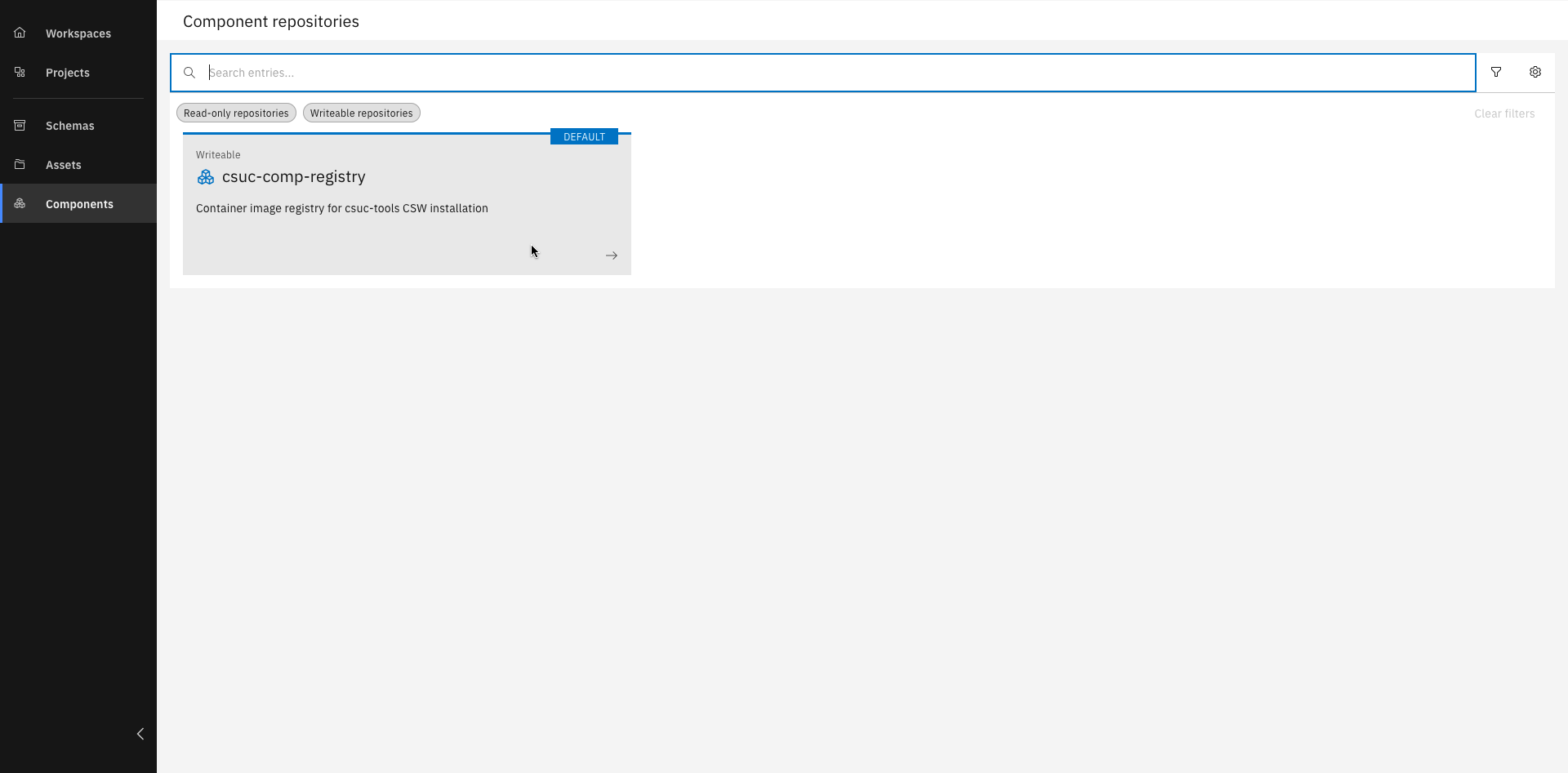
Select the your component repository
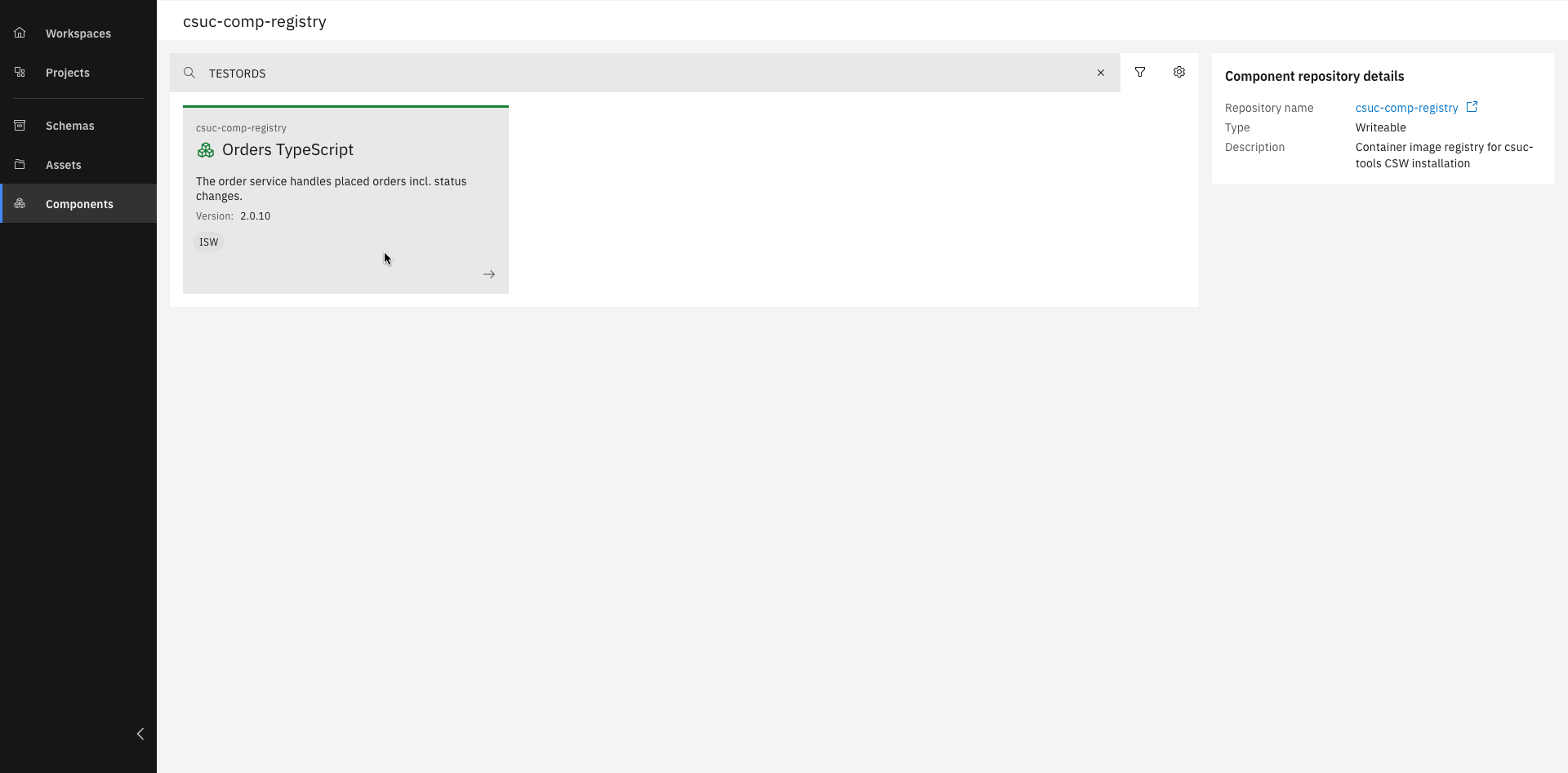
You should see your created component. Click on your component
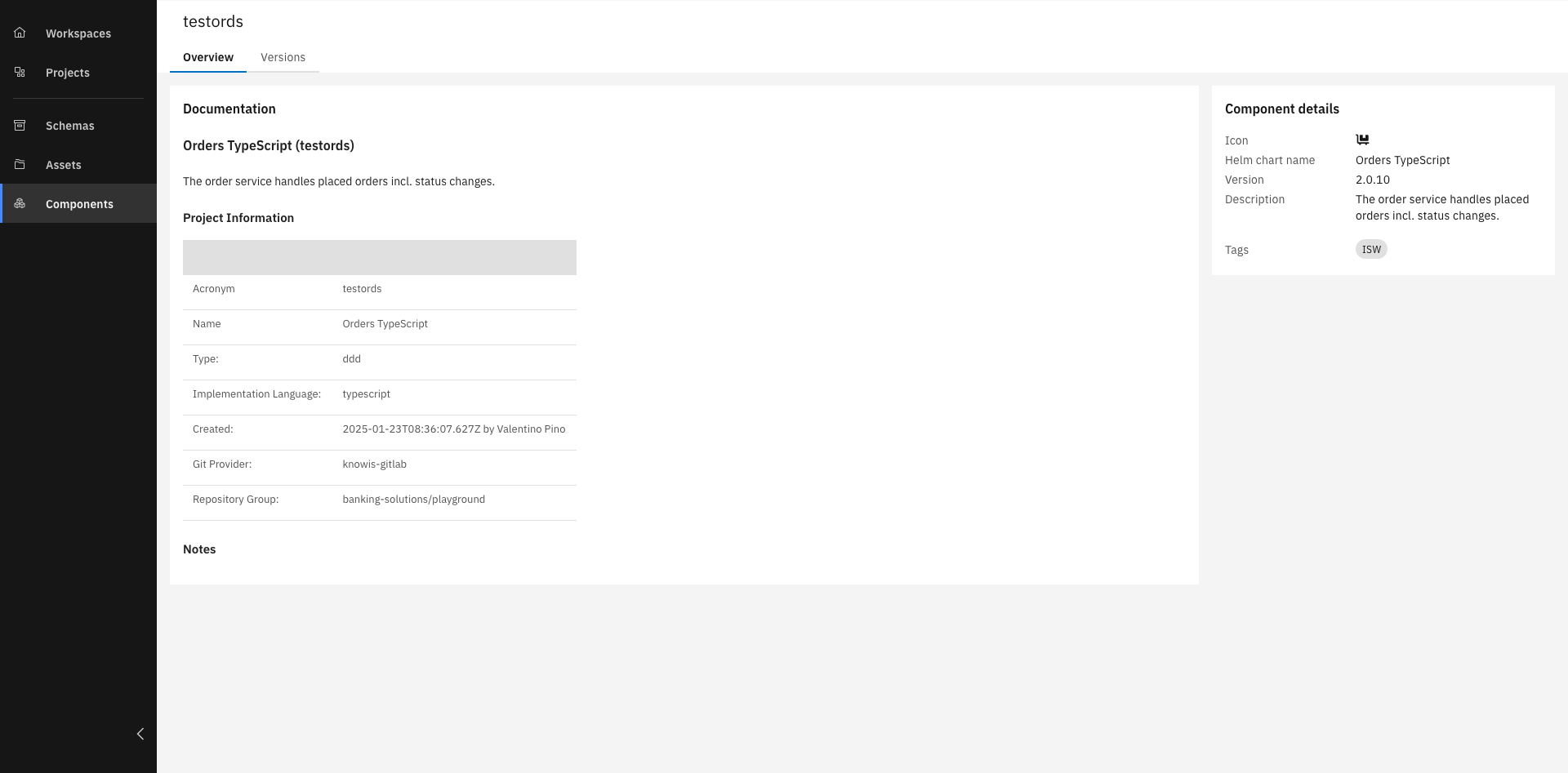
Good Job! You ran the release pipeline successfully
You created a project based on an asset and ran a deploy and release pipeline!
Related Links
Please find more information about CI/CD and deployment: