Unit 5: Collaboration and Advanced Project Management
In this unit, you will explore the advanced project management capabilities of the IBM DevOps Solution Workbench.
Outline
This unit covers features that support advanced project management workflows. You'll learn how to collaborate effectively, add model elements by browsing Git, and manage branching and merging, all within IBM DevOps Solution Workbench to enable scalable and maintainable software architectures. Also you will explore how to customize your templates and rules.
Prerequisites
- Have a system architecture design project ready in place
- Have a diagram with model elements and at least one layer created
- Have dc_admin privileges for customization
Exercise
- Estimated time: 15-20 Minutes
- Exercise goal: You will be able to work with git and the IBM DevOps Solution Workbench simultaneously with multiple people and customize project rules and templates.
Collaboration in the -workbench
Branching in the -workbench
If you have uncommitted changes, a red dot will appear on the "Commit and Push" button in the header of the IBM DevOps Solution Workbench. Your changes are saved locally but are not reflected in the Git repository until you commit and push them manually. You can also manage branches directly in the IBM DevOps Solution Workbench UI, meaning create, switch, or delete branches without leaving the application. Your current branch name is shown to the left of the branching icon in the header.
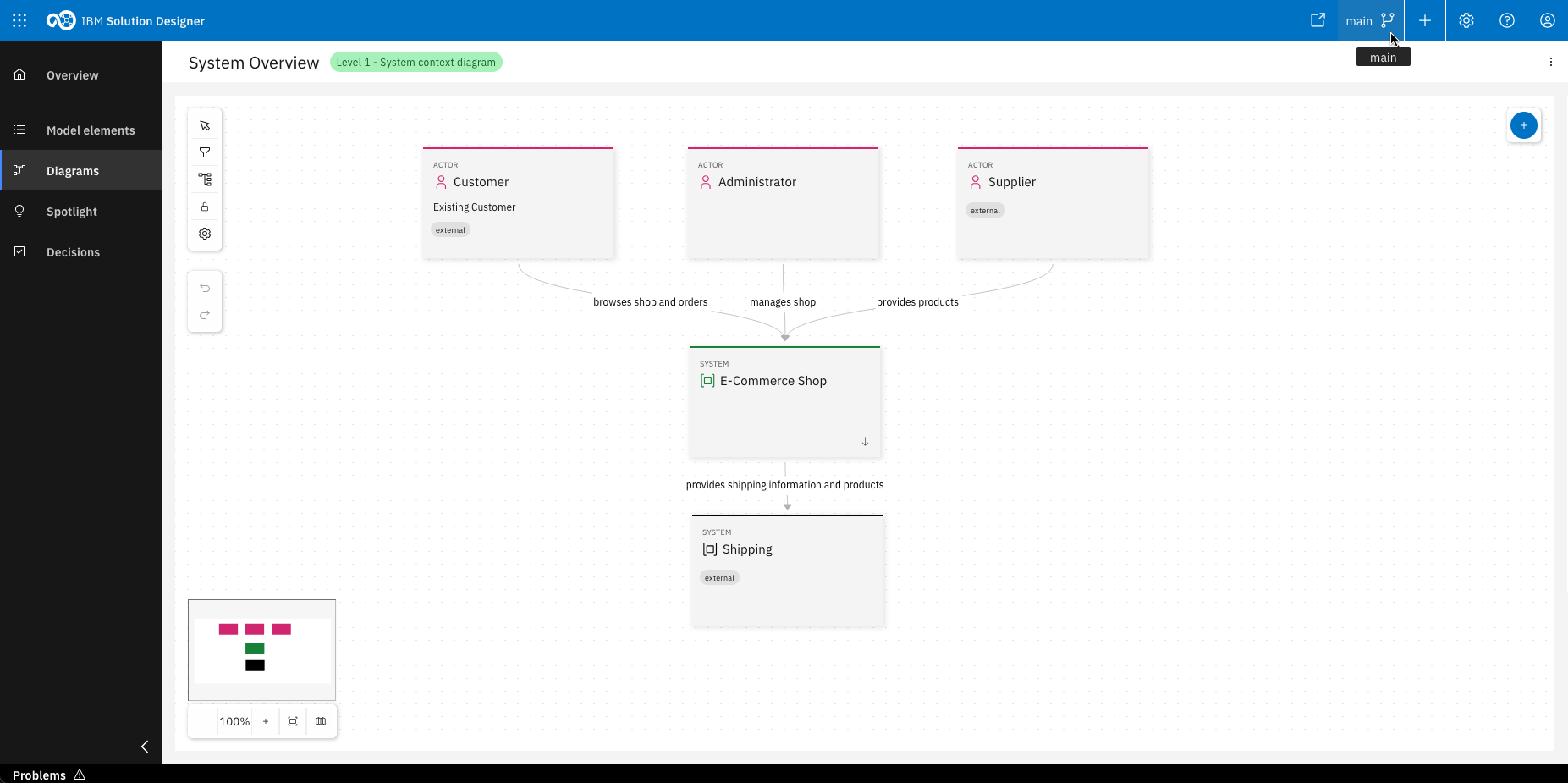
Click on the branching icon in the header
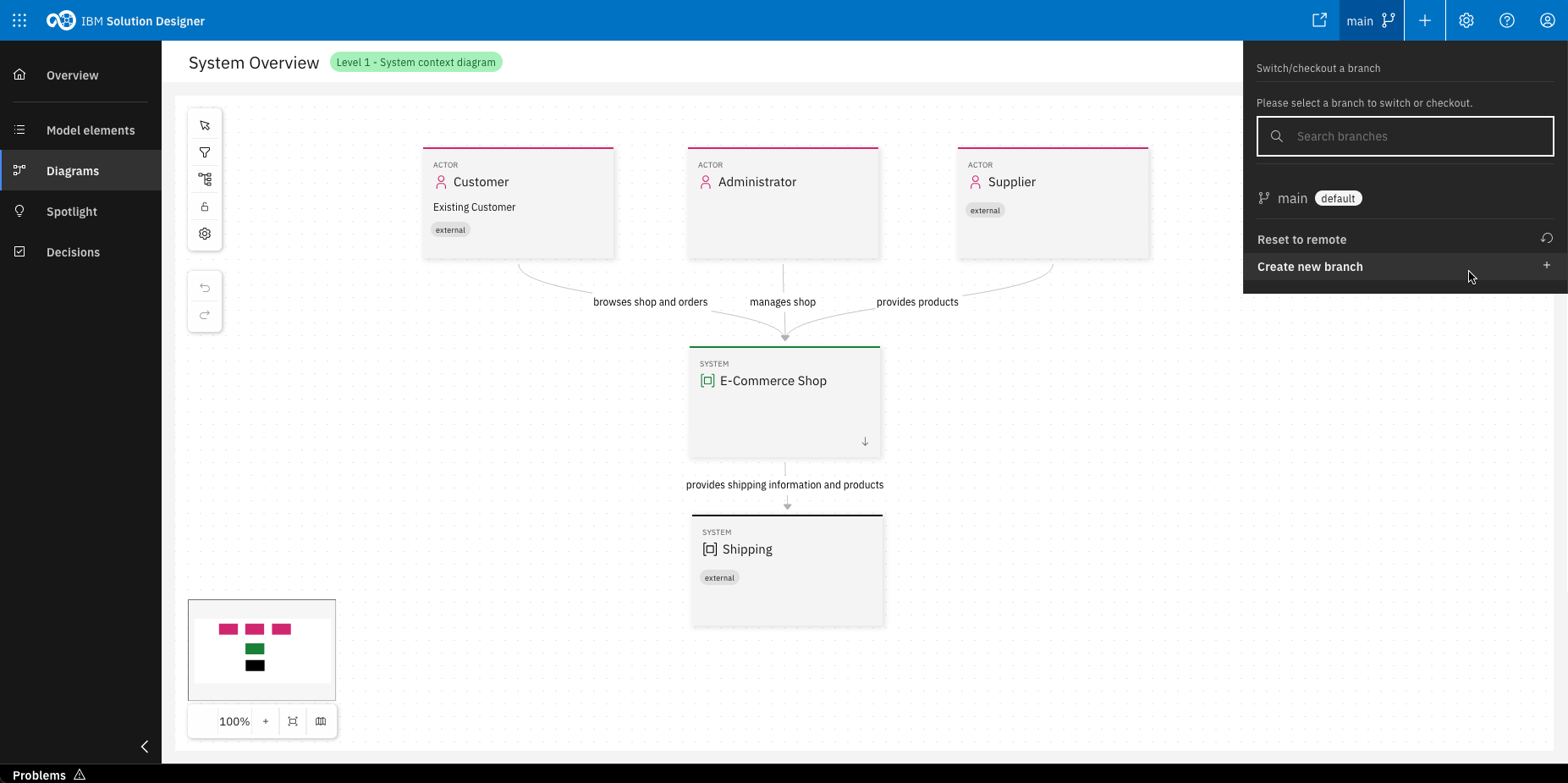
Click "Create new branch"
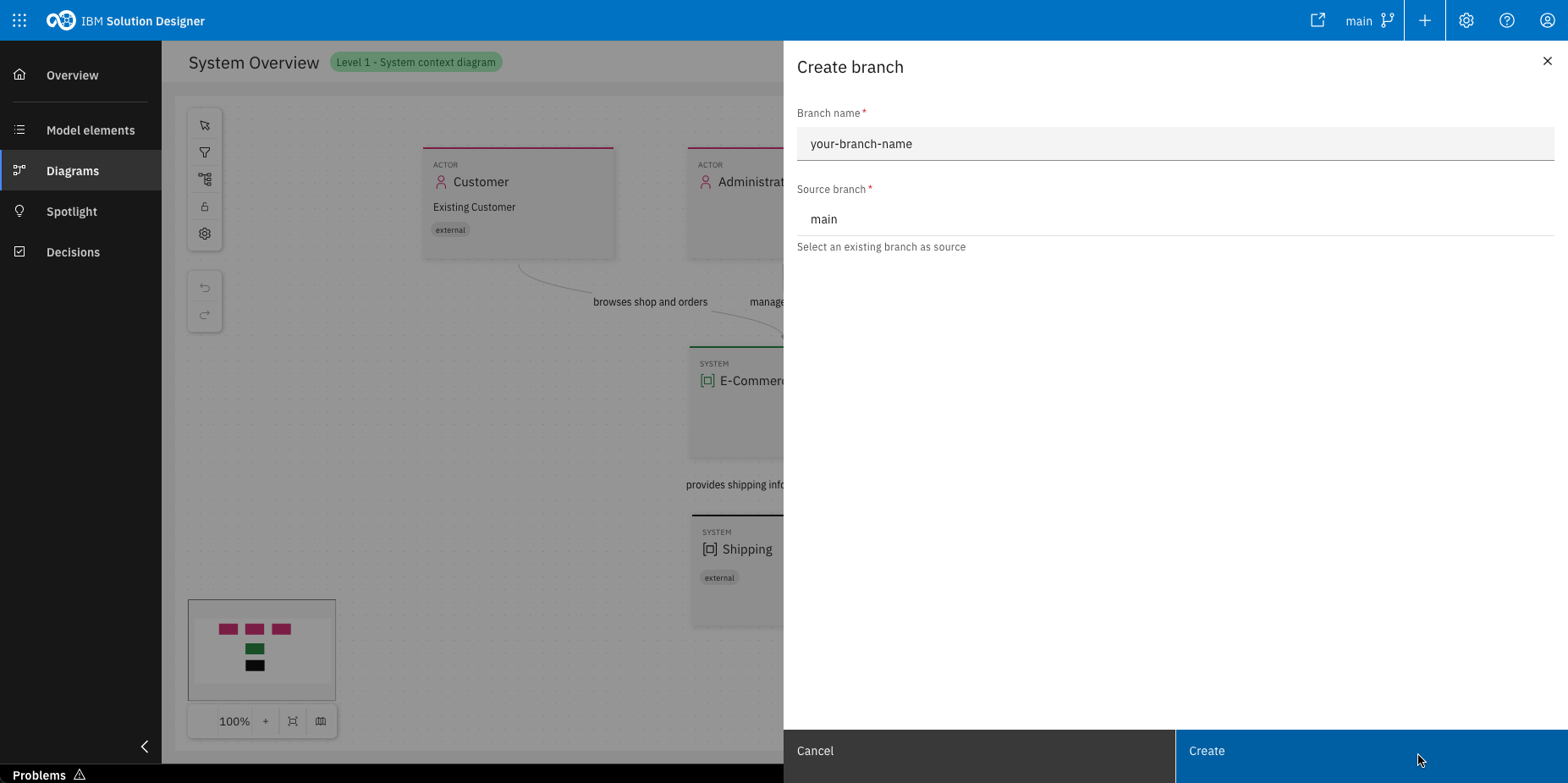
Enter a branch name and click "Create"
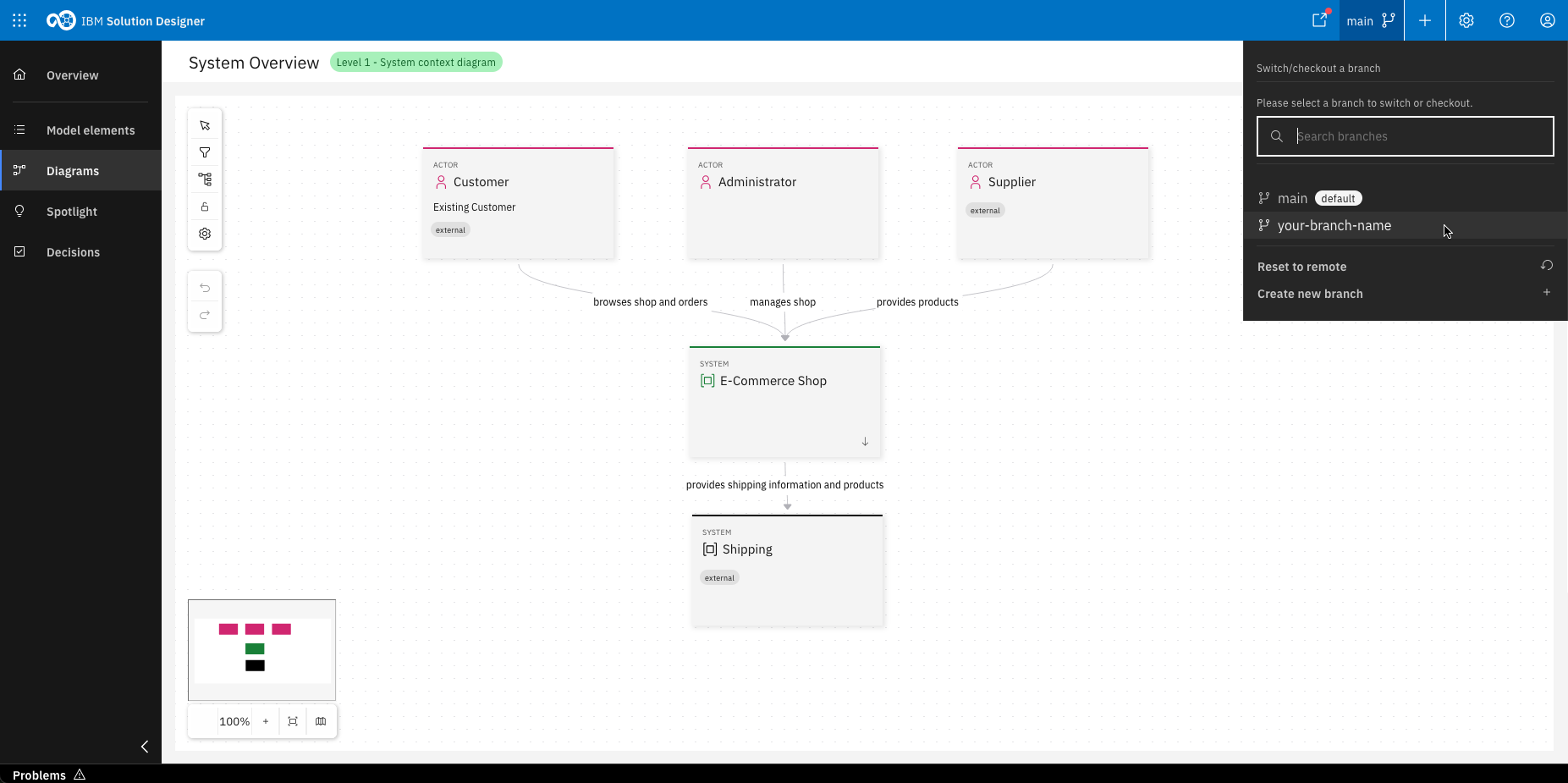
Congrats, your branch is created! It will switch to the new branch automatically.
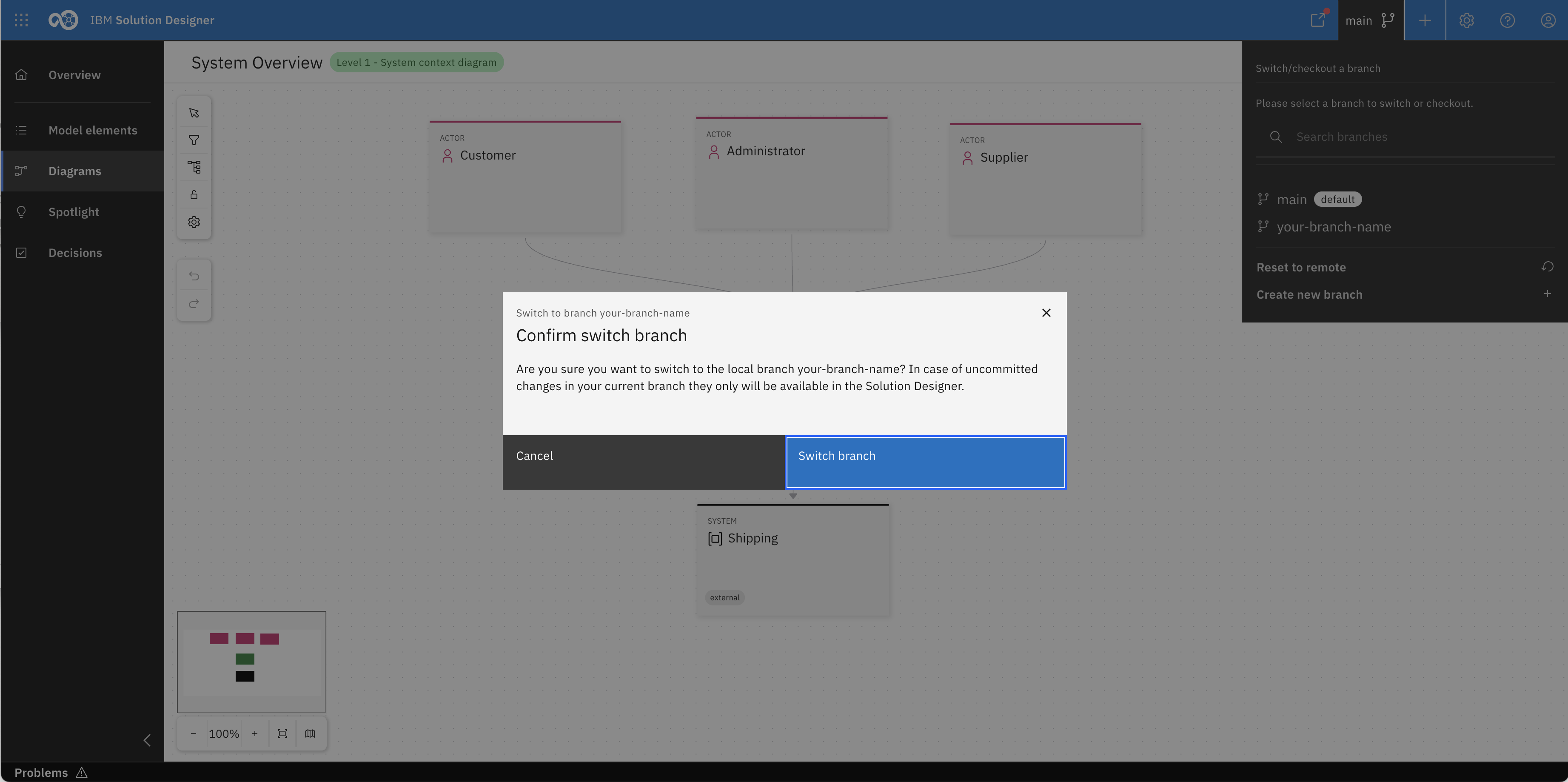
You can also switch your branch manually in the same menu.
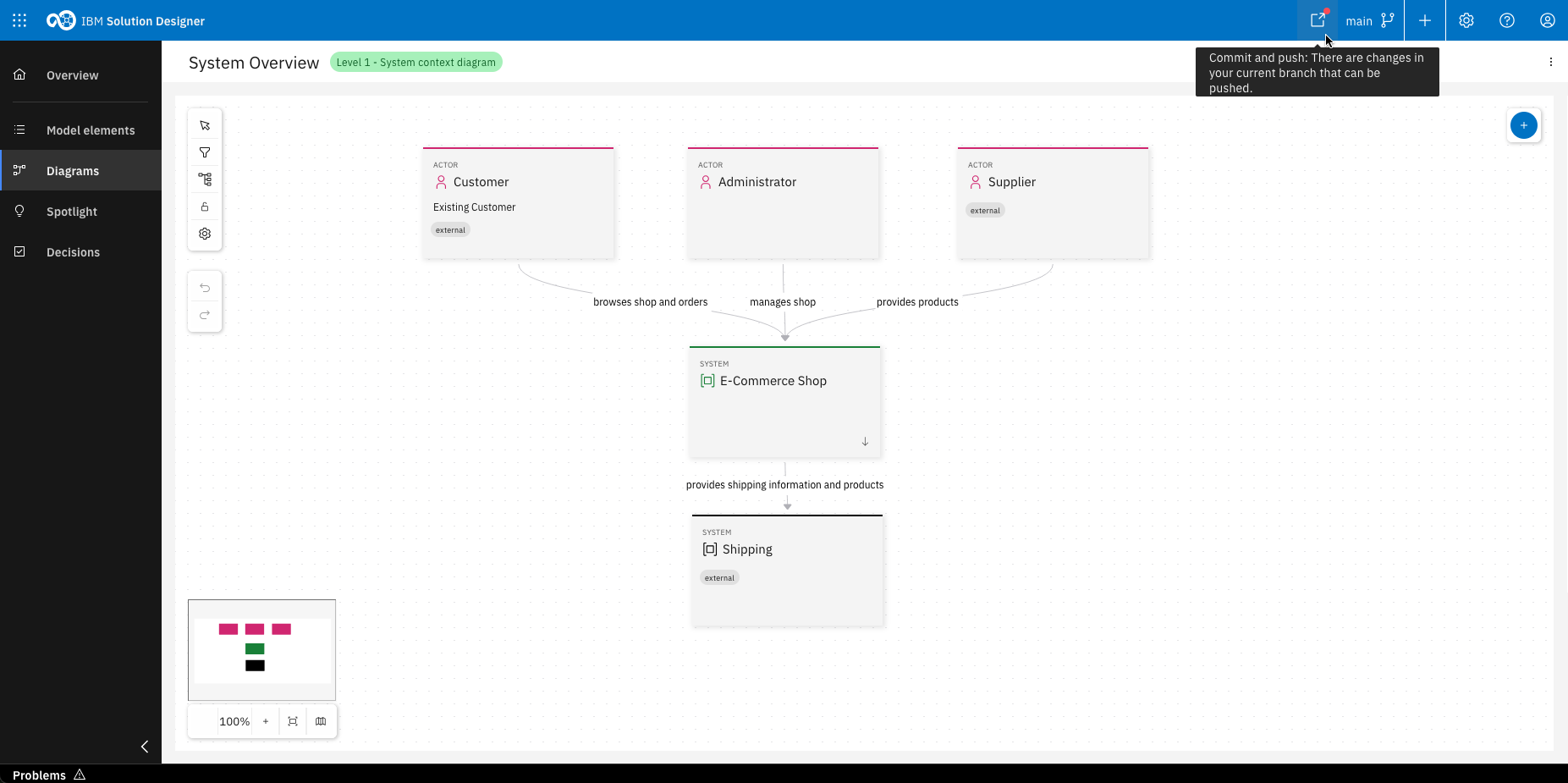
Click the commit and push icon in the header
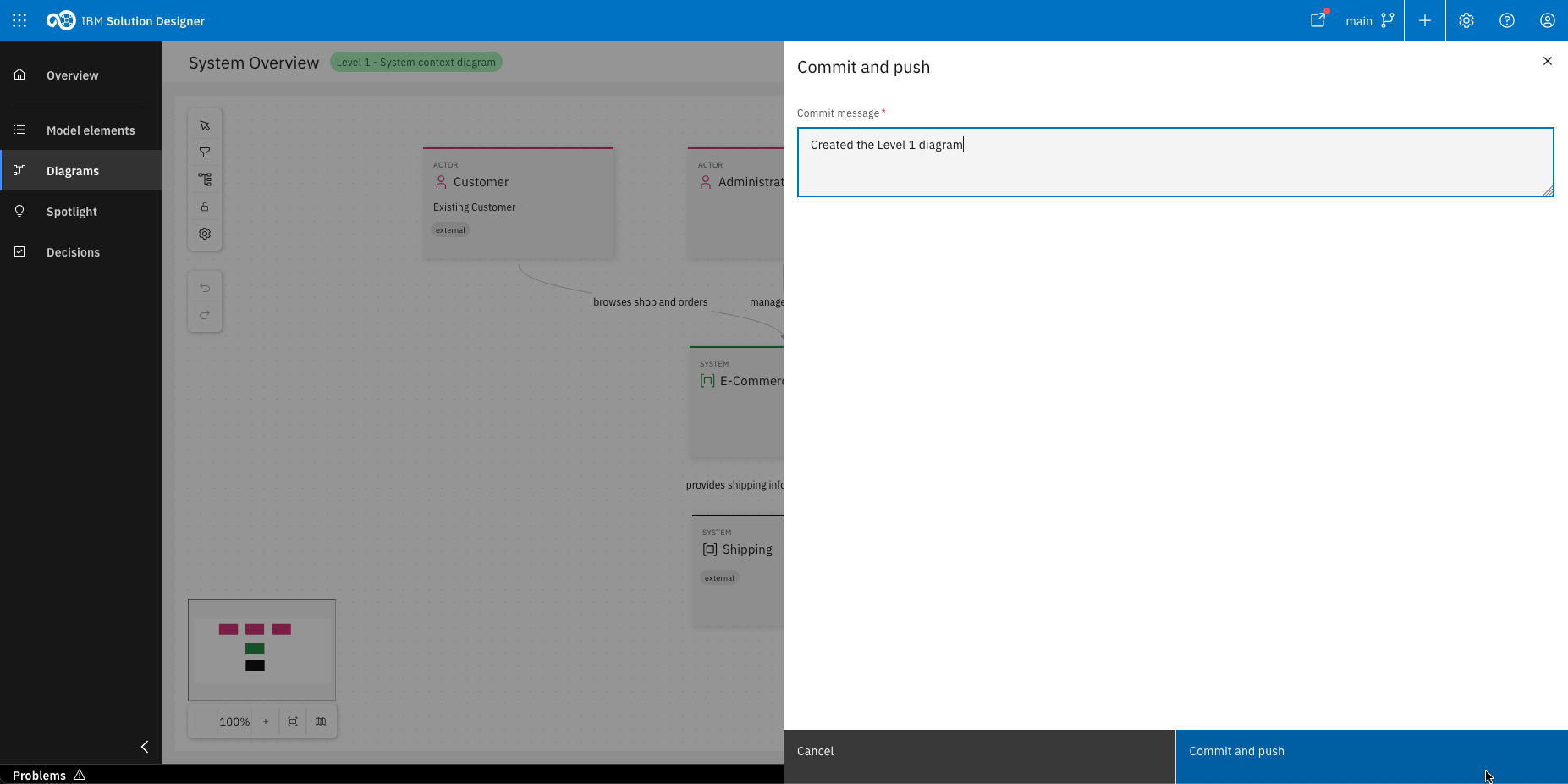
Enter a commit message and click "Commit and push"
Clicking "Reset to remote" will permanently delete all uncommitted changes. This action cannot be undone.
Using "Browse git"
This capability is only available for the C4 profile. For all other profiles, create new model element in the standard way via the "Create model element" button. Should the drop-down list not contain suitable element types, you can extend it by adding new model elements to the profile. You can also create a new profile with your own model elements. For more information, see How-To: Create and edit custom OML Profiles.
You can create model elements by referencing existing Git projects using the "Browse Git" option under "Create model element". After selecting a Git provider and repository group, you can choose projects to represent as Systems, Containers or Components. The element's name and description are taken from the project and a link to the Git repo is added under the implementation section in the Loop tab.
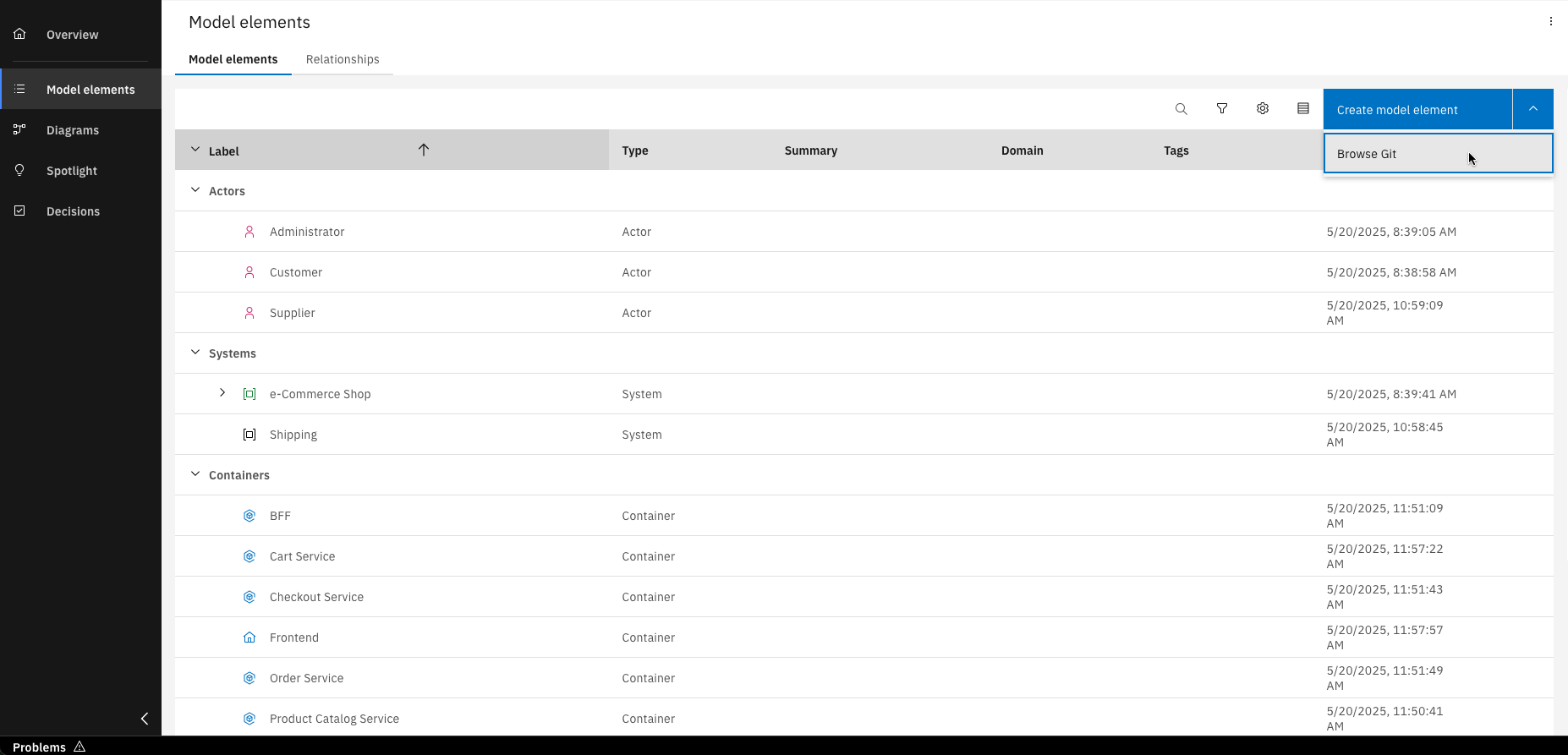
Click "Browse Git" from the dropdown menu when adding model elements
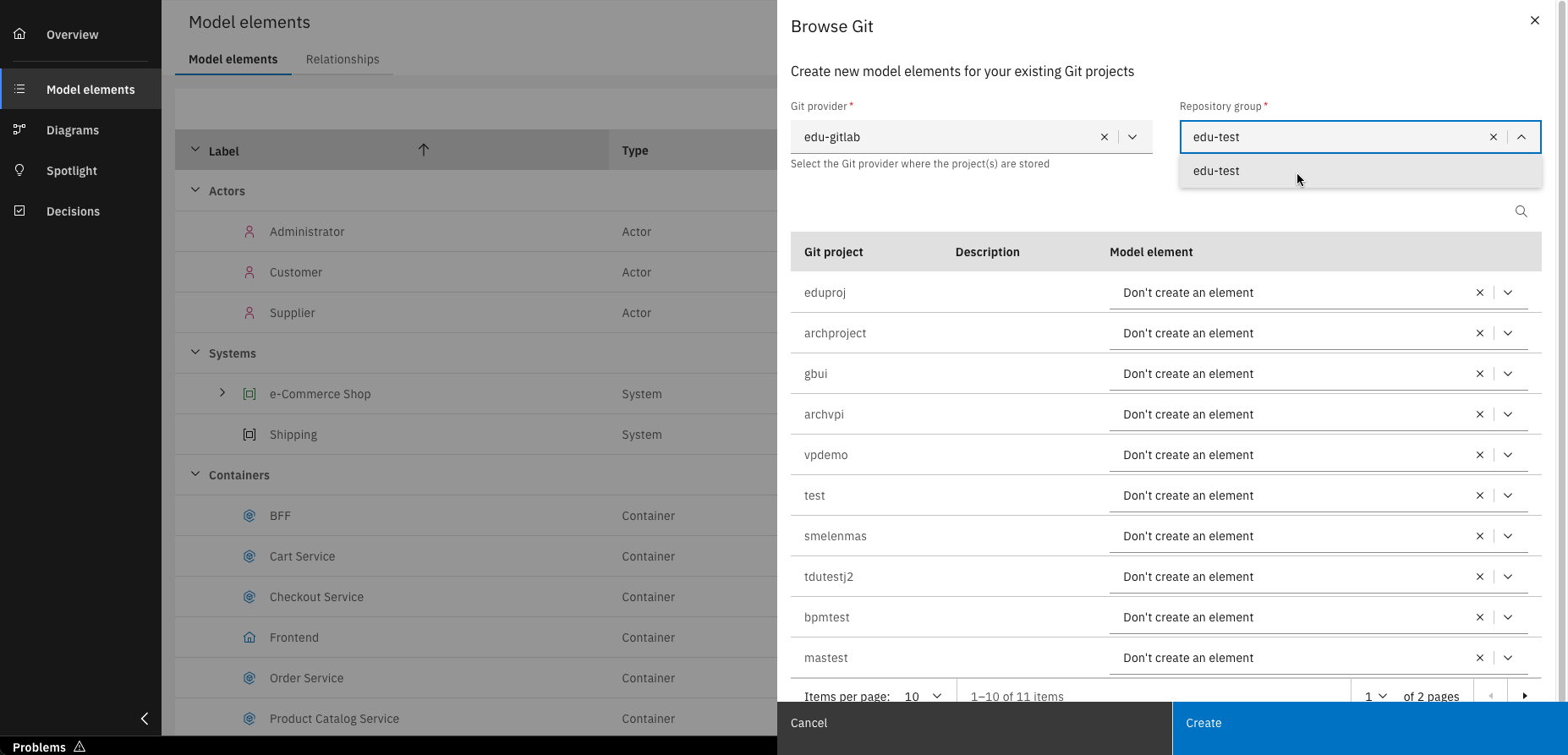
Select your Git provider and repository group
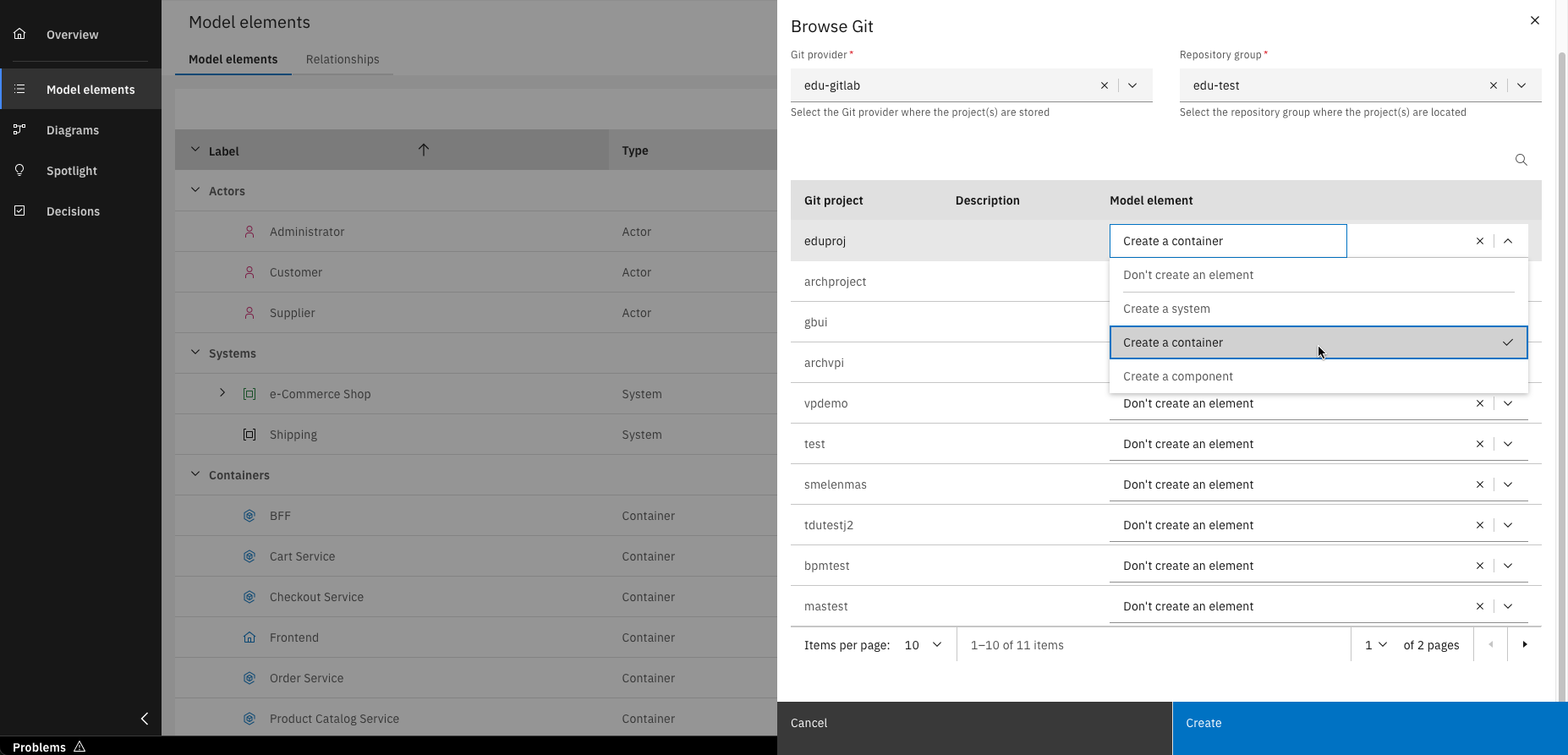
Choose the type of model element that the Git project(s) should represent using the dropdown menu
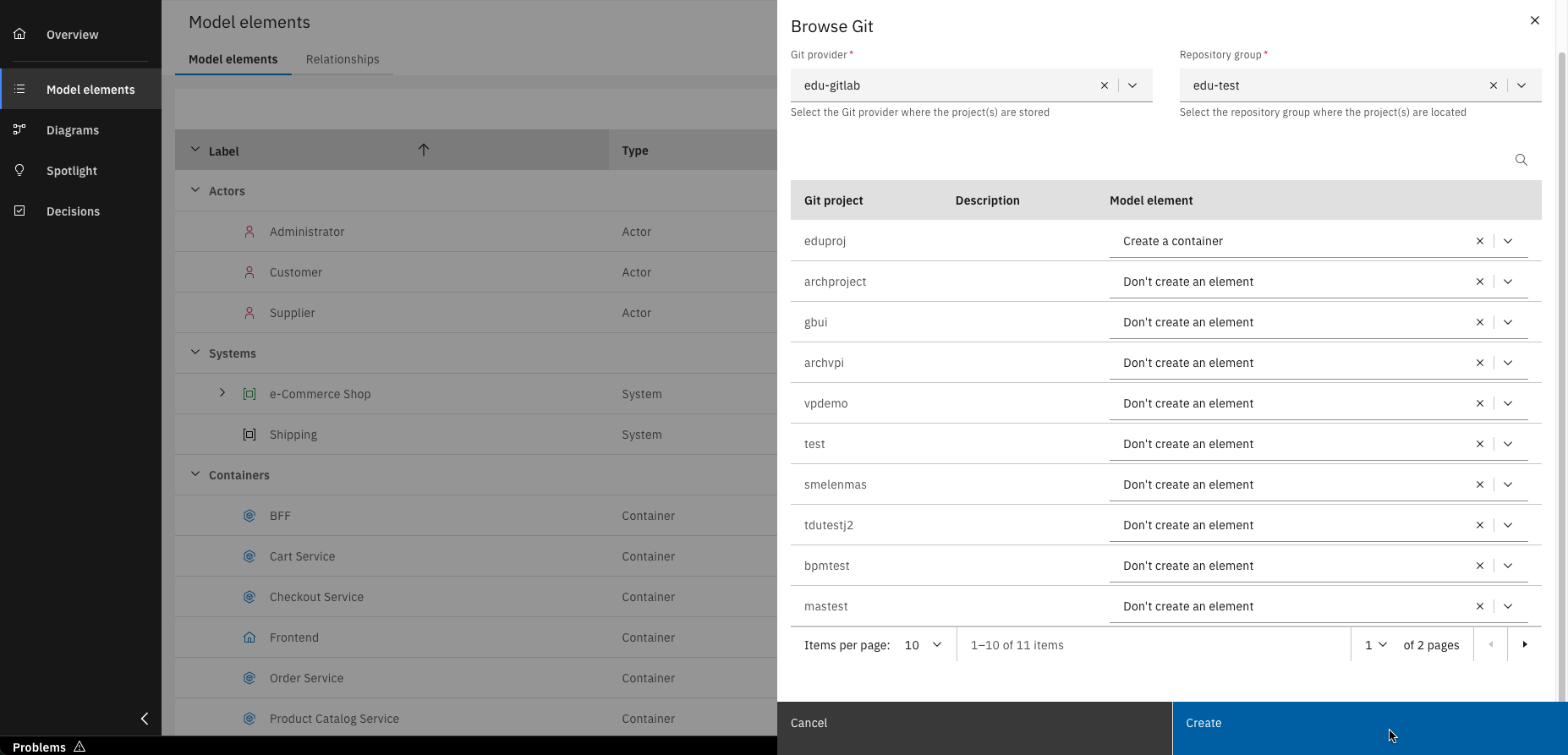
Click "Create"
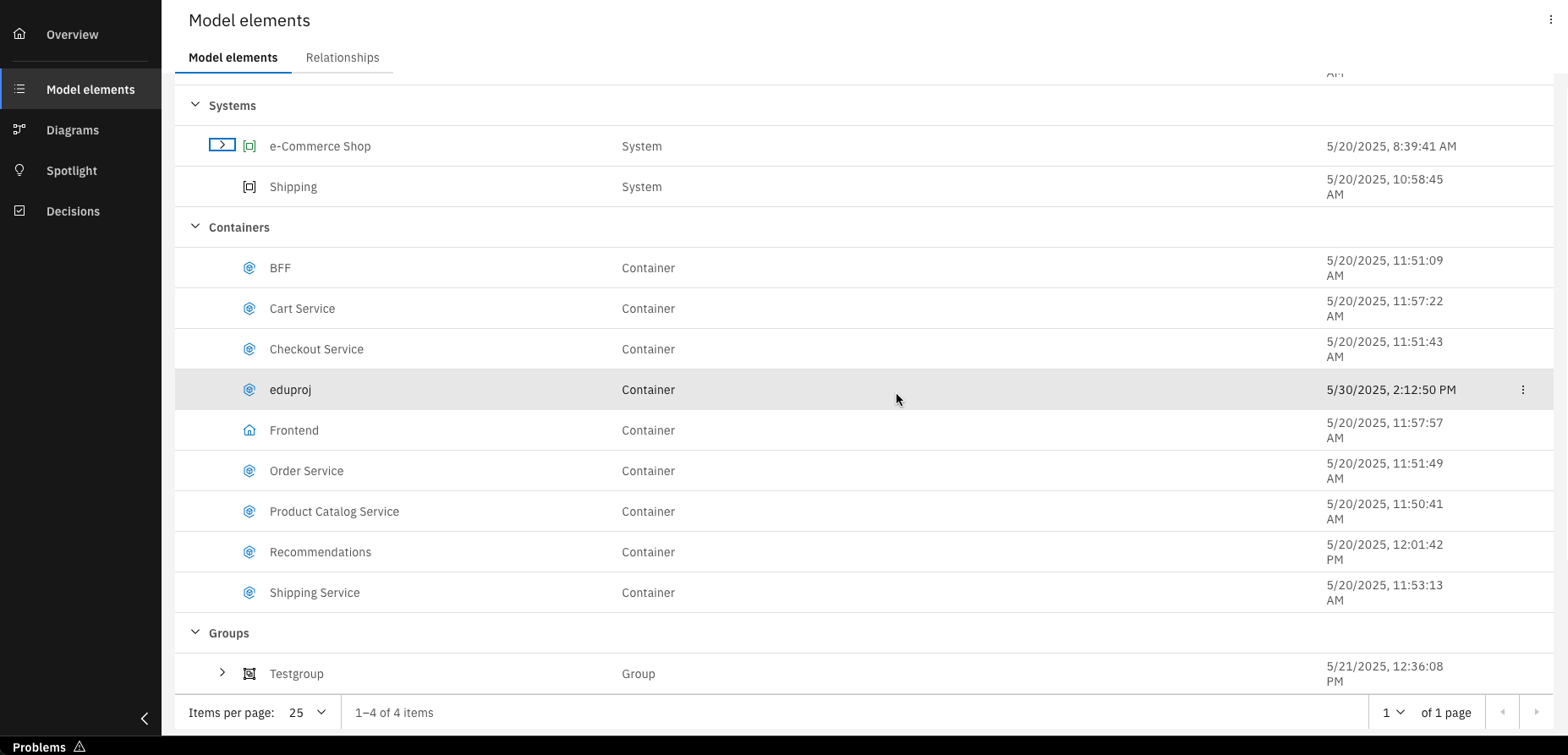
Congrats, you've created model elements from Git projects
Working in a diagram together
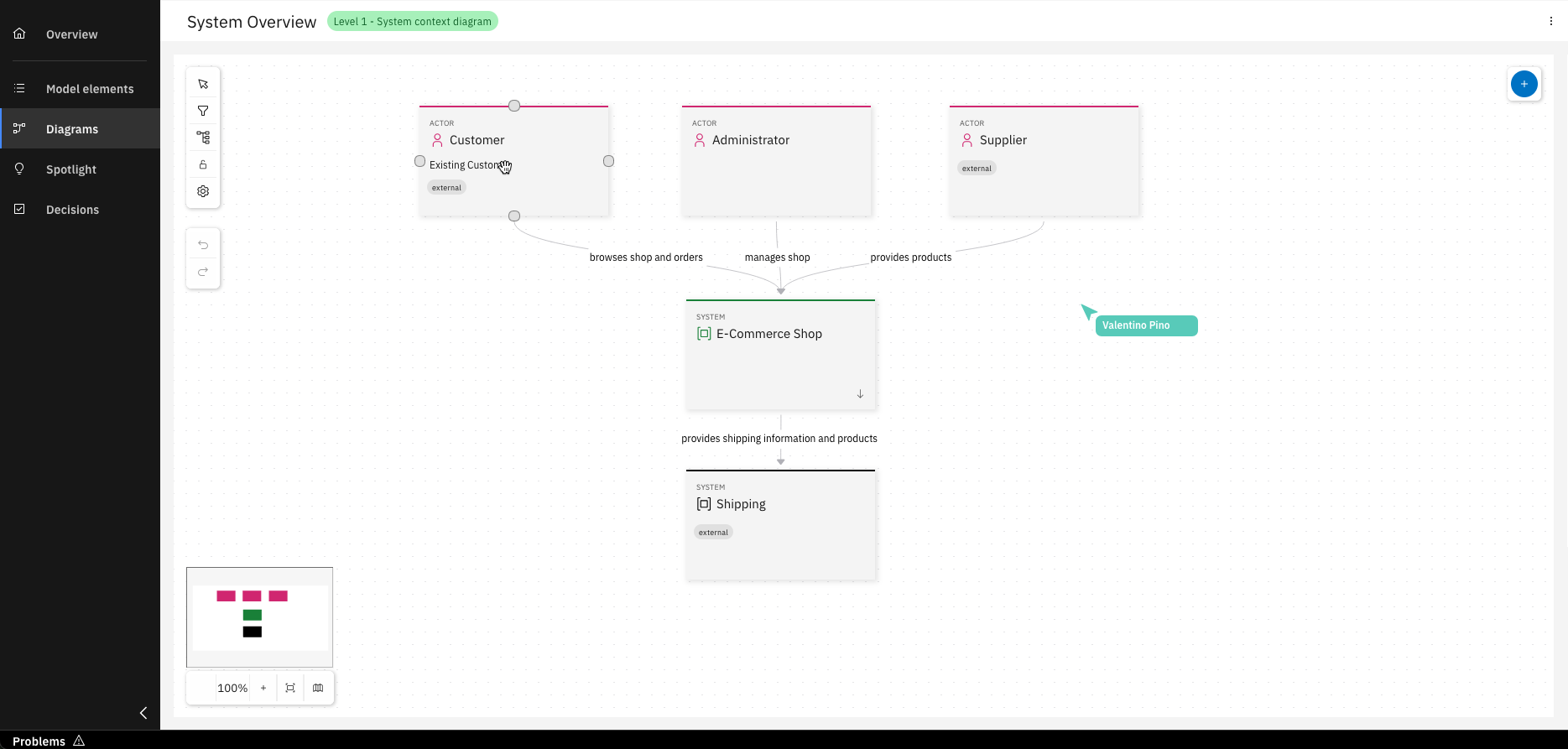
IBM DevOps Solution Workbench enables real-time collaboration on system architecture designs, not only through Git integration but also directly within diagrams. When you and your team members are working in the same diagram, you'll see indicators with the names of collaborators and live updates will reflect any changes they make. Each participant is assigned a unique color for easy identification, making teamwork seamless and intuitive.
Customization
- To ensure IBM DevOps Solution Workbench perfectly aligns with your organization's specific guidelines and established standards, a dedicated set of administrative customization options are available.
- These configurations empower you to tailor key aspects from the structure of your decision records to the guidance provided by ADR Sidekick, creating a more integrated and compliant environment for your architectural work.
Access to modify the customization settings detailed in this section is restricted. Only users with dc_admin privileges can configure these options. During a trial, these permissions can be requested via customer-success@knowis.de.
Customize ADR Template
Tailor your Architecture Decision Records (ADRs) for a perfect organizational fit by learning to Customize ADR Template in IBM DevOps Solution Workbench. This section guides you through modifying the default template via Admin Settings, ensuring all your decision records are consistently structured and precisely meet your project or company standards.
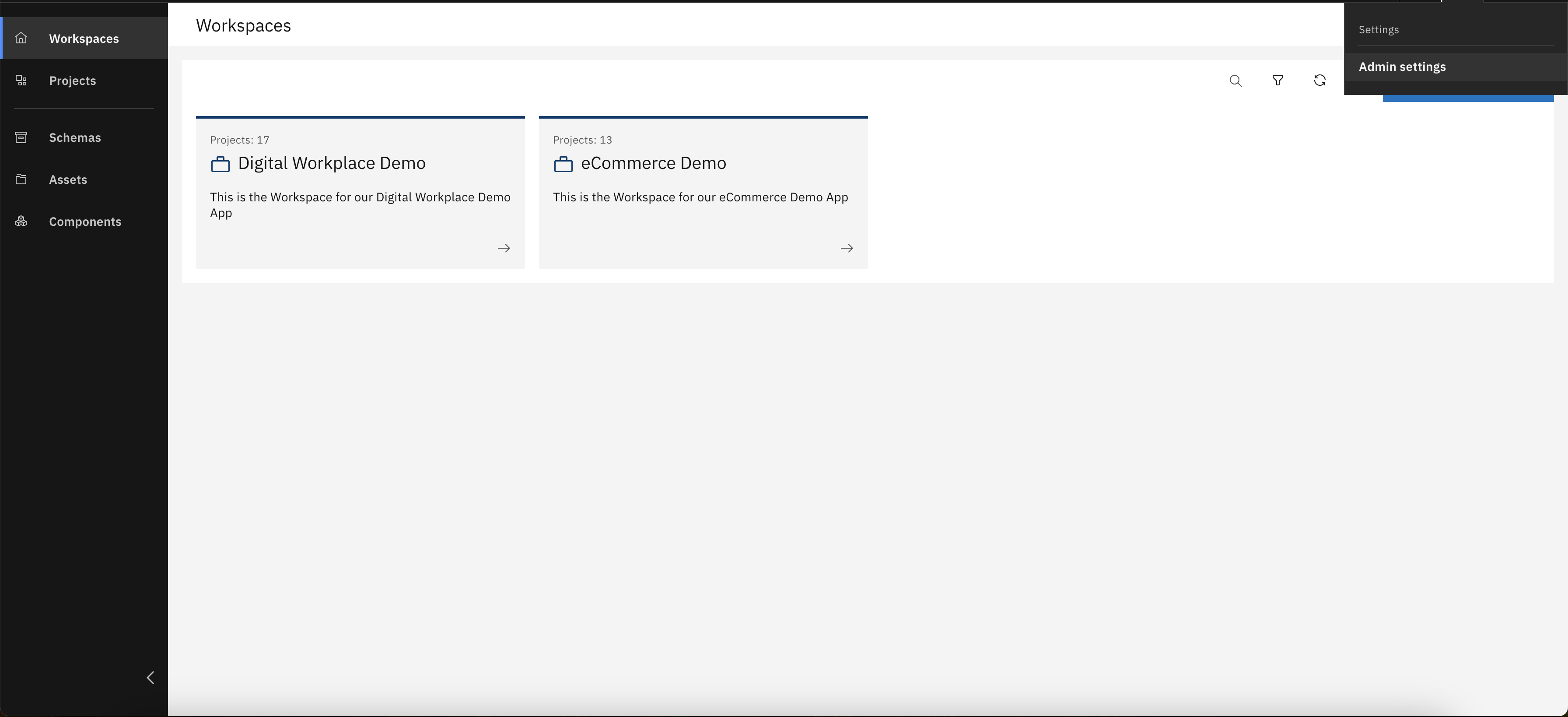
From the menu in the top bar, choose "Admin Settings"
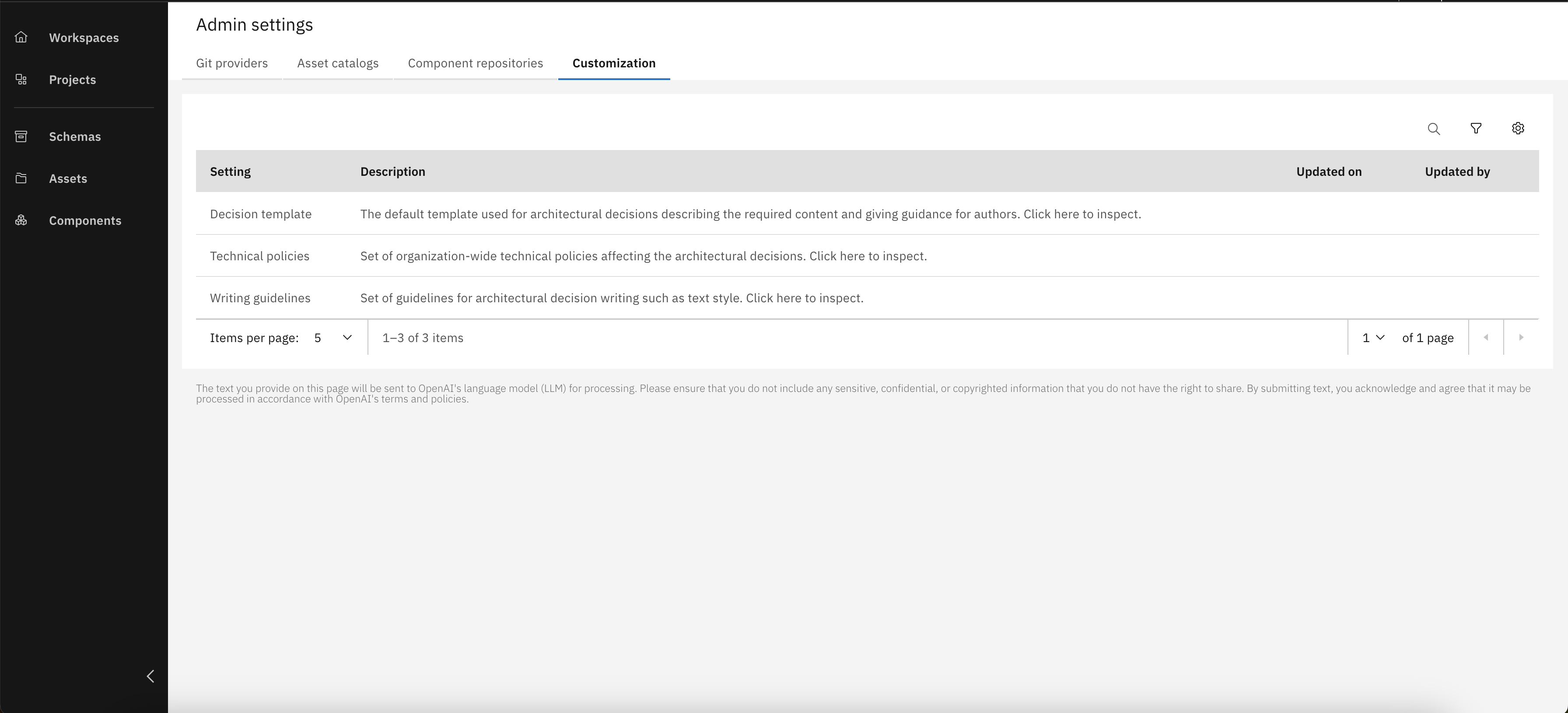
Open customization tab
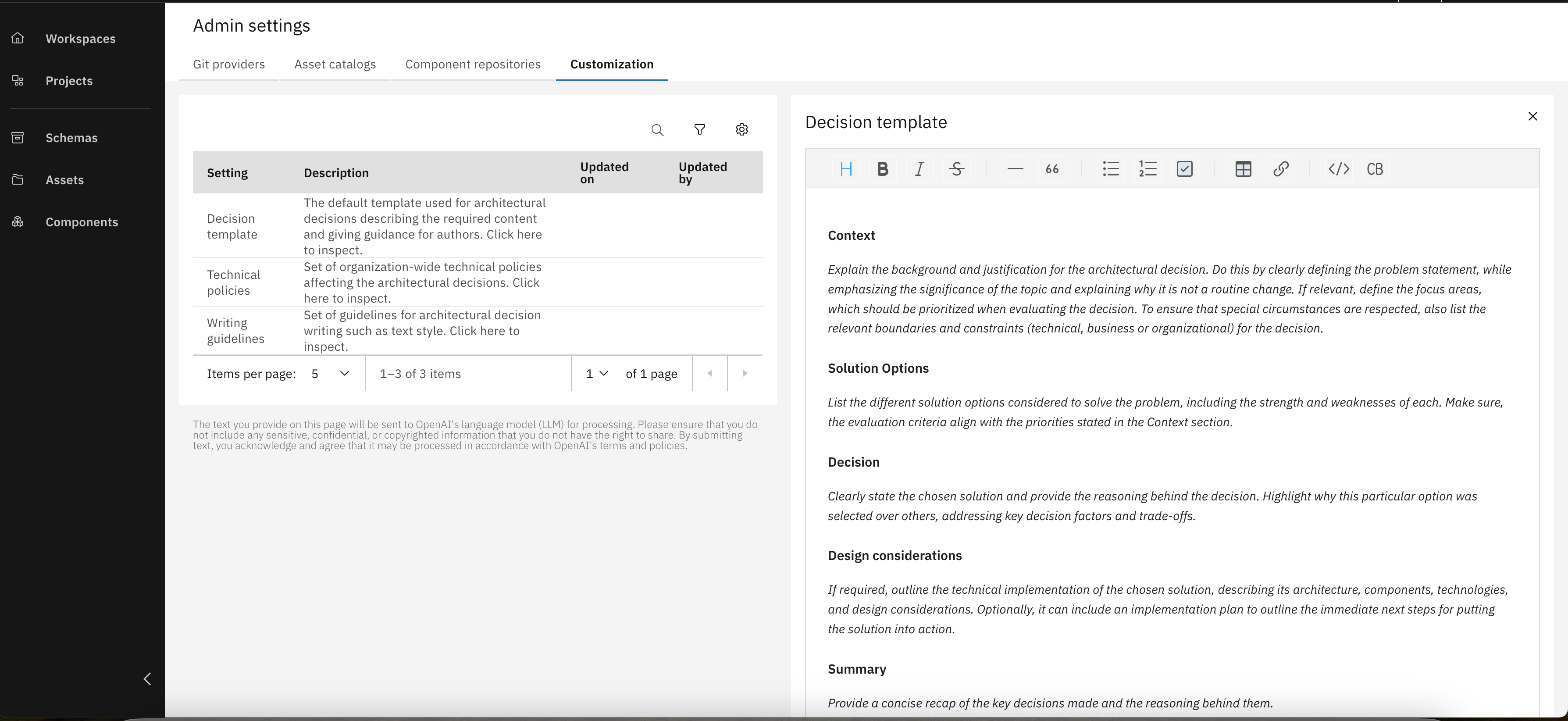
Customize the default ADR template using the editor to align with your project or organizational needs
Technical Policies
Steer architectural decisions and AI assistance towards your established technical standards by defining Technical Policies in IBM DevOps Solution Workbench. This section guides you through setting up these crucial rules via Admin Settings, ensuring consistent alignment and providing clear guidance for architects and the ADR Sidekick across your projects.
From the menu in the top bar, choose "Admin Settings"
Open customization tab
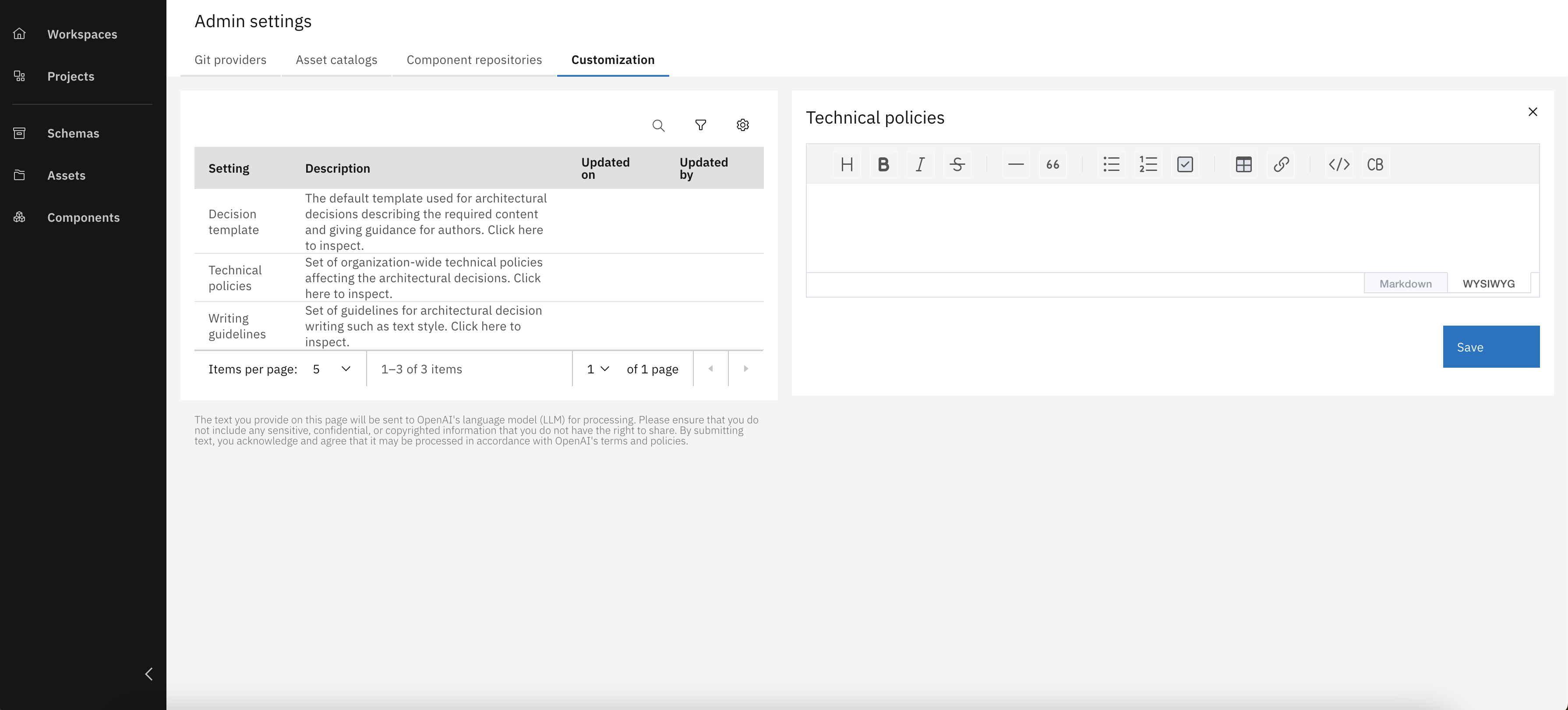
Enter your technical policies and click 'Save'. Once saved, these policies will apply across the entire organization
Writing Guidelines
Refine the output of the ADR Sidekick by defining clear Writing Guidelines in IBM DevOps Solution Workbench. This section covers setting up these stylistic and formatting rules via Admin Settings, ensuring all AI-generated text for your ADRs is consistent, readable, and aligns precisely with your desired communication style.
From the menu in the top bar, choose "Admin Settings"
Open customization tab
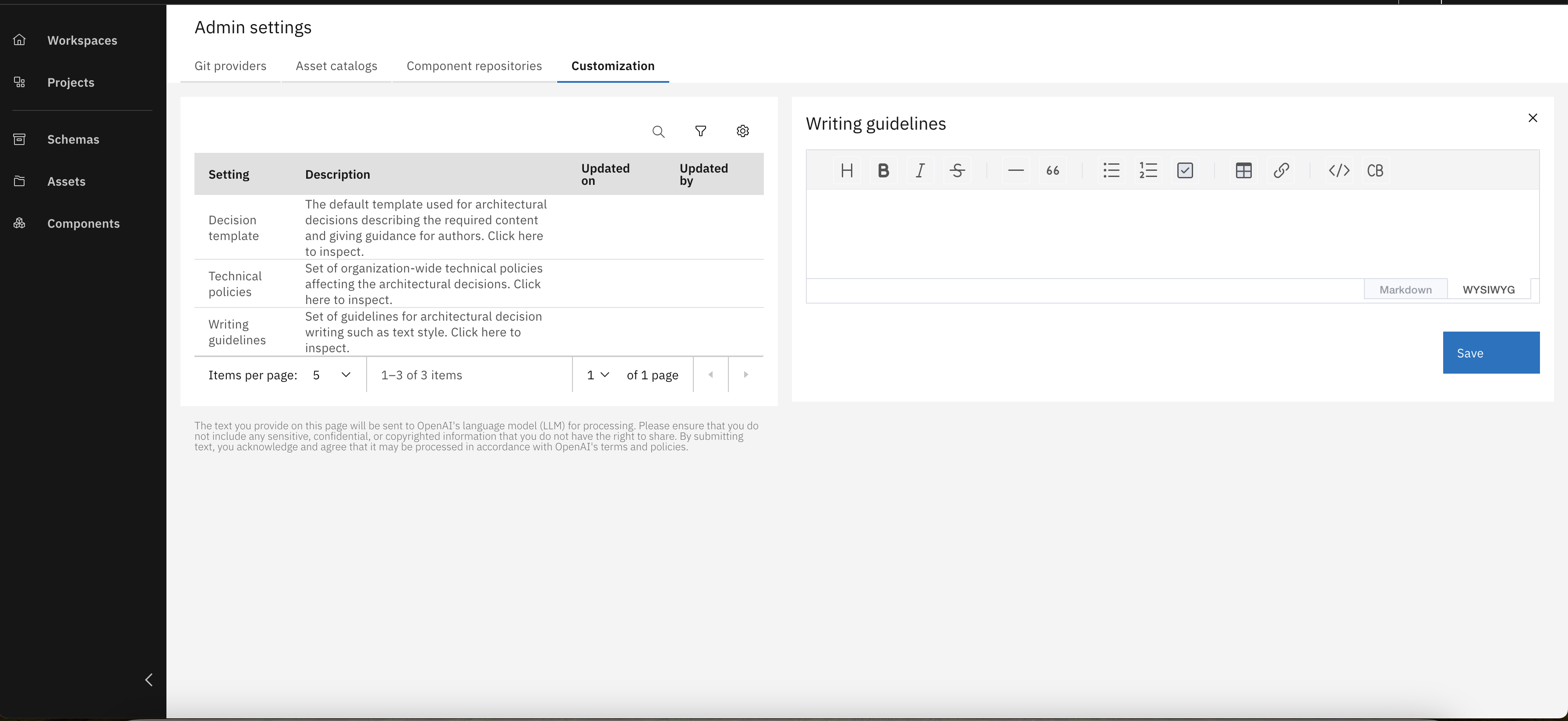
Define rules for text style, tone, and formatting to ensure AI-assisted documentation is clear and consistent
You learned how to work with git and the IBM DevOps Solution Workbench together and customize project rules and templates.