Unit 1: Foundation of Software Architecture Modeling
In this unit you will learn the foundational capabilities of the IBM DevOps Solution Workbench's software architecture modeling feature and create a new system architecture design project.
Before diving in, it's helpful to understand what architecture modeling is about. In the IBM DevOps Solution Workbench, architecture modeling provides a lightweight, collaborative way to structure ideas, guide implementation, and capture decisions - making it a team exercise not just a solo and one-off planning effort.
Whether you're working on a greenfield project, modernizing existing systems, or incrementally augmenting a running platform (as in our RoboFlow example), architecture doesn't always start the same way. The Workbench supports you with a balance of top-down modeling and bottom-up discovery. This allows teams to start where it makes the most sense: with business goals, technical constraints, or a mix of both.
Outline
This unit will guide you through creating your first system architecture design project as a practical exercise. To get the most out of this course, it's recommended that you are familiar with the core architecture features of the IBM DevOps Solution Workbench.
Architecture work can start from different angles depending on your context. The table below highlights how architecture modeling differs between greenfield and modernization scenarios — both of which are supported by the Workbench:
| Aspect | Greenfield | Existing / Modernization |
|---|---|---|
| Starting Point | Blank slate; architecture is shaped from business goals and tech strategy | Existing systems, legacy constraints, and current pain points define the baseline |
| Focus Areas | Strategic choices: tech stack, patterns, structure, scalability | Tactical and strategic: refactoring, tech debt reduction, incremental modernization |
| Documentation Needs | Build up architecture and models as you go | Reverse engineer and model current state first, then document evolution |
| Typical Approach | Top-down, forward-looking, proactive design | Bottom-up and top-down mix: assess, identify pain points, incrementally redesign |
| Support Role | Rapid ideation and generation of architecture patterns | Architecture discovery and identifying modernization options |
In our example, RoboFlow started with a simple, customer-facing eCommerce setup but expanding its business, growing operational complexity has introduced new needs, including internal users placing orders for testing, support, or other business processes.
We begin by following a greenfield approach: starting from scratch with a clean architecture project, modeling high-level systems (L1) and containers (L2) to shape an initial vision. This top-down perspective helps us lay the groundwork for what the architecture should look like.
Later, we'll return to this model to adapt and refine it, introducing distinctions like internal and customer orders as part of the system's evolution. This allows us to reflect how real-world requirements shape architecture over time.
But let's start at the beginning - by creating our architecture project.
Exercise
- Estimated time: 5 Minutes
- Exercise goal: You will be able to create system architecture design projects and know the key modeling capabilities.
Step 1: Create a new system architecture design project
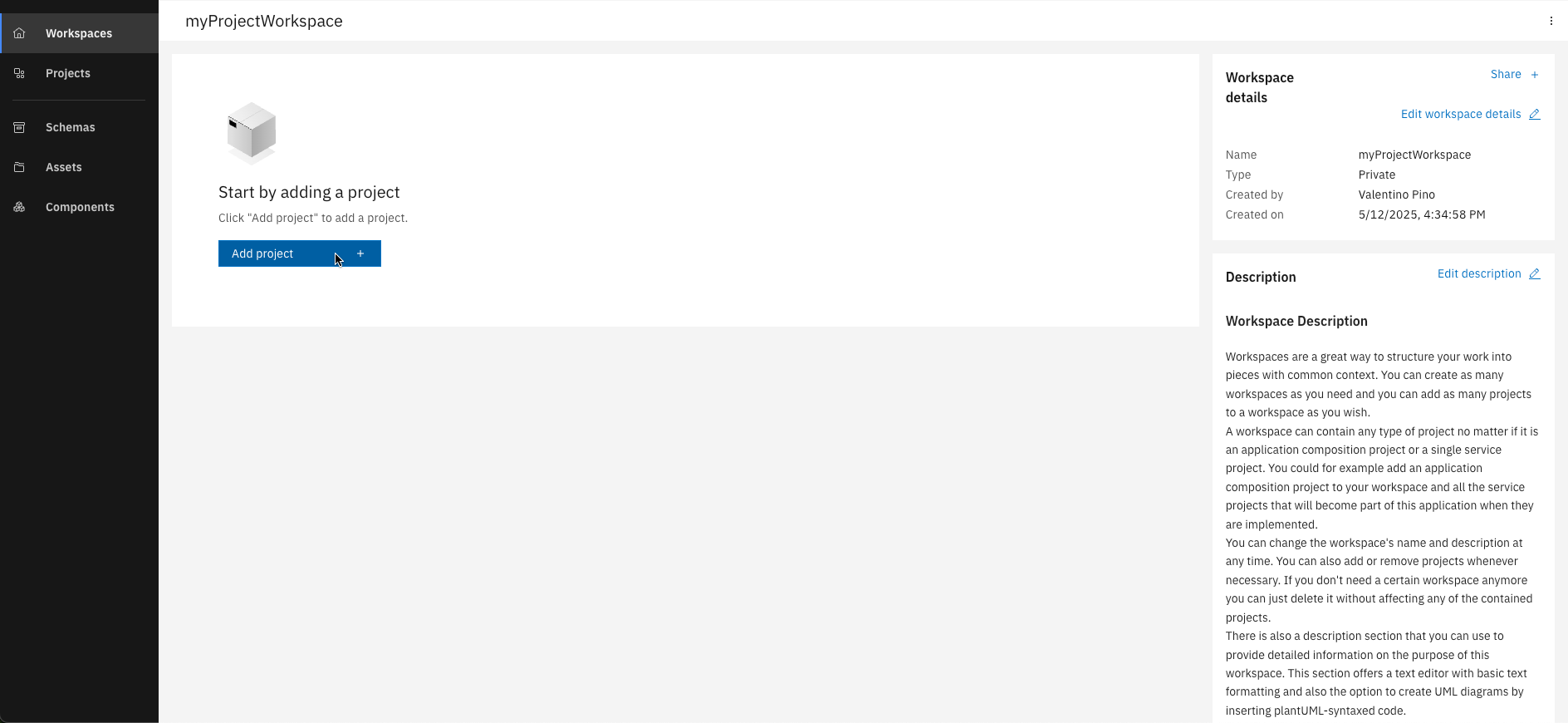
Create a project
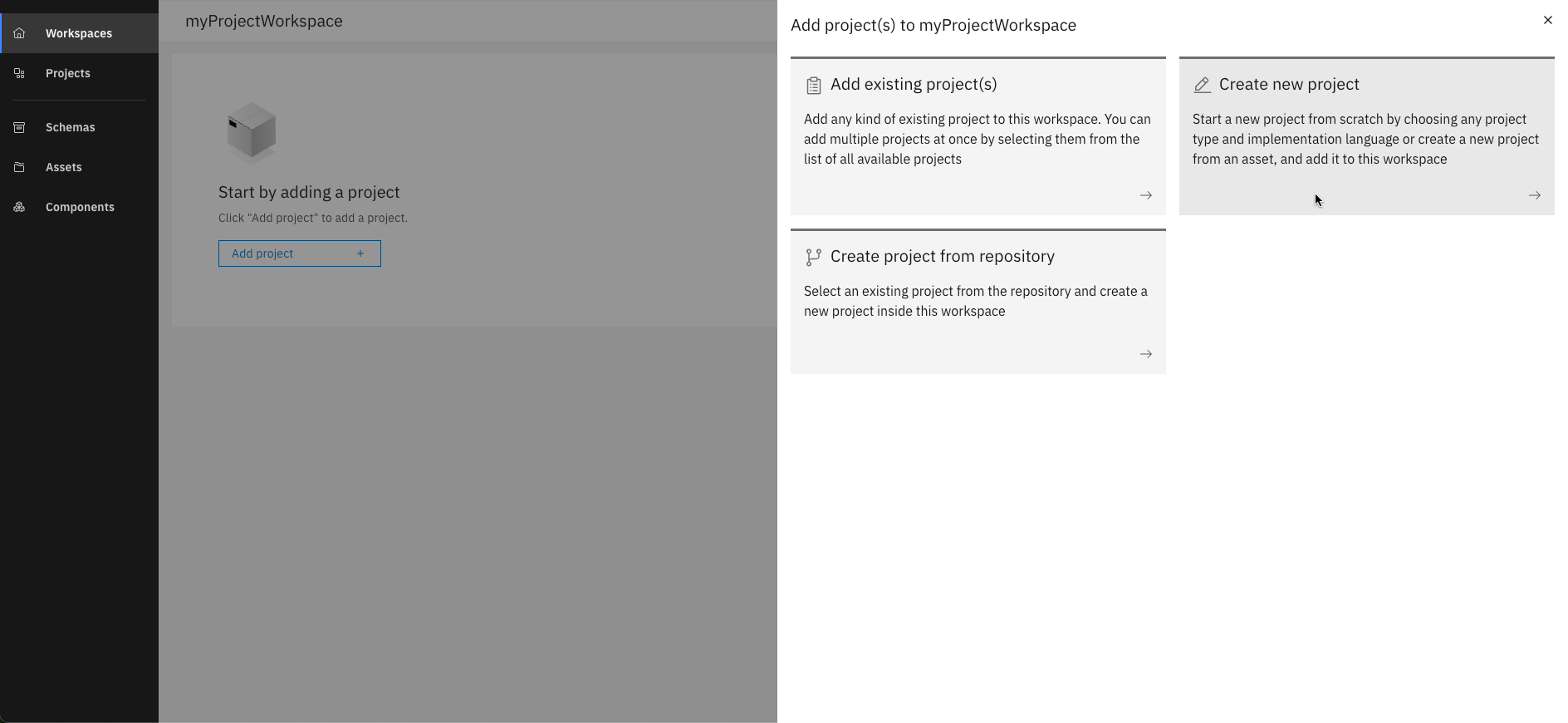
Select "Create new project"
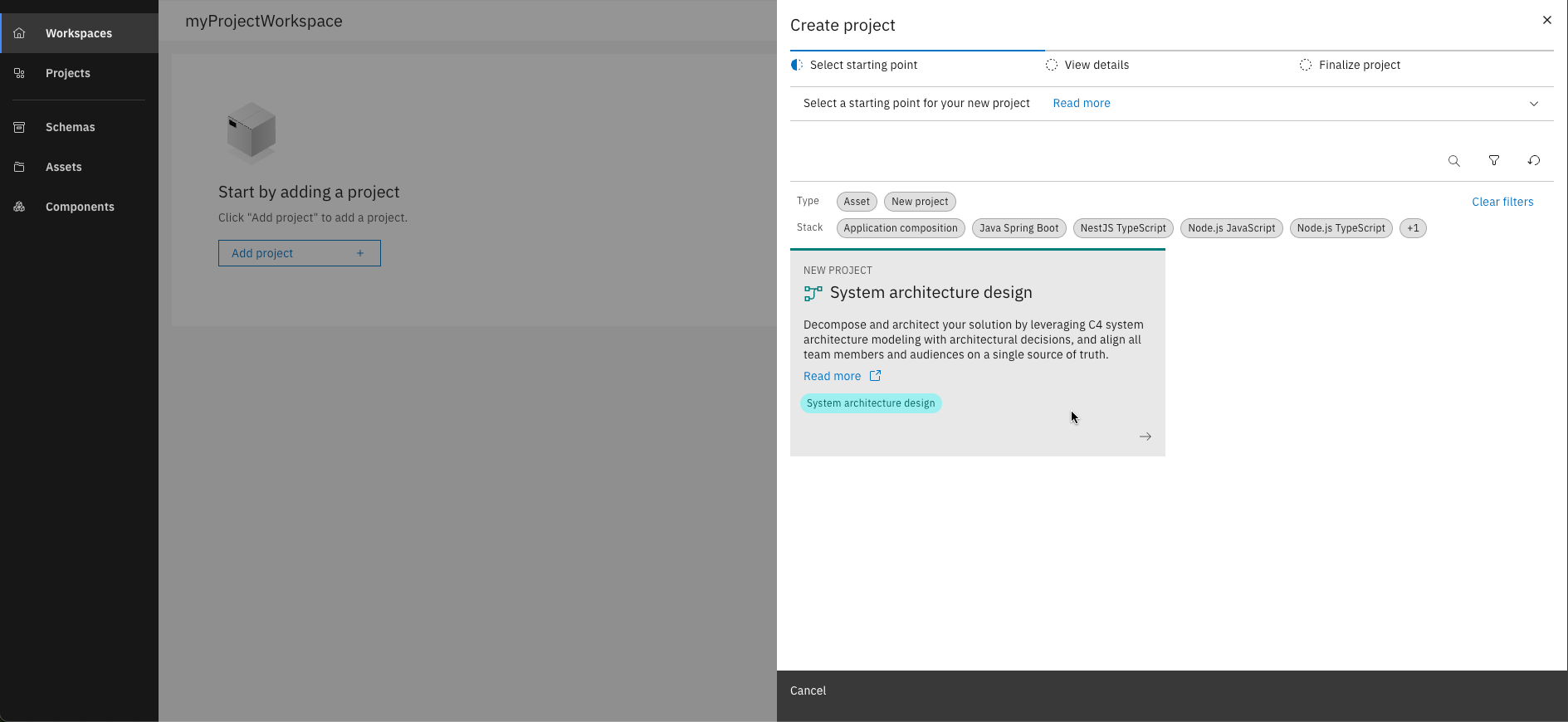
Select "System architecture design"
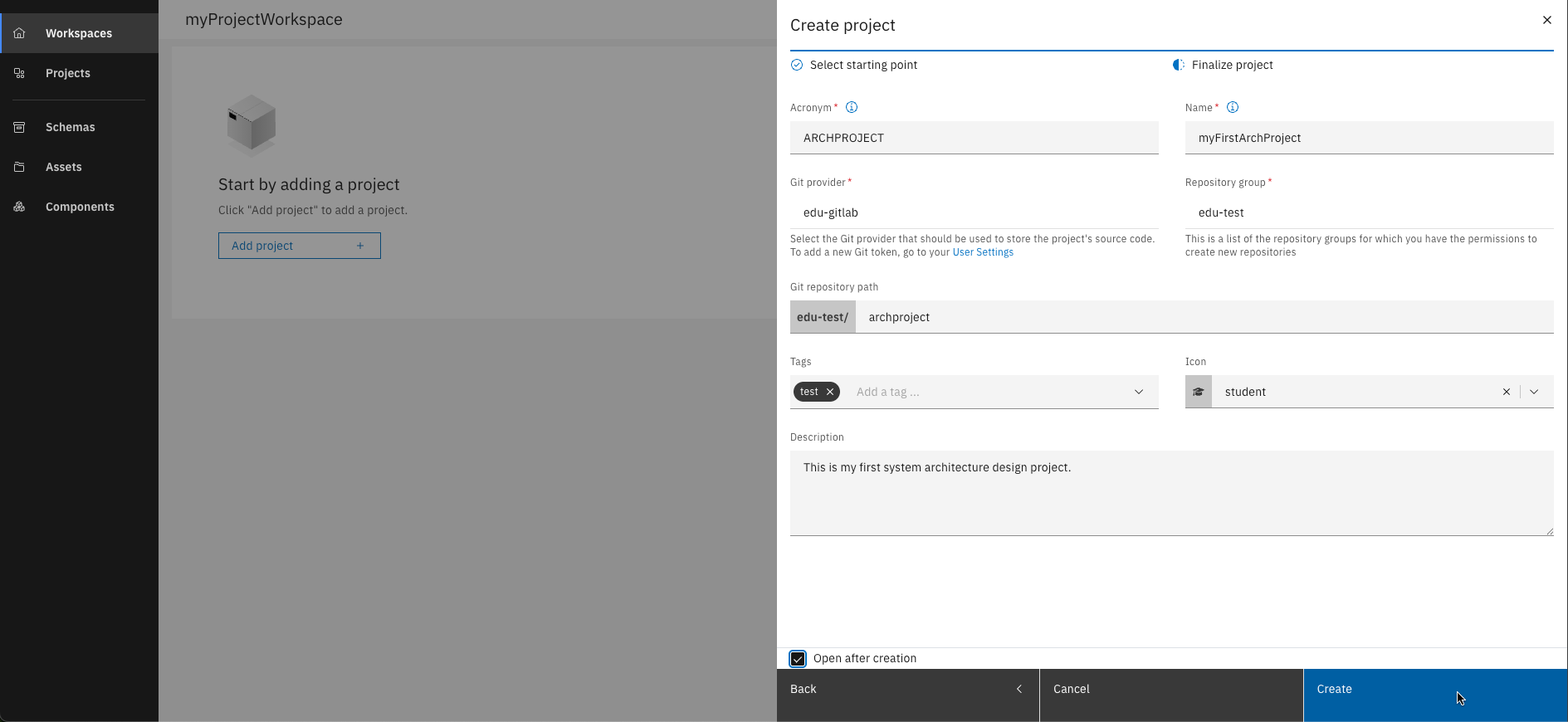
Finalize the project
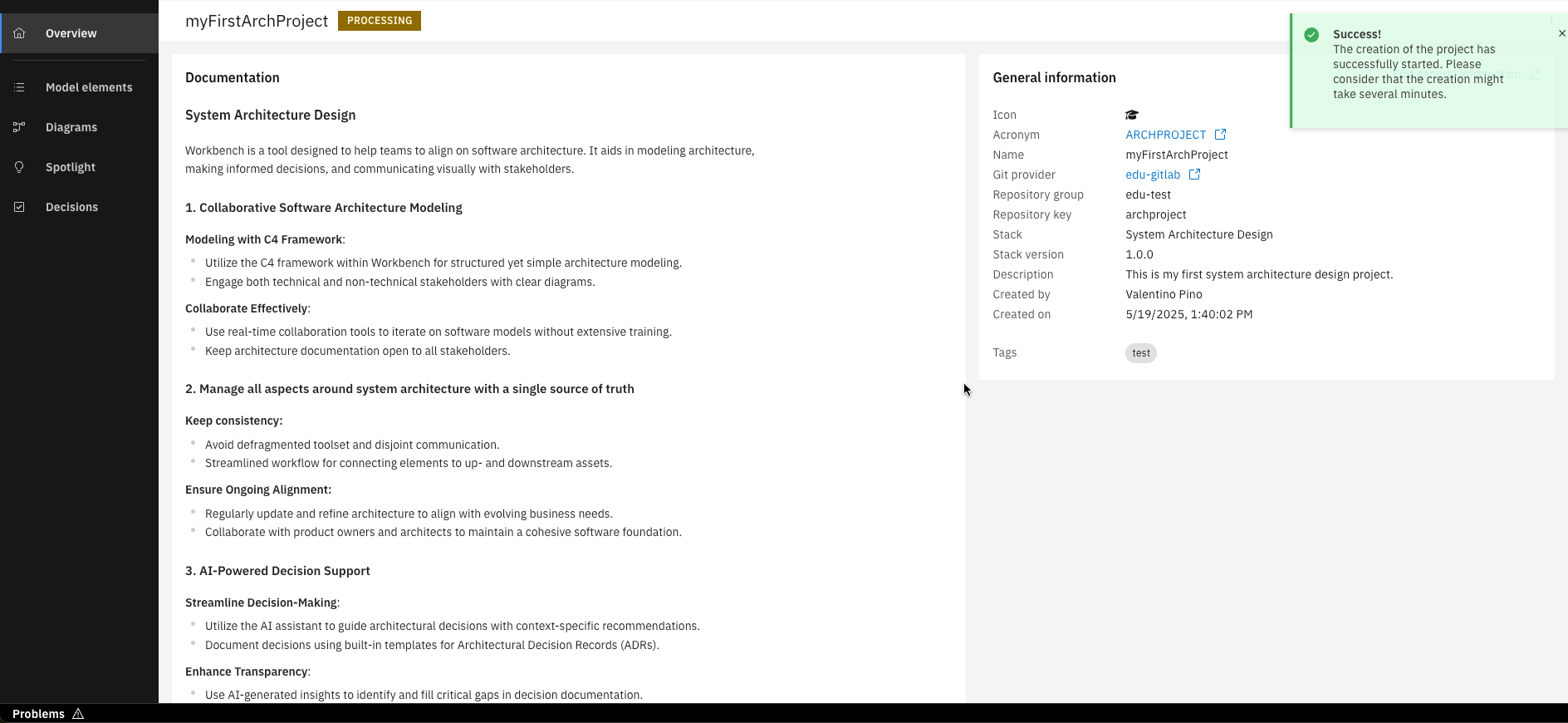
Congrats, your project is created!
Step 2: Explore your project
After creating your project, you'll land on the Overview page. Here, you can document your project and view or edit its general information. Initially, the documentation is auto-generated to give you a starting point. With your project set up, you can now explore the full range of capabilities available via the menu on the left (highlighted in red in the image).
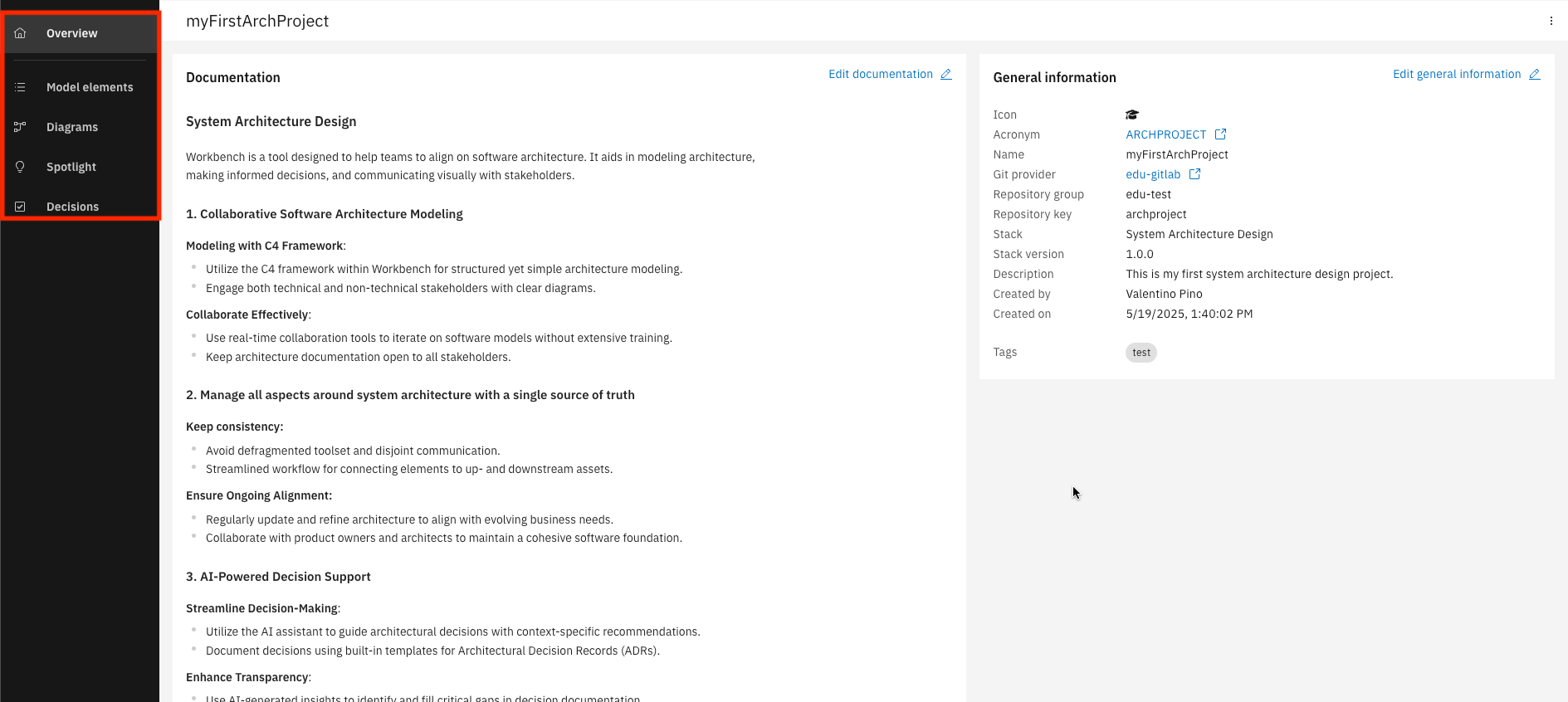
Please note that our courses use C4 Model Profile. IBM DevOps Solution Workbench also offers other profiles that you can select for your project.
You have successfully created your first architecture modeling project and explored the foundational features.
What's next?
In the upcoming units, you will explore each capability of the IBM DevOps Solution Workbench in greater detail. Alternatively, you can start exploring our reference implementations here.